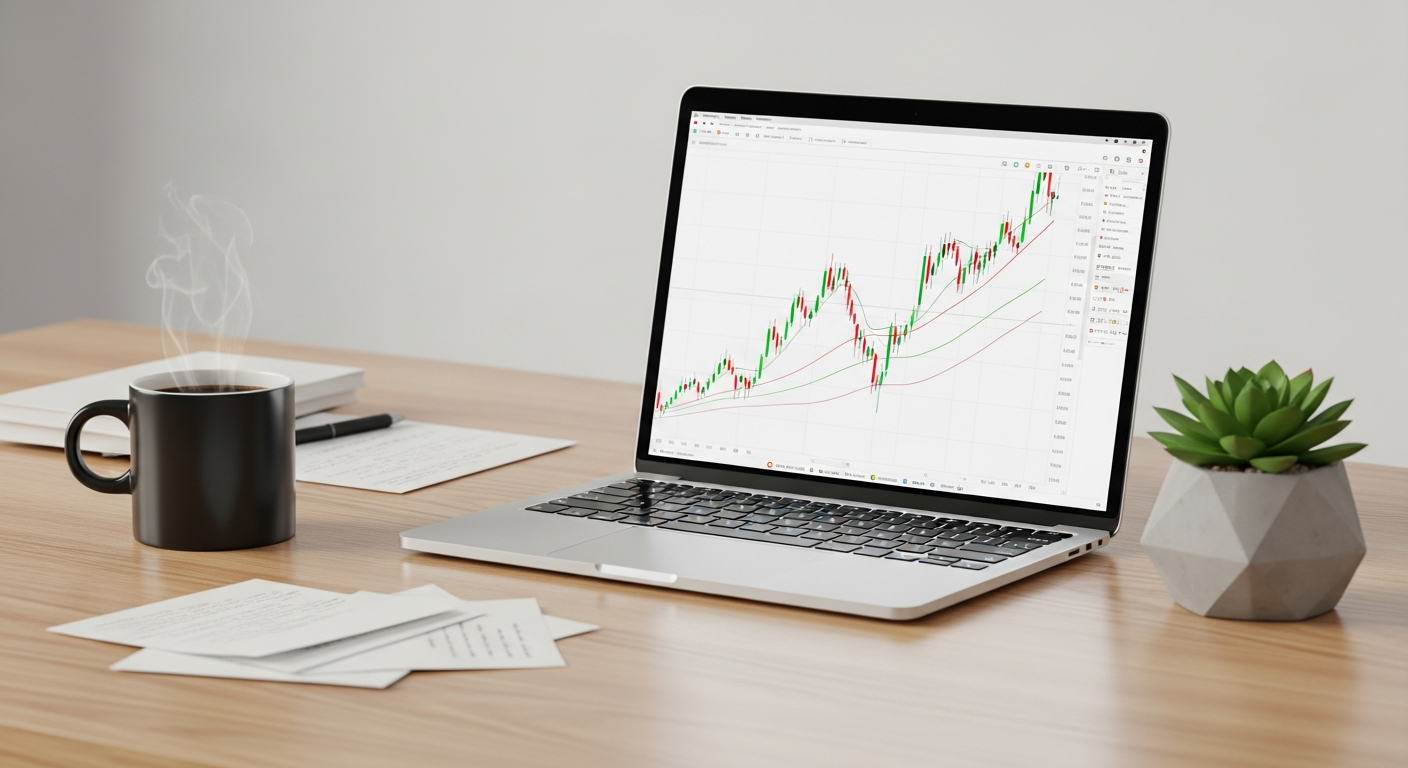
What Computer Should I Buy? A Beginner's Guide to Laptops & Desktops
Confused about buying a new computer? This guide breaks down laptops vs. desktops, essential specs, and budget tips for absolute beginners.
Confused about buying a new computer? This guide breaks down laptops vs. desktops, essential specs, and budget tips for absolute beginners.

Don't panic when your computer acts up! This guide provides easy-to-follow steps for beginners to troubleshoot common issues like freezing, black screens, and m...
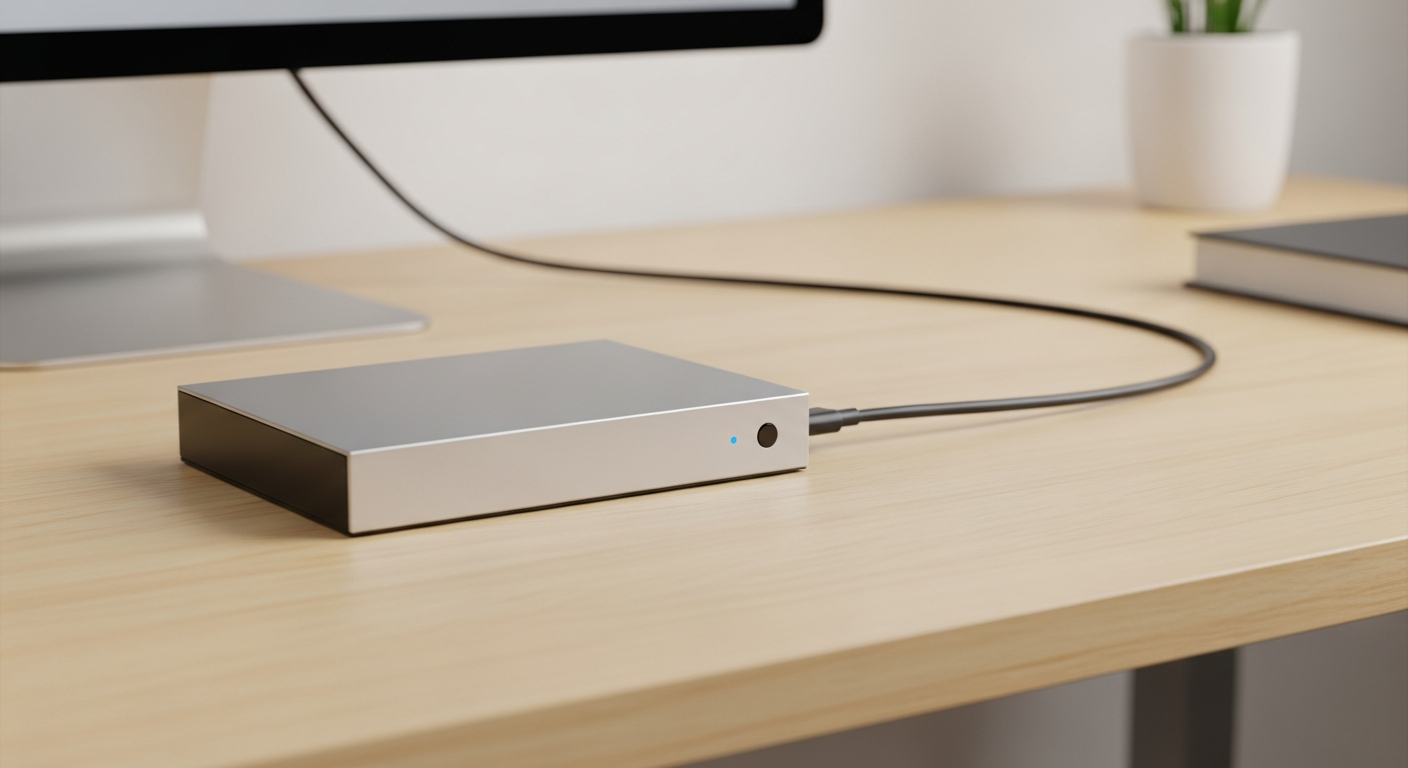
Compare cloud storage and external hard drives for data backups. Discover which option offers better reliability, security, and ease of use for beginners.
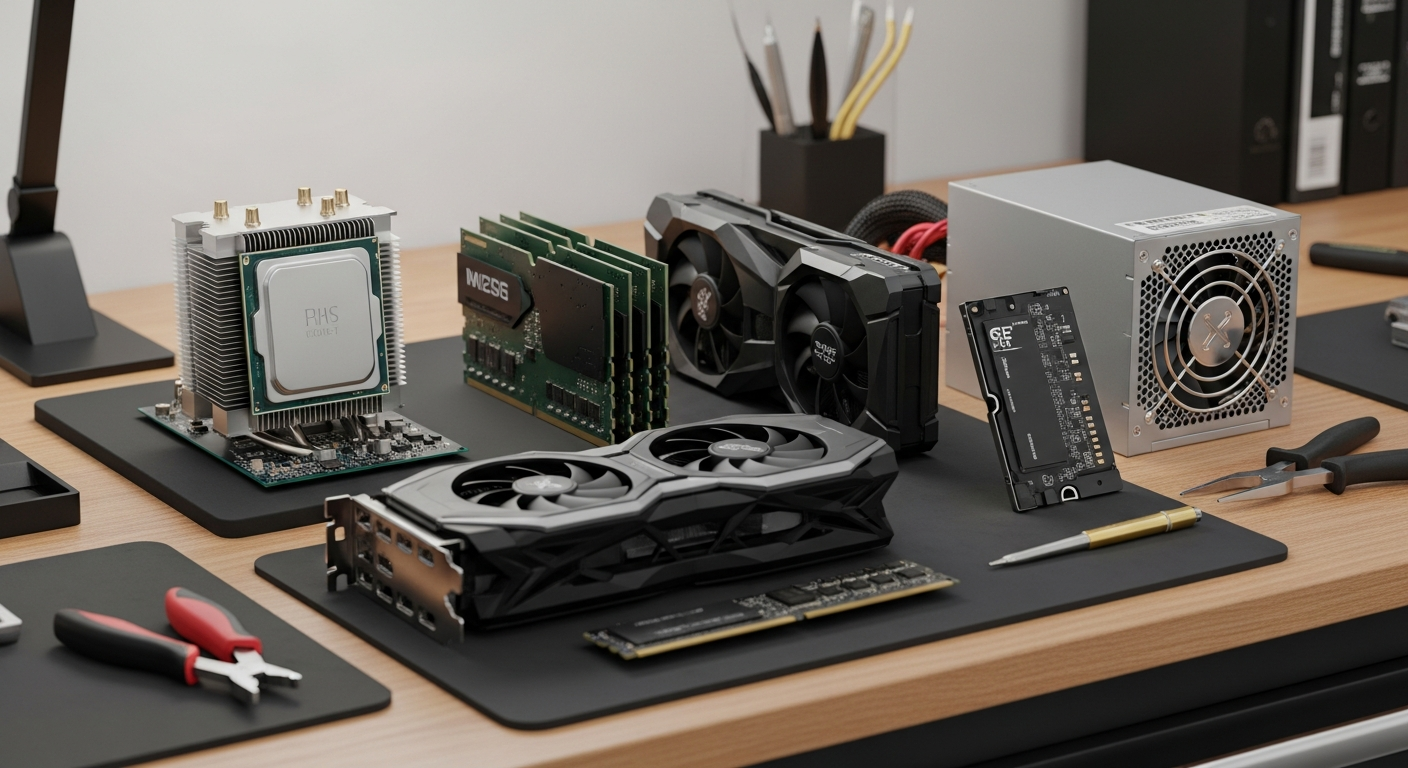
Demystify computer hardware with this beginner-friendly guide. Learn about the CPU, RAM, storage, and other essential components of your desktop or laptop.

Demystify your computer's insides! Learn about the CPU, RAM, storage, and other essential components in simple terms for absolute beginners.

Don't panic! Learn simple troubleshooting steps for common computer issues like slow performance, freezing, no sound, and internet problems for beginners.
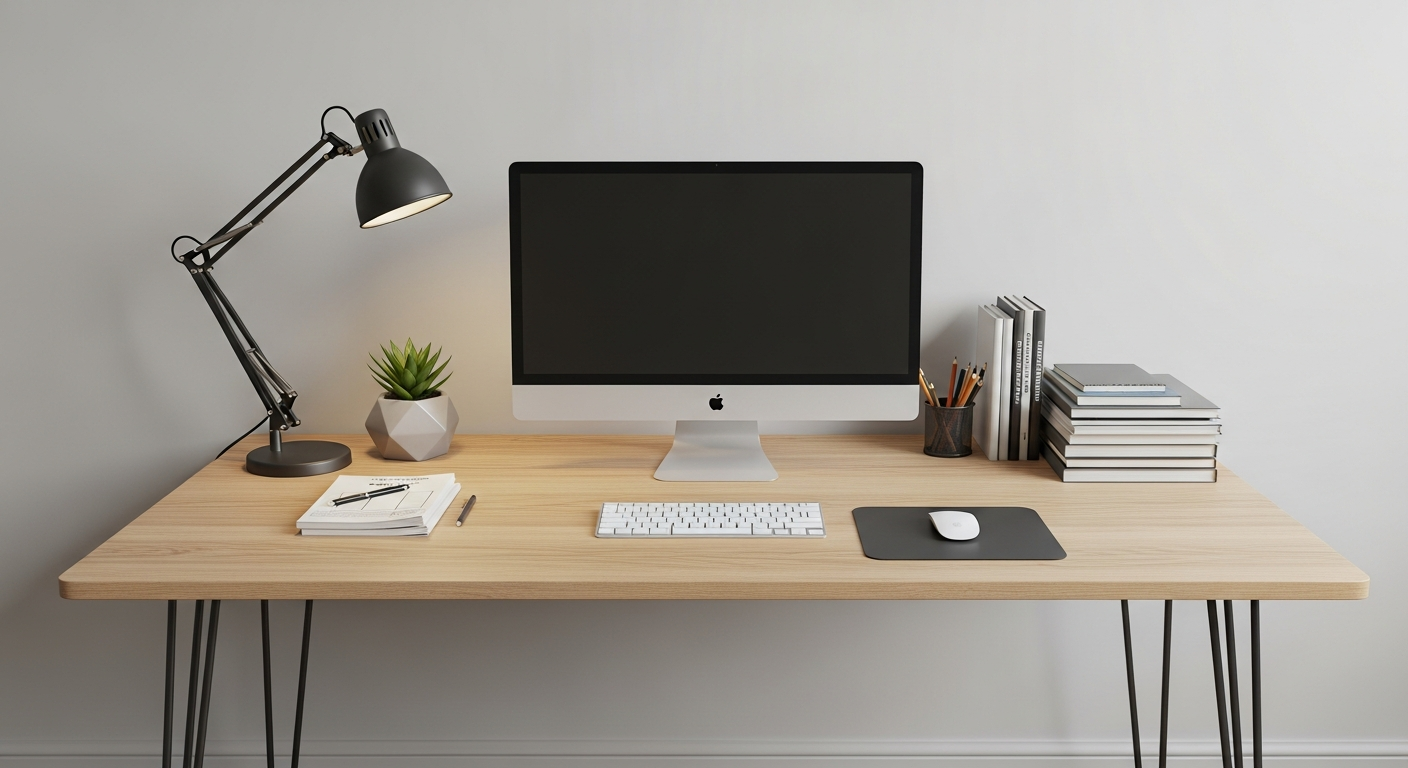
Confused about buying your first computer? Learn the basics of laptops vs. desktops, understanding specs like RAM and CPU, and making smart choices for beginner...

Confused about buying your first computer? Learn the basics of choosing between laptops, desktops, Mac vs. PC, and essential specs for beginners.
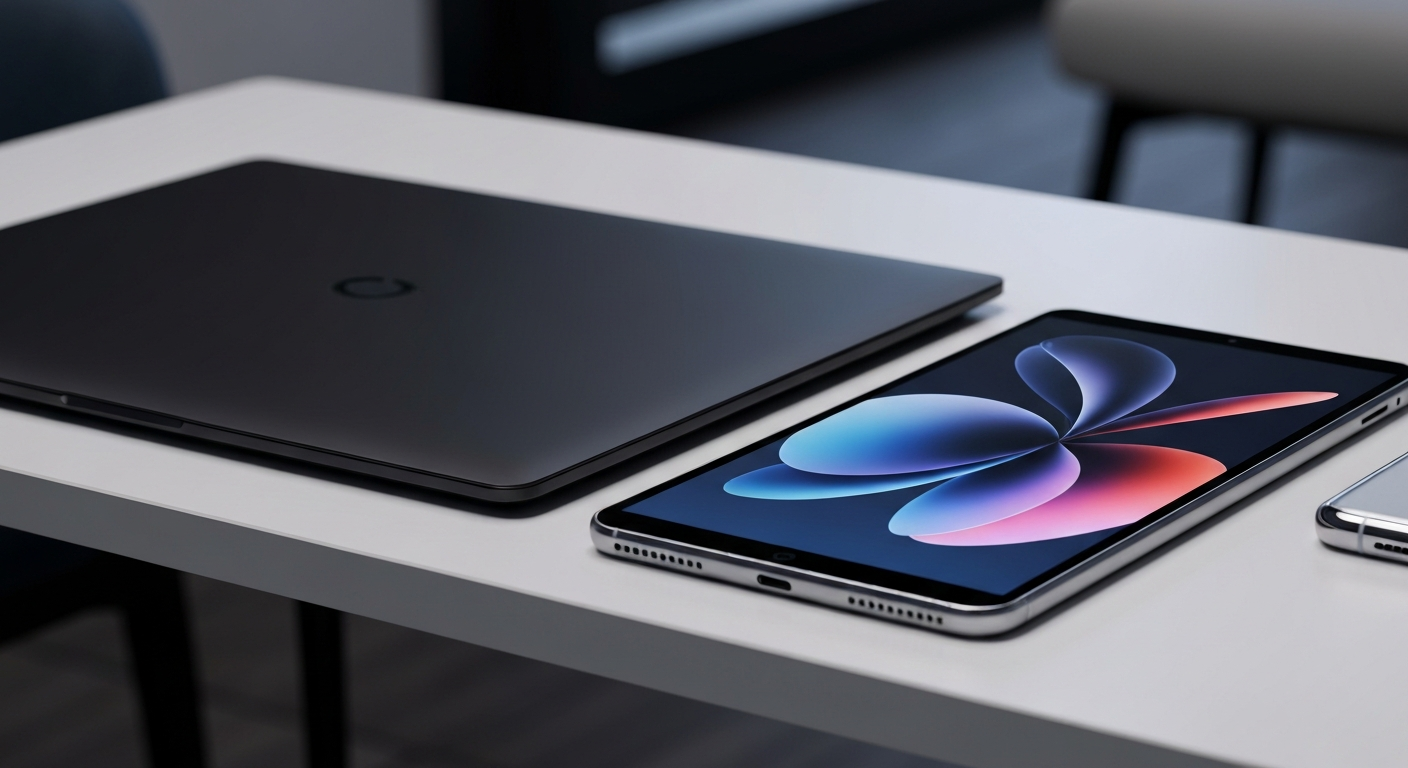
Demystify operating systems! Learn what an OS is, why it's crucial for your computer, and the differences between popular options like Windows, macOS, and Chrom...
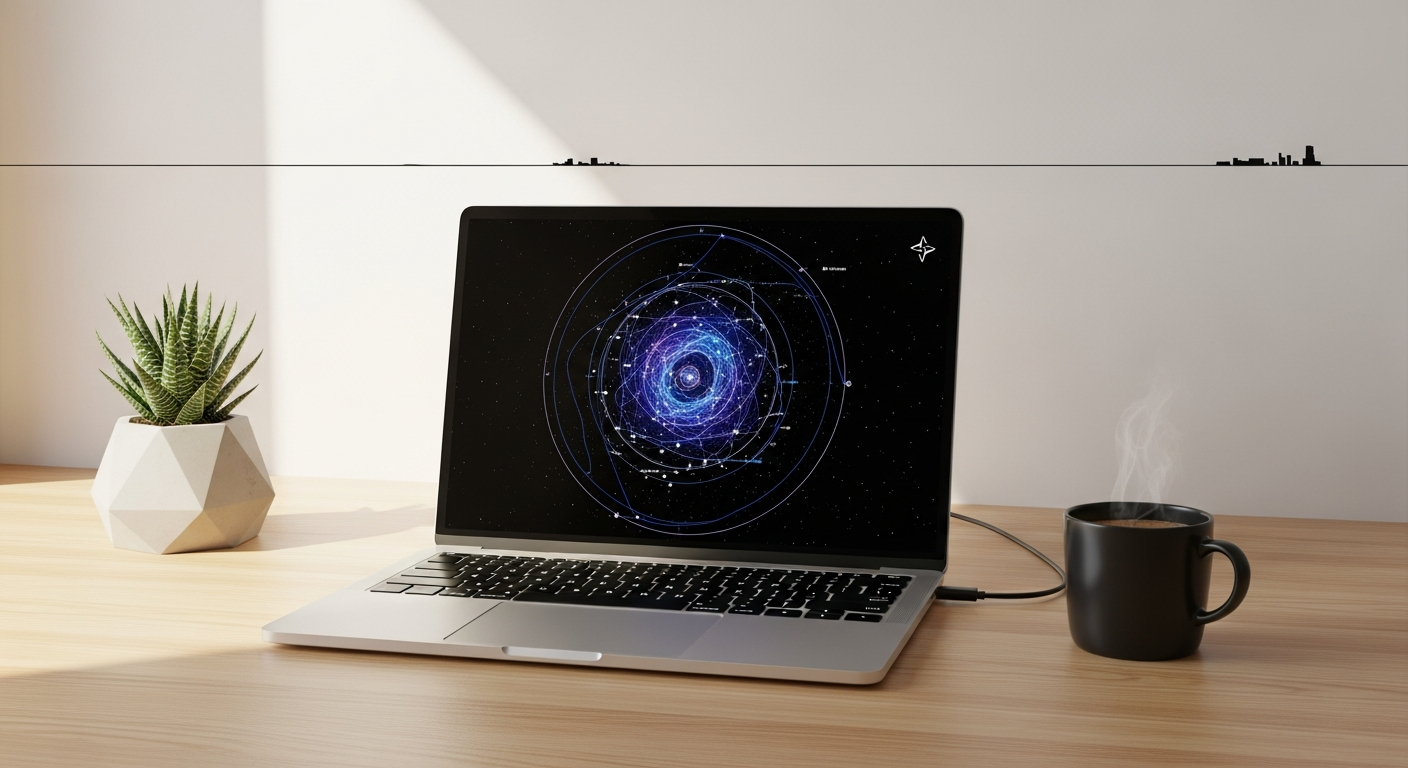
Picking your first laptop can be tricky. This guide simplifies the process, helping beginners understand RAM, storage, screen size, and budget to make the right...
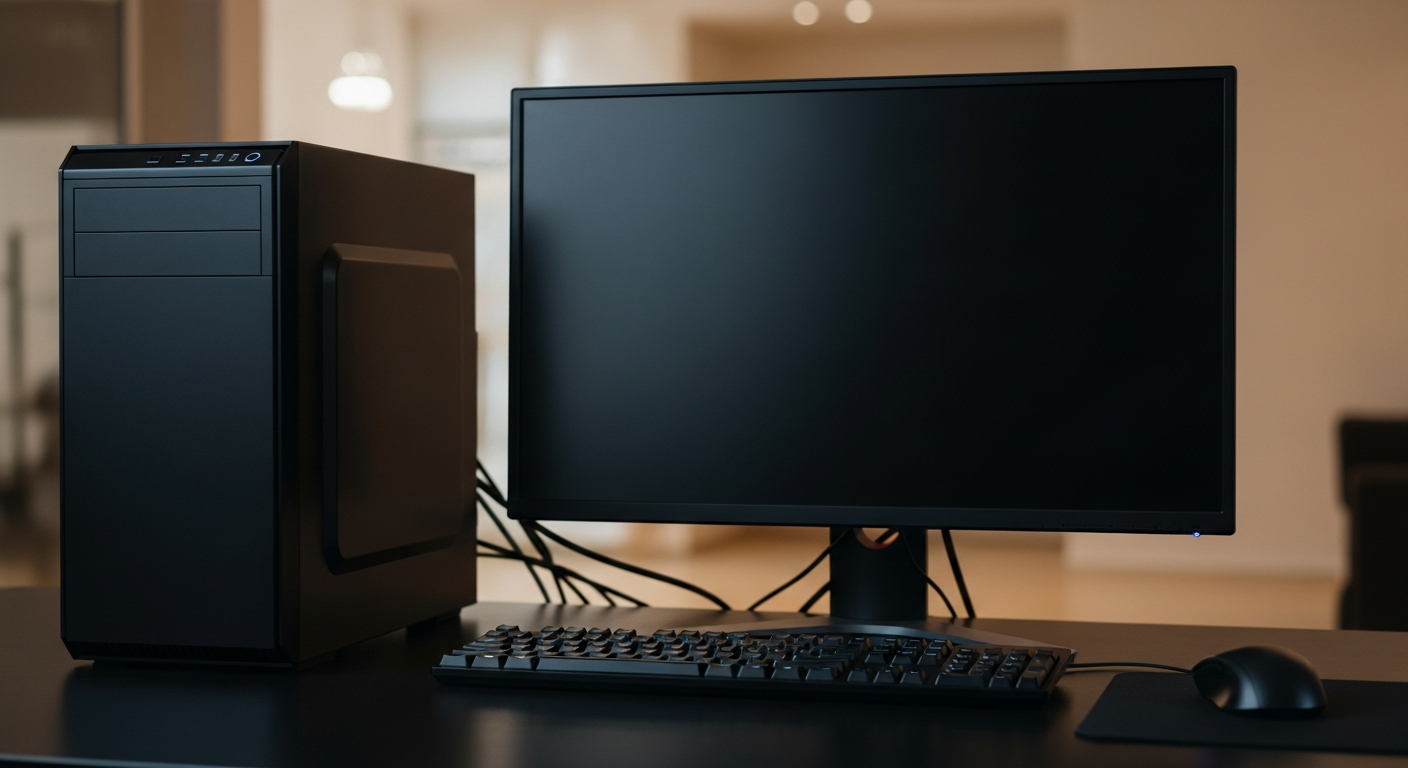
Don't panic when your computer acts up! Learn simple, step-by-step troubleshooting tips for common issues like slow performance, freezing, and internet problems...
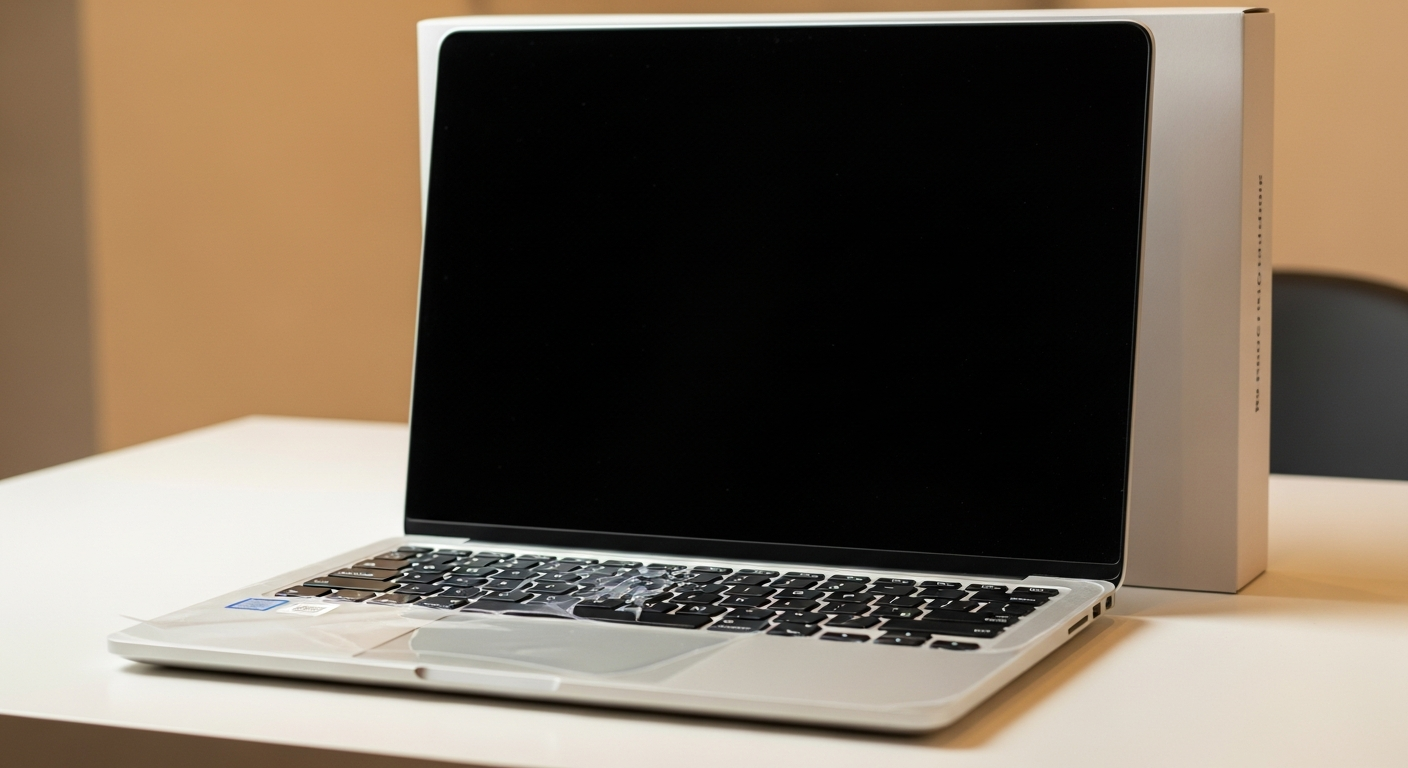
A step-by-step guide for beginners on how to set up a new laptop or desktop computer, from unboxing to getting online and installing basic software.