
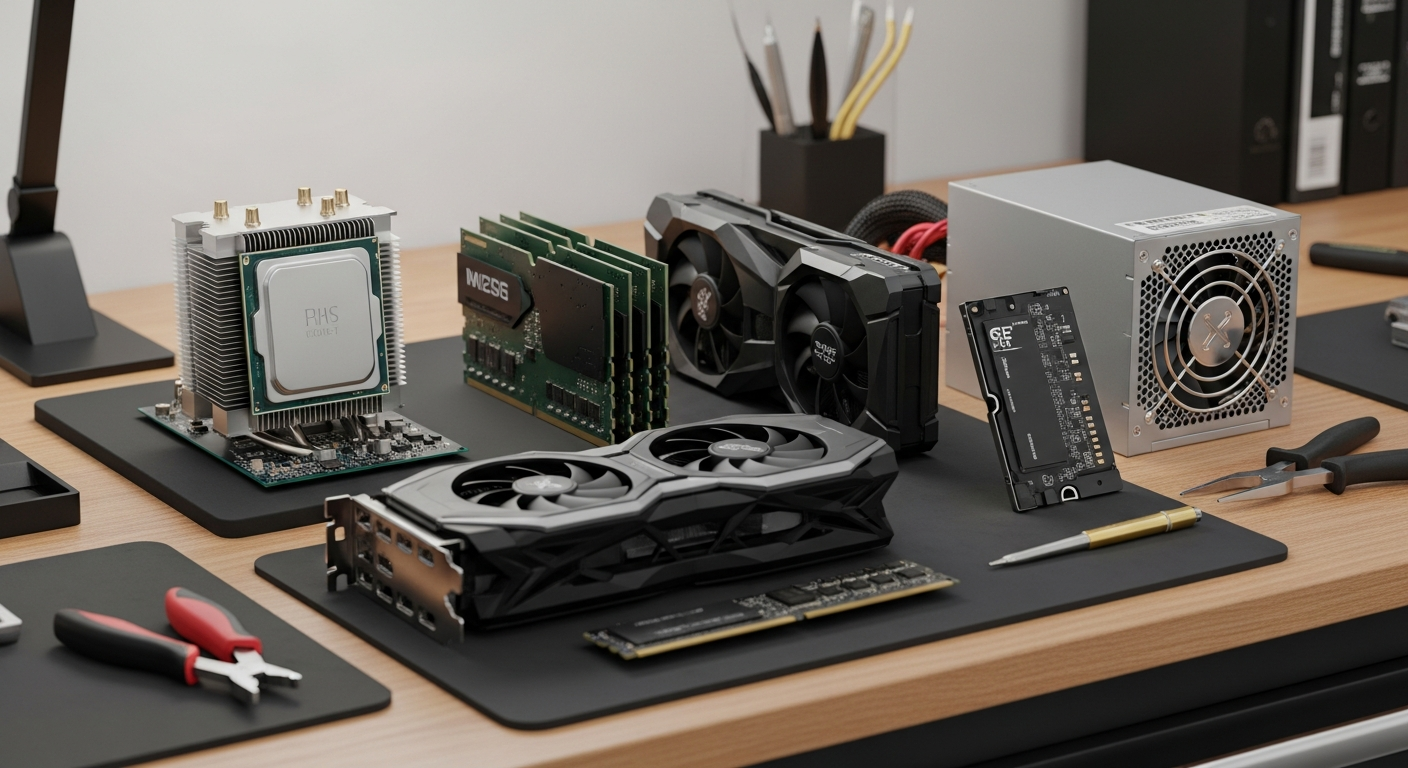
Ever wondered what makes your computer tick? It's a collection of clever parts, each with a special job, working together like a team to bring your digital world to life.
Let's break down the main components inside your computer and understand what they do.
1. What is the CPU and what does it do?
The CPU, or Central Processing Unit, is like your computer's brain. It's a small chip that handles all the calculations, instructions, and logic needed to run programs and perform tasks. When you click, type, or open an app, the CPU is working hard to process those commands quickly.
2. What is RAM and why is it important?
RAM stands for Random Access Memory. Think of it as your computer's short-term memory or a workbench. It temporarily stores data that your computer is actively using right now, like open programs or files. The more RAM you have, the more tasks your computer can handle smoothly at the same time without slowing down.
3. What's the difference between RAM and storage (hard drive)?
RAM is for temporary, active data, like things on your desk. Storage (like a hard drive or SSD) is for long-term saving, like files in a filing cabinet. When you turn off your computer, RAM clears, but everything on your storage stays put. Storage holds your operating system, programs, and all your personal files permanently.
RAM (Random Access Memory)
- Purpose: Short-term memory for active tasks.
- Speed: Very fast.
- Data Retention: Loses data when power is off.
- Capacity: Measured in Gigabytes (e.g., 8GB, 16GB).
Storage (Hard Drive/SSD)
- Purpose: Long-term storage for all files.
- Speed: Slower than RAM, but getting faster.
- Data Retention: Keeps data even when power is off.
- Capacity: Measured in Terabytes (e.g., 1TB, 2TB).
4. What is a motherboard?
The motherboard is the main circuit board that connects all the other parts of your computer. Imagine it as the central nervous system. The CPU, RAM, graphics card, and storage all plug into the motherboard, allowing them to communicate and work together seamlessly. It's the foundation of your entire computer system.
5. What is a graphics card (GPU) and do I need one?
A graphics card, or GPU (Graphics Processing Unit), specializes in creating and displaying images on your screen. If you play video games, edit videos, or do graphic design, a powerful GPU is essential for smooth, detailed visuals. For basic tasks like browsing and word processing, the built-in graphics on your CPU are usually enough, so you might not need a separate one.
6. What is the power supply unit (PSU)?
The PSU is responsible for supplying electrical power to all the components inside your computer. It takes power from your wall outlet and converts it into the specific voltages needed by the motherboard, CPU, graphics card, and storage drives. A reliable PSU ensures all parts receive stable power to function correctly.
7. What are ports and connectors for?
Ports are the openings on the outside of your computer where you plug in external devices. Connectors are the ends of the cables that plug into those ports. Common ports include USB (for keyboards, mice, phones), HDMI/DisplayPort (for monitors), and Ethernet (for internet cables). They allow your computer to interact with the outside world.
Computer System Interaction Flow
8. What are peripherals?
Peripherals are external devices that connect to your computer to expand its capabilities. They are not essential for the computer to function, but they make it much more useful. Examples include keyboards, mice, monitors, printers, webcams, and external hard drives. They help you input information or receive output from your computer.
9. What is an operating system?
An operating system (OS) is the main software that manages all the computer's hardware and software resources. It's the foundation upon which all other programs run. Popular examples include Windows, macOS, and Linux. The OS provides the user interface you interact with and ensures everything runs smoothly, from managing files to running applications.
10. How do all these parts work together?
Think of your computer as a highly organized office. The CPU is the manager, handling tasks. RAM is the active desk space where current work happens. Storage is the filing cabinet for long-term documents. The motherboard is the office building, connecting everything. The GPU is the graphic designer, creating visuals. The PSU is the electricity company, powering it all. Peripherals are the tools you use, and the OS is the office rules and procedures, ensuring everyone works together efficiently to get your tasks done.