
Keeping your important files safe is a big deal, and two popular ways to do this are cloud storage and external hard drives. This guide will help you understand which option might be better for your backups.
1. What are the main differences between cloud storage and an external hard drive?
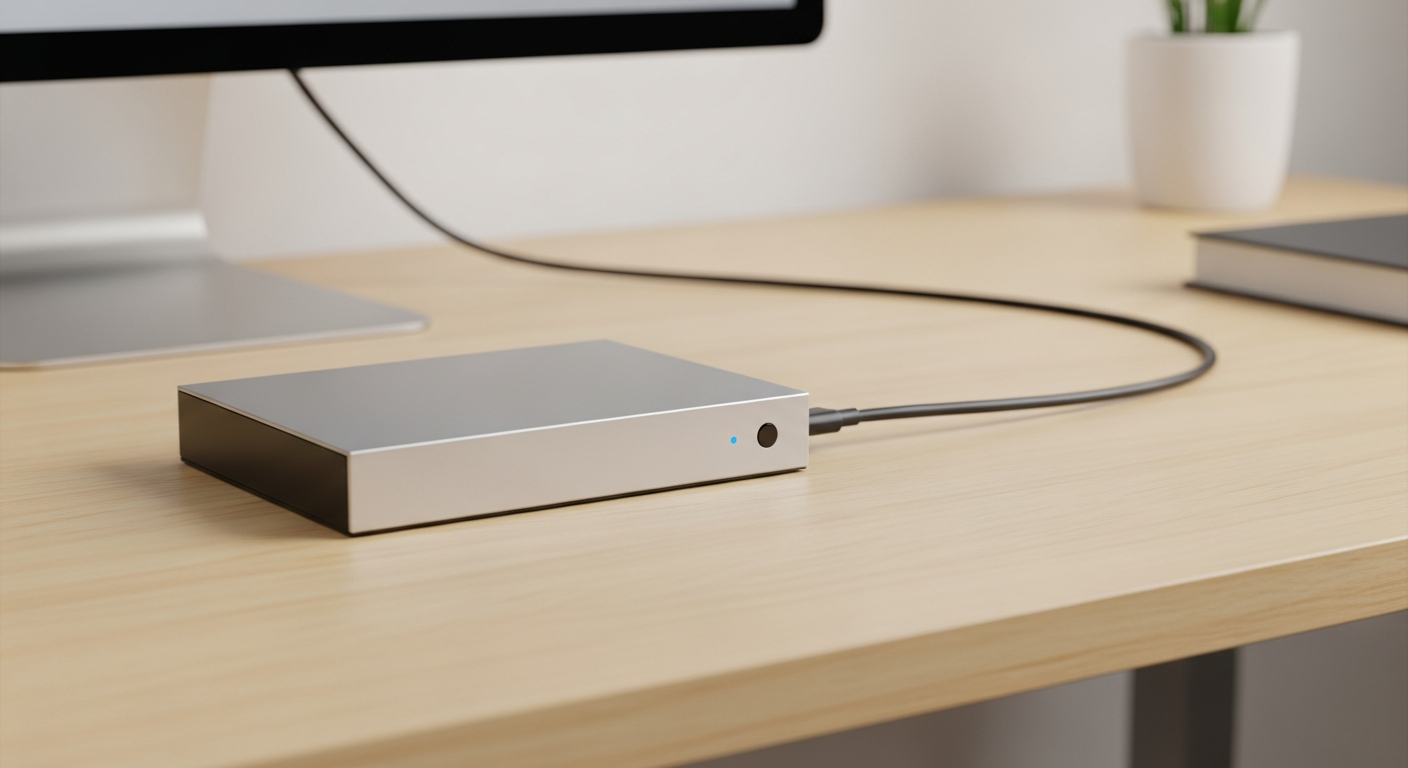
Cloud storage means saving your files on powerful computers (servers) owned by a company like Google or Microsoft, accessed over the internet. An external hard drive is a physical device you plug into your computer, like a USB stick but much bigger, where you save your files directly.
2. Which option is generally more reliable for long-term backups?
Cloud storage is often more reliable for long-term backups. Cloud providers usually store multiple copies of your data in different locations, protecting against a single point of failure. An external hard drive can fail over time, just like any electronic device, and you only have one copy.
3. Is one method more secure than the other for my data?
Both methods can be secure, but in different ways. Cloud storage companies use strong encryption and security measures, but your data is on their servers. An external hard drive keeps your data physically with you, meaning you control its security, but it's vulnerable if lost or stolen.
Cloud Storage
- Location: Online, remote servers
- Access: Internet connection needed
- Security: Provider's encryption & practices
- Physical Risk: Low (data replicated)
- Setup: Software/app installation
External Hard Drive
- Location: Physical device, with you
- Access: Plug into computer
- Security: Your physical control & encryption
- Physical Risk: High (loss, theft, damage)
- Setup: Plug & play
4. How does cost compare between cloud storage and buying a hard drive?
An external hard drive is a one-time purchase. Cloud storage typically involves a monthly or yearly subscription fee, which adds up over time. For small amounts of data, free cloud tiers exist, but for larger storage, the hard drive might seem cheaper initially.
5. Which backup method is easier for a beginner to set up and use?
Both can be easy. Plugging in an external hard drive and dragging files is straightforward. Cloud storage often has user-friendly apps that automatically back up your files once set up. The initial setup for cloud might involve creating an account and installing software.
6. Can I use both cloud storage and an external hard drive for backups?
Absolutely, and this is often recommended! Using both creates a "3-2-1 backup" strategy: 3 copies of your data, on 2 different types of media, with 1 copy off-site. This gives you the best protection against almost any disaster.
7. What are the pros and cons of using an external hard drive for backups?
Pros: Fast access to files, no internet needed, one-time cost, full control over your data. Cons: Can be lost, stolen, or damaged; susceptible to house fires or floods; limited by its physical storage size; requires manual backups unless software is used.
External Hard Drive Backup Flow
8. What are the pros and cons of using cloud storage for backups?
Pros: Data is safe from local disasters (fire, theft), accessible from anywhere with internet, automatic backups, easily scalable storage. Cons: Requires an internet connection, ongoing subscription costs, potential privacy concerns with a third party, slower initial uploads/downloads for large files.
9. Which method offers better protection against physical damage or theft?
Cloud storage offers much better protection against physical damage or theft. Since your data is stored remotely on multiple servers, a fire at your home or your computer being stolen won't affect your cloud-backed-up files. An external hard drive, however, is vulnerable to these exact risks.
10. How do I decide which backup solution is right for my specific needs?
Consider your budget, how much data you have, how often you need to access it, and your comfort level with technology. If you want maximum safety and convenience, a mix of both (hybrid approach) is ideal. If budget is tight and data is small, an external drive might suffice, but remember its limitations.