









What Makes a Password Strong and How Can I Create One?
Learn the basics of creating robust and secure passwords to protect your online accounts from common hacking attempts and data breaches.
VPN services, antivirus, password managers, and privacy tools
Learn the basics of creating robust and secure passwords to protect your online accounts from common hacking attempts and data breaches.

Learn the secrets to crafting robust passwords that protect your online accounts without the hassle of forgetting them. Essential tips for beginners!
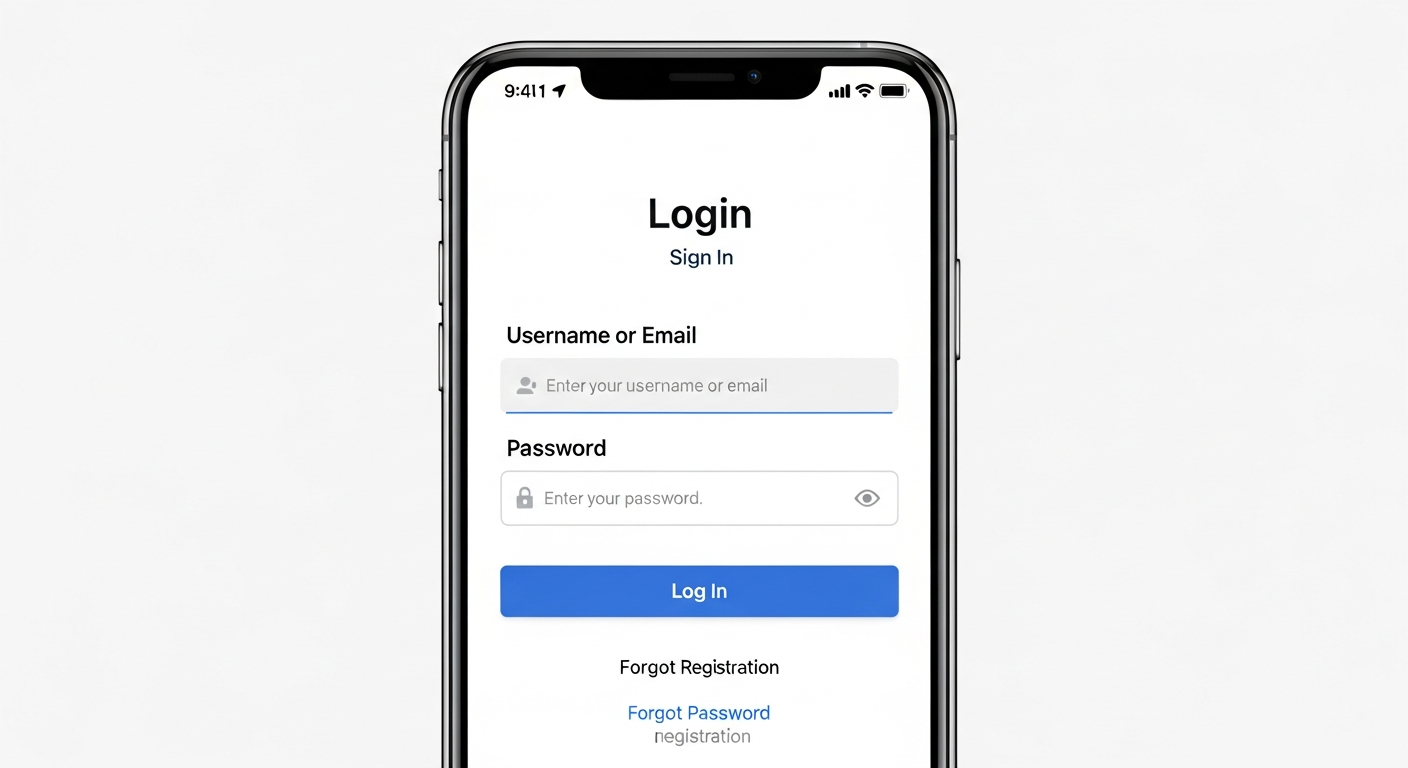
Understand the power of Two-Factor Authentication (2FA) and learn how this simple step can add an extra layer of crucial security to your digital life.

A beginner's guide to identifying common phishing attempts in emails, messages, and websites to protect your personal information online.

Learn essential cybersecurity practices for remote work, from creating strong passwords to using VPNs and recognizing phishing attempts to protect your data.
Discover how password managers can simplify your online life, boost your security, and help you manage countless complex passwords with ease.

Demystify cloud storage security. Learn about encryption, privacy practices, and best ways to protect your personal data in the cloud.
Demystify cloud storage security and privacy. Learn about encryption, 2FA, and best practices to keep your personal data safe and private in the cloud.
Your browser's password manager is a security risk. Upgrade your digital defense in 2026 with a dedicated password manager. We've reviewed the top options for s...

Understand how to share your photos and videos safely on social media. Learn about privacy settings, location data, and responsible sharing practices for your v...

Learn the basics of social media privacy settings. Protect your personal information, control who sees your posts, and understand essential security features fo...

Protect yourself online! Discover essential tips for browser security, identifying secure websites, avoiding phishing, and managing privacy settings.