
What is 2FA and How Can It Protect My Online Accounts?
In today's digital world, keeping your online accounts safe is super important. This guide will explain what 2FA is and how it adds an extra layer of protection to your digital life.
1. What does 2FA stand for?
2FA stands for "Two-Factor Authentication." Think of it as a second lock on your digital doors. Instead of just one thing to prove it's you, like a password, you need two different things.
This extra step makes it much harder for someone else to get into your accounts, even if they manage to steal your password. It's a simple but powerful security upgrade.
2. How does two-factor authentication work?
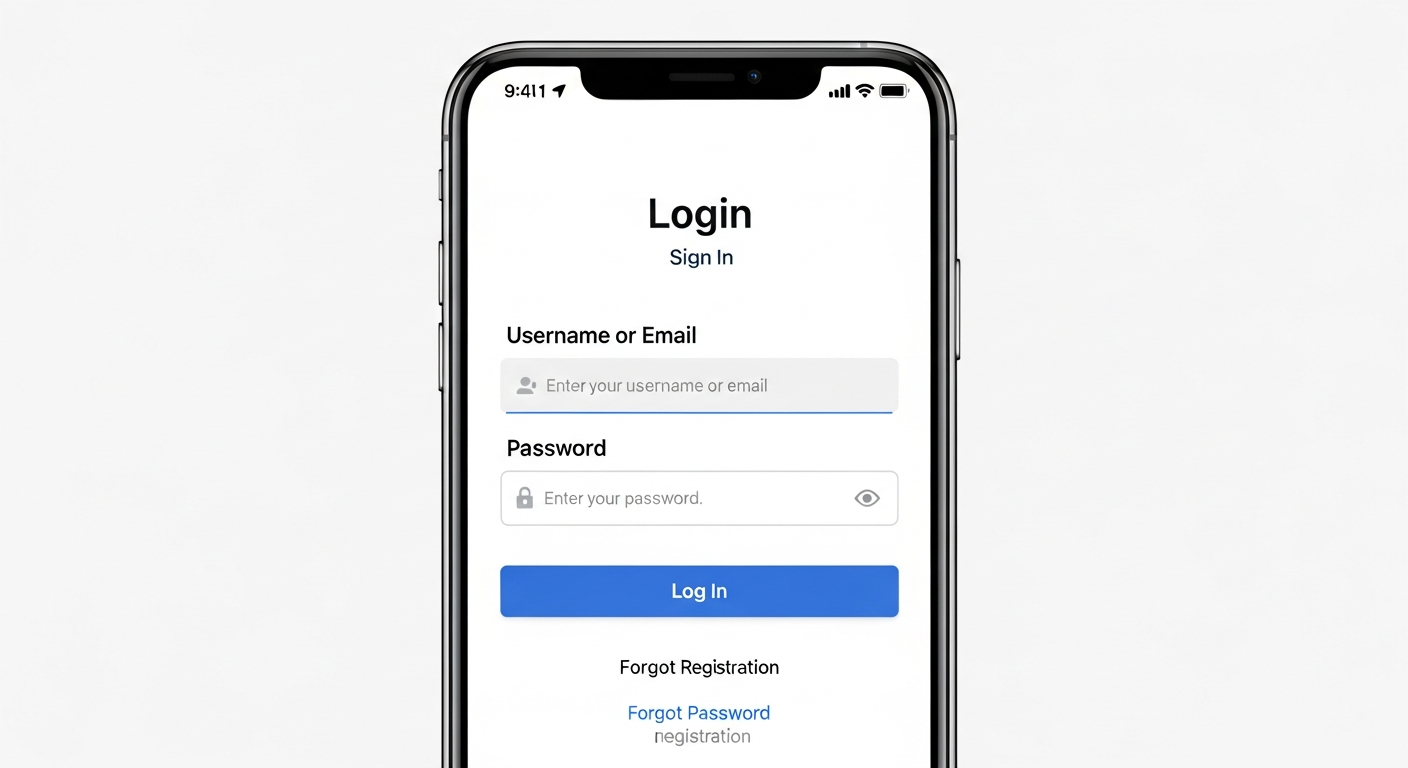
When you log in, after typing your password (the first "factor"), the system asks for a second piece of information (the second "factor"). This second piece is usually something only you have access to.
It could be a special code sent to your phone, a fingerprint scan, or a tap on a security key. You provide both, and then you're in. It's like needing both a key and a secret handshake.
3. Why is 2FA important for security?
2FA is crucial because passwords alone aren't always enough. Passwords can be guessed, stolen in data breaches, or phished (tricked out of you). If a hacker gets your password, they can access your account.
With 2FA, even if a hacker has your password, they still can't get in without that second factor, which they likely don't have. It significantly reduces the risk of unauthorized access to your important accounts.
Password Alone
- One layer of defense
- Vulnerable to theft/guesses
- Easier for hackers to access
- Less secure overall
Password + 2FA
- Two layers of defense
- Requires something you know (password) AND something you have (code/key)
- Much harder for hackers to access
- Stronger security
4. What are the different types of 2FA?
There are several common types of 2FA. The most popular include codes sent via SMS (text message) to your phone, codes generated by authenticator apps (like Google Authenticator), and physical security keys (small USB devices).
Other methods include biometrics like fingerprint or face scans, or even prompts sent to a trusted device. Each type offers a different balance of convenience and security.
5. Is SMS 2FA secure enough?
SMS 2FA is better than no 2FA at all, but it's generally considered less secure than authenticator apps or security keys. Text messages can sometimes be intercepted or redirected through methods like SIM swapping, where a hacker convinces your phone company to transfer your number to their device.
For critical accounts, using an authenticator app or a physical security key is a stronger choice. However, for many everyday accounts, SMS 2FA still provides a valuable layer of protection.
6. How do I set up 2FA on my accounts?
Setting up 2FA is usually straightforward. Look for "Security Settings" or "Account Settings" on the website or app. You'll often find an option labeled "Two-Factor Authentication," "2FA," or "Login Verification."
The service will then guide you through the steps, which might involve scanning a QR code with an authenticator app, entering a phone number for SMS codes, or registering a security key. Always save any backup codes provided!
7. What if I lose my phone with 2FA codes?
Losing your phone can be stressful, but most services have recovery options. When you set up 2FA, many services provide "backup codes." These are one-time use codes that you should print or store securely offline.
You can also use a registered backup method, like another trusted device or an email recovery process. Always ensure you have a recovery plan in place before you need it.
2FA Recovery Options
1. Use Backup Codes
(Store these safely offline!)2. Use Another Trusted Device
(If you linked a tablet or computer)3. Account Recovery Process
(Follow service's specific steps, may involve email/ID verification)8. Do all websites offer 2FA?
Unfortunately, no. While 2FA is becoming much more common, especially on major services like email, social media, and banking, not every website or app has adopted it yet. It's always a good idea to check the security settings of any account you create.
If a service doesn't offer 2FA, make sure to use a very strong, unique password for that account. You can also advocate for its inclusion by providing feedback to the service provider.
9. Is 2FA difficult to use daily?
Not at all! While it adds an extra step, it usually takes only a few seconds. Many services offer options to "remember this device" for a certain period, meaning you won't need to enter a 2FA code every single time you log in from your personal computer or phone.
The slight inconvenience is a small price to pay for the significant boost in security it provides. Most users quickly get used to the routine.
10. Should I enable 2FA on every account?
Yes, absolutely! You should enable 2FA on every account where it's offered, especially for your most important accounts like email, banking, social media, and any services that store personal or financial information. Think of your email as the "master key" to many other accounts, so protecting it with 2FA is paramount.
Even for less critical accounts, 2FA adds valuable protection against widespread password breaches. Make it a habit to check for and enable 2FA whenever you sign up for a new service.