









What is Two-Factor Authentication (2FA) and How Do I Set It Up?
Demystify Two-Factor Authentication (2FA). Learn what it is, why it's crucial for online safety, and simple steps for beginners to set it up on their accounts.
VPN services, antivirus, password managers, and privacy tools
Demystify Two-Factor Authentication (2FA). Learn what it is, why it's crucial for online safety, and simple steps for beginners to set it up on their accounts.

Understand the benefits of password managers for online security. This beginner's guide explains how they work, why they're safe, and how to choose one.
Discover essential tips to safeguard your personal information and maintain your privacy while enjoying social media platforms.

Understand the crucial role strong passwords play in protecting your online accounts. Learn how to create and manage secure passwords for absolute beginners.

Essential tips for seniors to navigate the internet safely, recognize scams, protect personal information, and maintain privacy online.

Learn essential skills to critically evaluate information on social media and identify fake news, ensuring you share accurate content responsibly.

A step-by-step guide for beginners on what to do immediately if your online account is hacked. Learn how to regain control and secure your digital life.
Get practical advice on how to handle cyberbullying, negative comments, and online harassment to maintain a positive and safe social media experience.

Essential tips for beginners to stay safe online. Learn about viruses, strong passwords, phishing, and secure browsing to protect your computer and data.
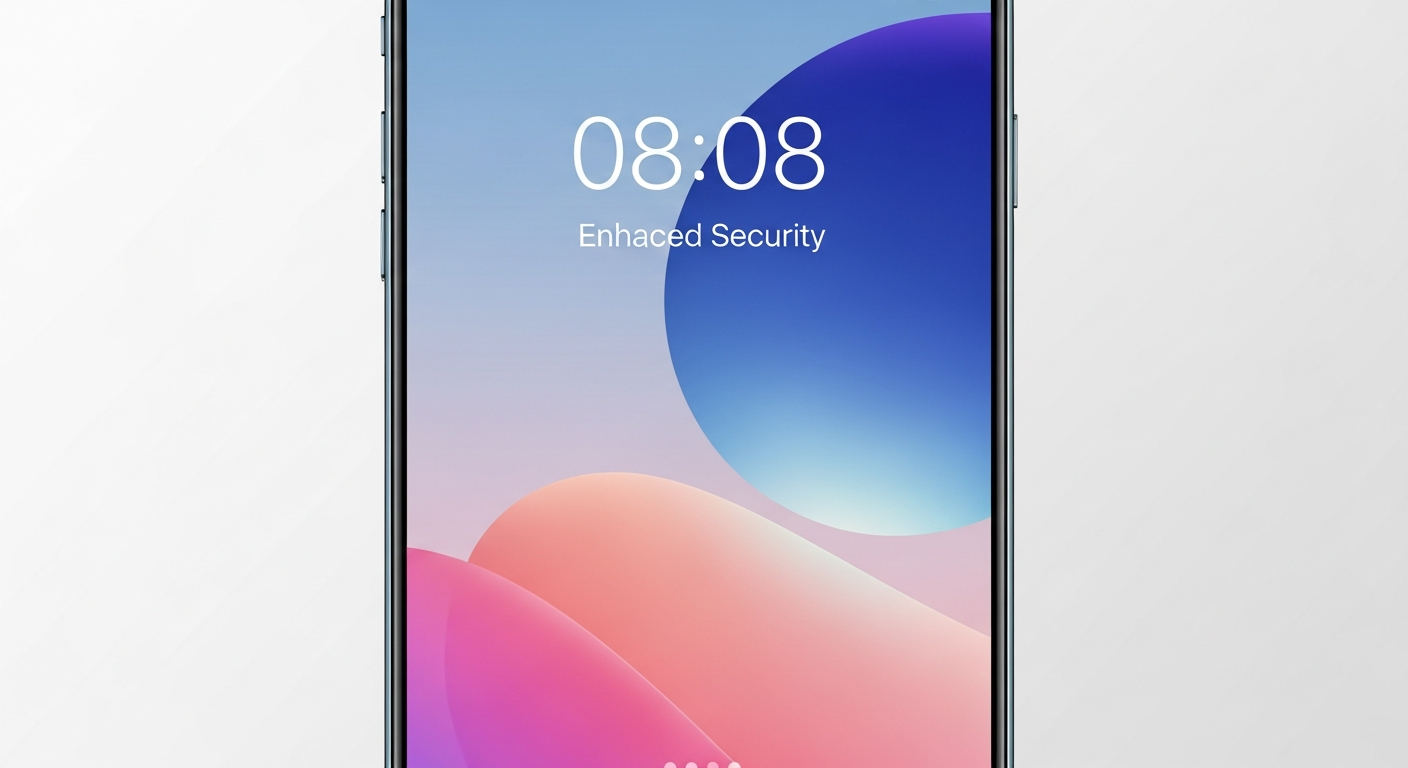
Learn about Two-Factor Authentication (2FA) and its vital role in boosting your online security. A simple explanation for beginners on how to enable and use 2FA...

A beginner's guide for seniors to understand common online scams, protect personal information, and maintain privacy while using the internet safely.
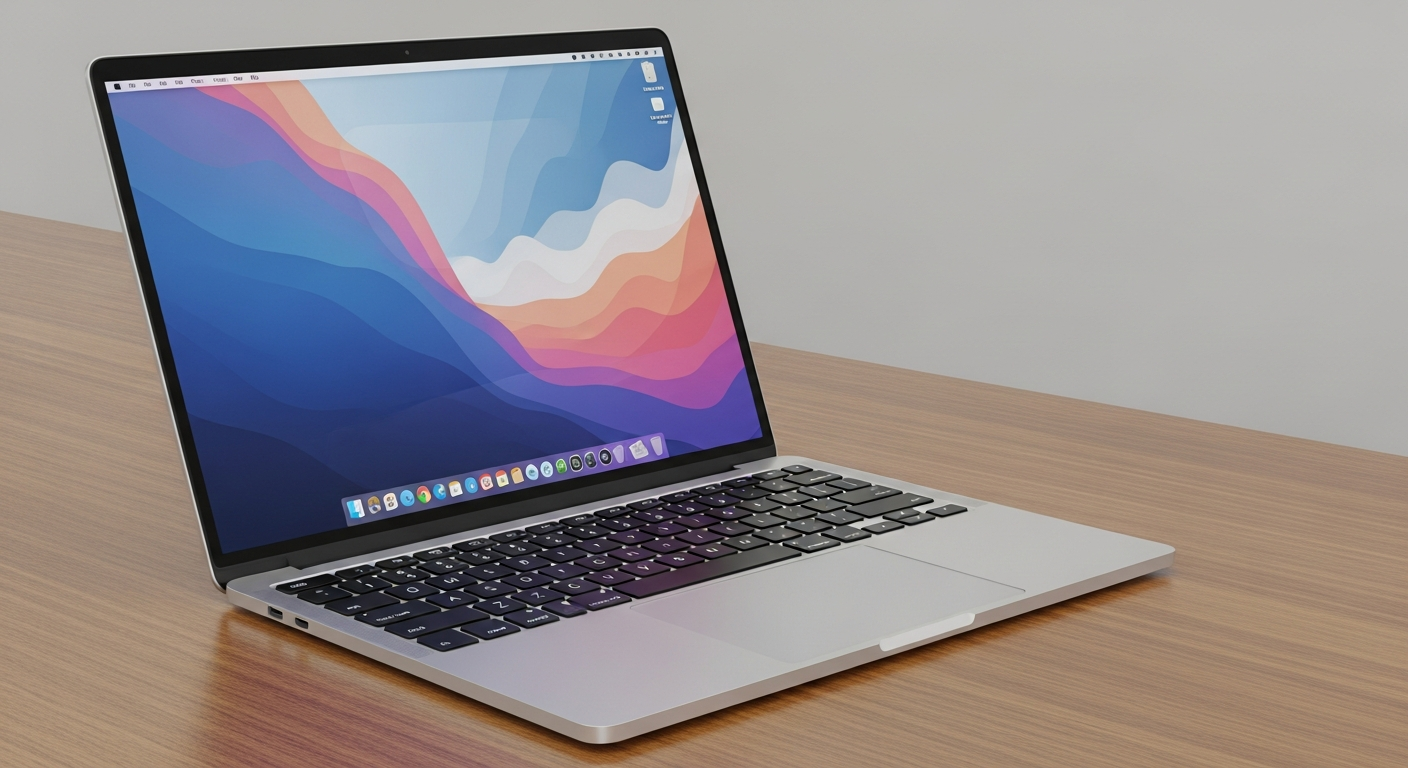
Don't rely solely on macOS built-in settings for privacy. This guide reveals the essential third-party Mac privacy tools and strategies you need to lock down yo...