













What is a Word Processor and How Do I Use It to Write Documents?
Learn the fundamentals of word processors like Microsoft Word and Google Docs. Discover how to create, edit, save, and share your first documents with ease.
Project management, note-taking, time tracking, and team collaboration
Learn the fundamentals of word processors like Microsoft Word and Google Docs. Discover how to create, edit, save, and share your first documents with ease.

Explore fundamental assistive technologies like screen readers, voice control, and magnifiers that empower seniors with various needs to use tech easily.
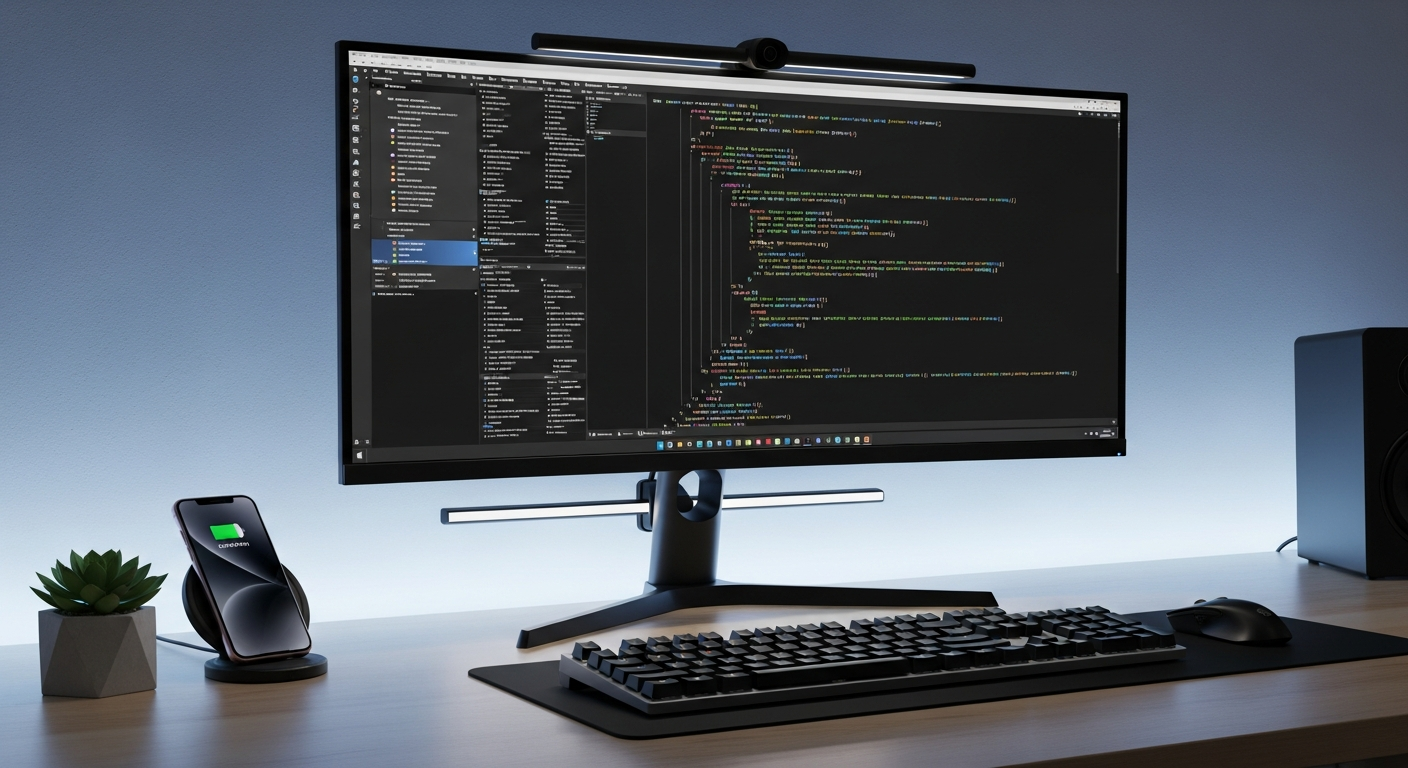
Master browser tab management! Learn to open, close, rearrange, and group tabs for a more organized and productive browsing experience on your computer.
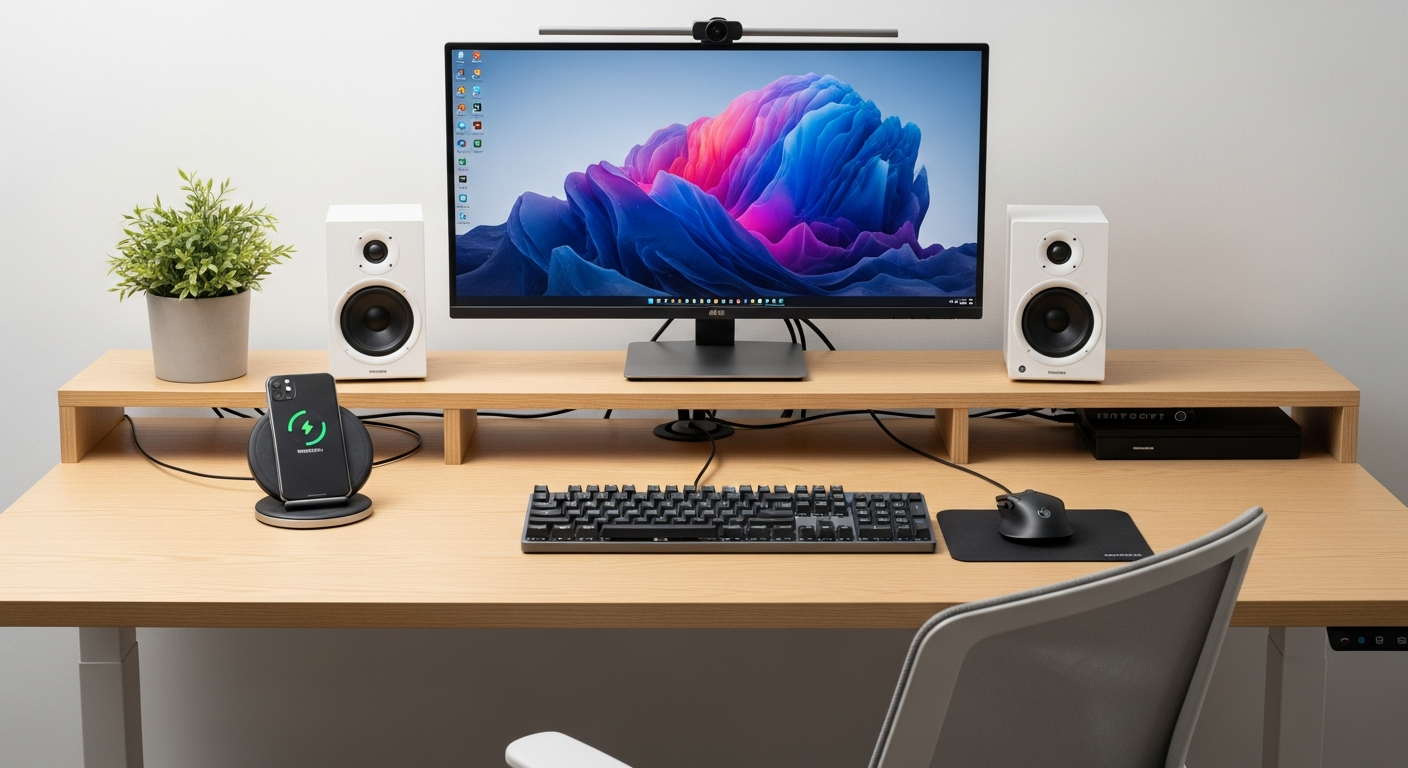
Discover the power of online collaboration tools like Google Workspace and Microsoft 365. Learn how to co-edit documents, share feedback, and work together seam...

Conquer your cluttered inbox with essential email management tips. Learn to organize, filter, and streamline your email workflow for better productivity.

Master the art of saving your favorite websites! Learn how to bookmark pages, organize them into folders, and quickly access your most visited sites for conveni...
Unlock the power of notes for enhanced learning. Discover active note-taking, review strategies, and how to use your notes to truly absorb and recall informatio...
Get started with search engines! Learn what they are, how to type effective queries, navigate search results, and find the information you need online.
Learn practical ways to leverage notes for maximum productivity. From to-do lists to brainstorming and project planning, discover simple tips to get more done.

Discover the convenience of cloud storage. Learn how to upload, download, and share your files securely online without needing physical drives.

Explore simple, effective ways to use note-taking as a powerful tool for learning new subjects and improving your long-term memory.
Get started with spreadsheet software like Microsoft Excel and Google Sheets. Understand cells, rows, columns, and basic data entry for beginners.