
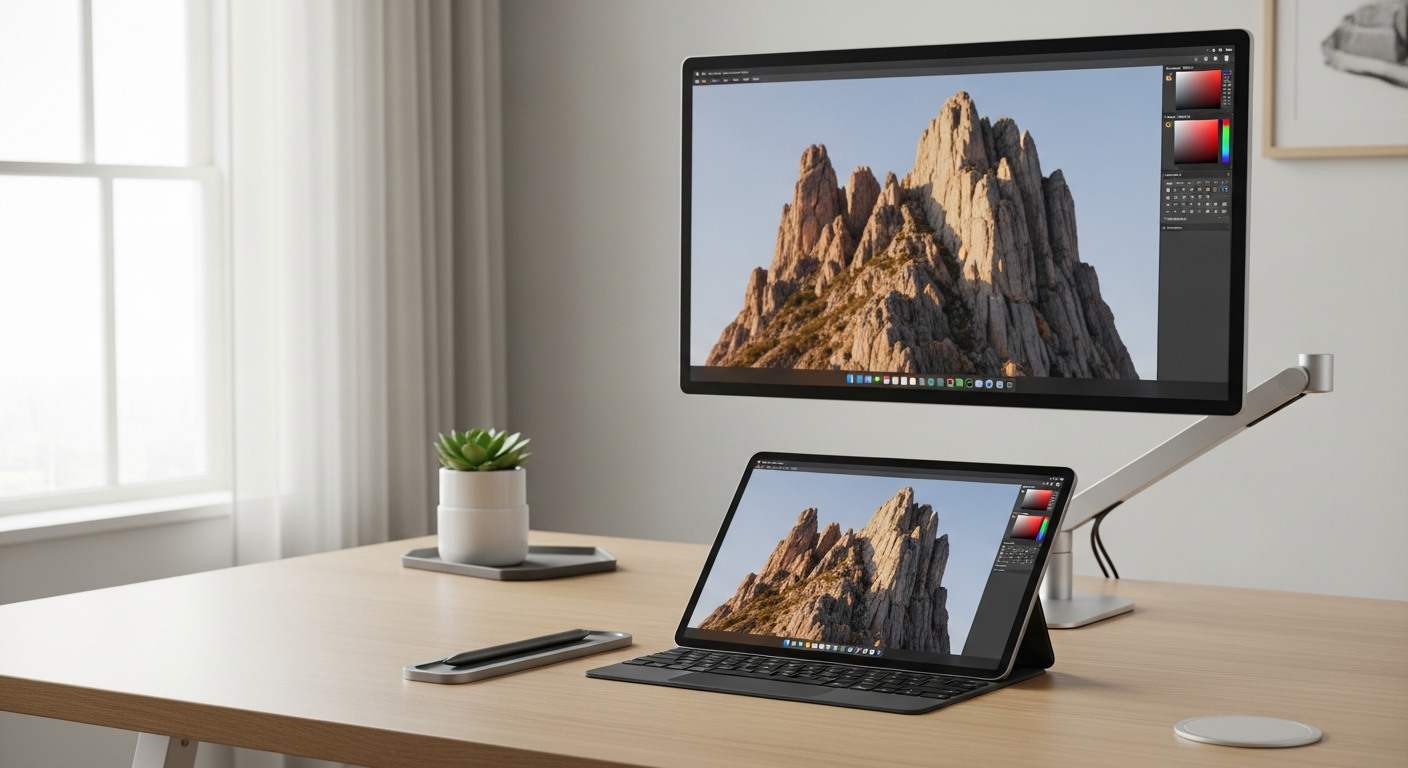
Top AI Tools for Creative Workflow in 2026: Maximize Your Creativity
As Max Byte, I've spent years wrangling servers and now, testing software. Deadlines in creative work are always tight, and creative block hits harder than a 404 error. Imagine getting hours back each week and cranking out better work.
In 2026, AI isn't just a buzzword; it's the partner you need. It won't replace your genius, but it'll sure make you faster. I've been using tools like Jasper AI for content, Adobe Firefly for visuals, Midjourney for wild ideas, Descript for video, and Notion AI to keep my workflow from collapsing. These aren't just toys; they're serious AI tools that cut my design time by 30%.
Here, you'll find the AI tools I actually use, how they fit into a real creative workflow, and why they matter. No fluff, just the tech that works.
Top AI Tools for Creative Workflow: At a Glance
| Product | Best For | Price | Score | Try It |
|---|---|---|---|---|
 Jasper AI Jasper AI | Overall content generation & brand voice | $49/mo | 9.1 | Try Free |
 Adobe Firefly Adobe Firefly | Generative design & visual asset enhancement | $4.99/mo | 8.8 | Try Free |
 Midjourney Midjourney | Concept generation & artistic imagery | $10/mo | 8.7 | Try It |
 Descript Descript | Video & audio editing by text | $12/mo | 8.5 | Try Free |
 Notion AI Notion AI | Workflow automation & project management | $10/mo | 8.4 | Try Free |
Deep Dive: Essential AI Tools for Creative Professionals
Jasper AI
Best for content generation & brand voicePrice: $49/mo | Free trial: Yes
Jasper AI is my go-to for drafting marketing copy, blog outlines, and even entire articles. It learns your brand voice, which means less editing and more time for actual design. It's like having a dedicated copywriter who never sleeps.
✓ Good: Excellent for long-form content and maintaining a consistent brand tone.
✗ Watch out: The price can add up, especially for smaller teams or freelancers. See how it compares to Copy.ai.
Adobe Firefly
Best for generative design & visual asset enhancementPrice: $4.99/mo (standalone) | Free trial: Yes
Firefly is a game-changer for visual creatives inside the Adobe ecosystem. Generative Fill and Text-to-Image features let me quickly remove objects, extend backgrounds, or create new elements from scratch. It saves me hours on repetitive image tasks.
✓ Good: Seamless integration with other Adobe products, incredibly precise generative editing. Makes photo editing simple.
✗ Watch out: The credit system for generative actions can be a bit confusing. Check out free alternatives if you're on a budget.
Midjourney
Best for concept generation & artistic imageryPrice: $10/mo | Free trial: No
When I'm completely stuck for visual ideas, Midjourney is my brainstorming partner. It's incredible for generating diverse design concepts, mood board images, or exploring different artistic styles from simple text prompts. The output quality is often stunning.
✓ Good: Produces some of the highest quality and most aesthetically pleasing AI-generated images.
✗ Watch out: The Discord-only interface can be a barrier, and mastering prompts takes practice.
Descript
Best for video & audio editing by textPrice: $12/mo | Free trial: Yes
Editing video by editing text? Sounds like magic, but Descript does it. I use it to quickly trim footage, remove filler words, and even generate voiceovers. For social media snippets or explainer videos, it's incredibly efficient. It's also great for automating certain video tasks.
✓ Good: Revolutionary text-based editing, accurate transcription, and Overdub feature for voice cloning.
✗ Watch out: Can be resource-intensive, and some advanced video features are still developing.
Notion AI
Best for workflow automation & project managementPrice: $10/mo (add-on) | Free trial: Yes
Notion AI is my digital assistant for keeping projects on track. It can summarize long client briefs, draft meeting notes, or generate task lists directly within my Notion workspace. It's a lifesaver for cutting down administrative overhead.
✓ Good: Deep integration with Notion, excellent for summarizing, brainstorming, and drafting within your workspace. Good note-taking is crucial, and AI makes it better.
✗ Watch out: It's an add-on, so you need a Notion subscription first; not a standalone AI tool.
Frequently Asked Questions About AI Tools for Creatives
Q: What AI tools do graphic designers use?
A: Graphic designers commonly use AI tools like Adobe Firefly for generative design and quick edits, Midjourney/DALL-E for concept generation, and Remove.bg for efficient background removal, streamlining their visual workflow.
Q: Can AI help with creative thinking?
A: Yes, AI can significantly aid creative thinking by generating diverse ideas, visual concepts, and textual prompts, helping designers overcome creative blocks and explore new directions more rapidly. It's like having a relentless idea machine.
Q: Which AI is best for content creation?
A: For content creation, tools like Jasper AI and Copy.ai are highly effective, offering robust features for generating marketing copy, ad headlines, and long-form content, tailored to specific brand voices. They handle the grunt work so you can polish.
Q: How do AI tools improve the design process?
A: AI tools improve the design process by automating repetitive tasks, accelerating idea generation, enhancing visual assets, and streamlining project management, ultimately leading to faster turnaround times and increased efficiency. It's about working smarter, not just harder.
Q: Are AI tools expensive for freelancers?
A: While many powerful AI tools have premium subscriptions, there are also affordable or freemium options like basic ChatGPT, Remove.bg's free tier, or entry-level plans from larger platforms, making AI accessible for freelancers on a budget. Always check the free trials. Also, consider privacy and ethics when using any AI tool.
Conclusion: Embrace AI to Supercharge Your Creative Process
Look, in 2026, AI isn't just a fancy add-on; it's an indispensable part of my creative toolkit. It's boosted my efficiency, smashed through creative blocks, and honestly, made my work better. The trick isn't to fear it, but to use it strategically.
Don't get stuck in old workflows. Explore these AI tools for creative workflow today. Revolutionize your creative process, save precious time, and amplify your impact. Your deadlines (and your sanity) will thank you.