
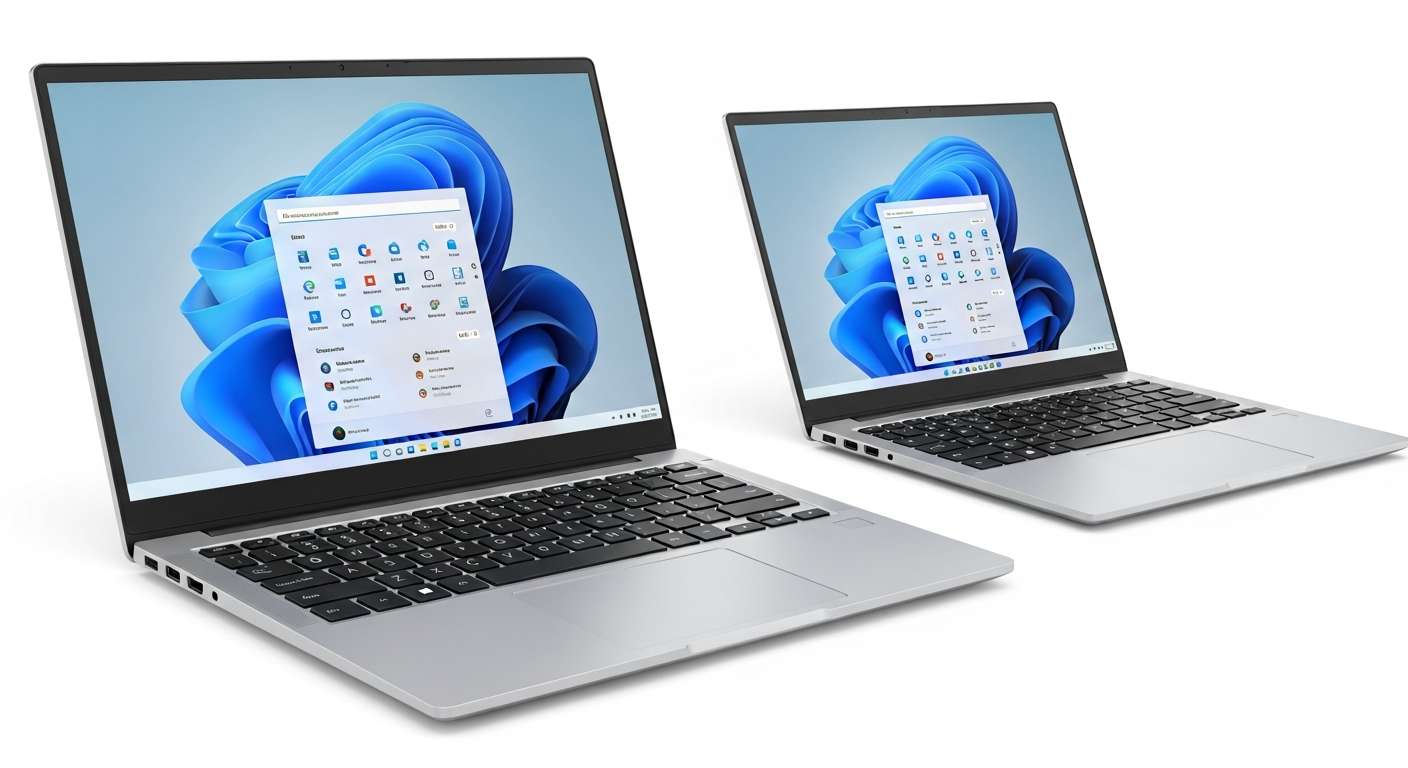
Don't Miss Out: Top Windows Alternatives for Your Favorite Mac Apps!
Thinking about making the jump from a Mac to a Windows PC? Good news! You don't have to leave behind all the cool features you love. From creative tools to seamless file sharing, Windows has fantastic (and often free!) alternatives that might even surprise you.
Creative & Editing Tools
Macs are famous for creative apps, but Windows is no slouch. You can still make amazing videos and music without breaking the bank.
- iMovie → DaVinci Resolve / Clipchamp: If you loved iMovie for simple video editing, you've got options. DaVinci Resolve is a professional-grade editor that's surprisingly free and incredibly powerful. For quicker, browser-based edits, Clipchamp is built right into Windows and super easy to use.
- GarageBand → Audacity / BandLab: Making music on your Mac with GarageBand was a blast. On Windows, Audacity is a free, open-source audio editor perfect for recording and mixing. For a collaborative, cloud-based music studio, BandLab lets you create and share tracks with ease.
Documents & Productivity
Apple's Pages, Numbers, and Keynote are sleek, but Windows offers robust alternatives for all your document, spreadsheet, and presentation needs.
- Pages/Numbers/Keynote → Google Docs / LibreOffice: Apple's iWork suite is great, but Google Docs, Sheets, and Slides are free, web-based, and fantastic for working with others. If you prefer a powerful desktop suite, LibreOffice is a free, open-source option that works offline and handles most file types.
- Preview → SumatraPDF: Preview on Mac is a handy tool for PDFs and images. On Windows, SumatraPDF is a lightning-fast, super lightweight PDF reader. It's simple, efficient, and perfect for just viewing documents without all the extra fluff.
Connectivity & Utilities
Some of Apple's most convenient features, like iMessage and AirDrop, have excellent counterparts in the Windows world.
- iMessage → WhatsApp / Telegram: Missing iMessage chats? Cross-platform apps like WhatsApp and Telegram are your best bet. They offer secure messaging, group chats, and work seamlessly on your Windows PC, phone, and other devices.
- AirDrop → Nearby Share: AirDrop makes sharing files between Apple devices a breeze. Windows has Nearby Share, which lets you quickly send photos, videos, and documents to nearby Windows PCs and Android phones. It's built right into the operating system for easy access.
- Spotlight → PowerToys Run: Spotlight quickly finds anything on your Mac. For Windows, PowerToys Run is a super-powered search bar that finds apps, files, and even does quick calculations. It's part of Microsoft's free PowerToys suite, adding tons of extra utility.
- Time Machine → Windows Backup / Veeam: Time Machine offers automatic backups for your Mac. Windows has its own built-in Windows Backup for basic file protection. For more serious, system-level backups, Veeam Agent for Microsoft Windows offers powerful free and paid options to keep your data safe.
Bottom line
Switching from Mac to Windows doesn't mean sacrificing your favorite features. With these excellent alternatives, you'll find that Windows is more than capable of handling all your creative, productivity, and connectivity needs, often for free!