
Is your Wi-Fi acting up? It can be frustrating when your internet connection suddenly stops working. This guide will help you understand common Wi-Fi issues and how to fix them with simple steps.
1. What is Wi-Fi?
Wi-Fi is like an invisible radio signal that lets your devices, like phones, tablets, and laptops, connect to the internet without needing cables. It uses a special box called a router to send and receive these signals, creating a wireless network in your home or office.
2. How do I know if my Wi-Fi is down?
You'll notice your Wi-Fi is down if you can't browse websites, watch videos, or use apps that need the internet. Your device might show a "no internet connection" message or a Wi-Fi symbol with a small "x" or exclamation mark. Try checking on another device to confirm.
3. What's the first thing to check when Wi-Fi isn't working?
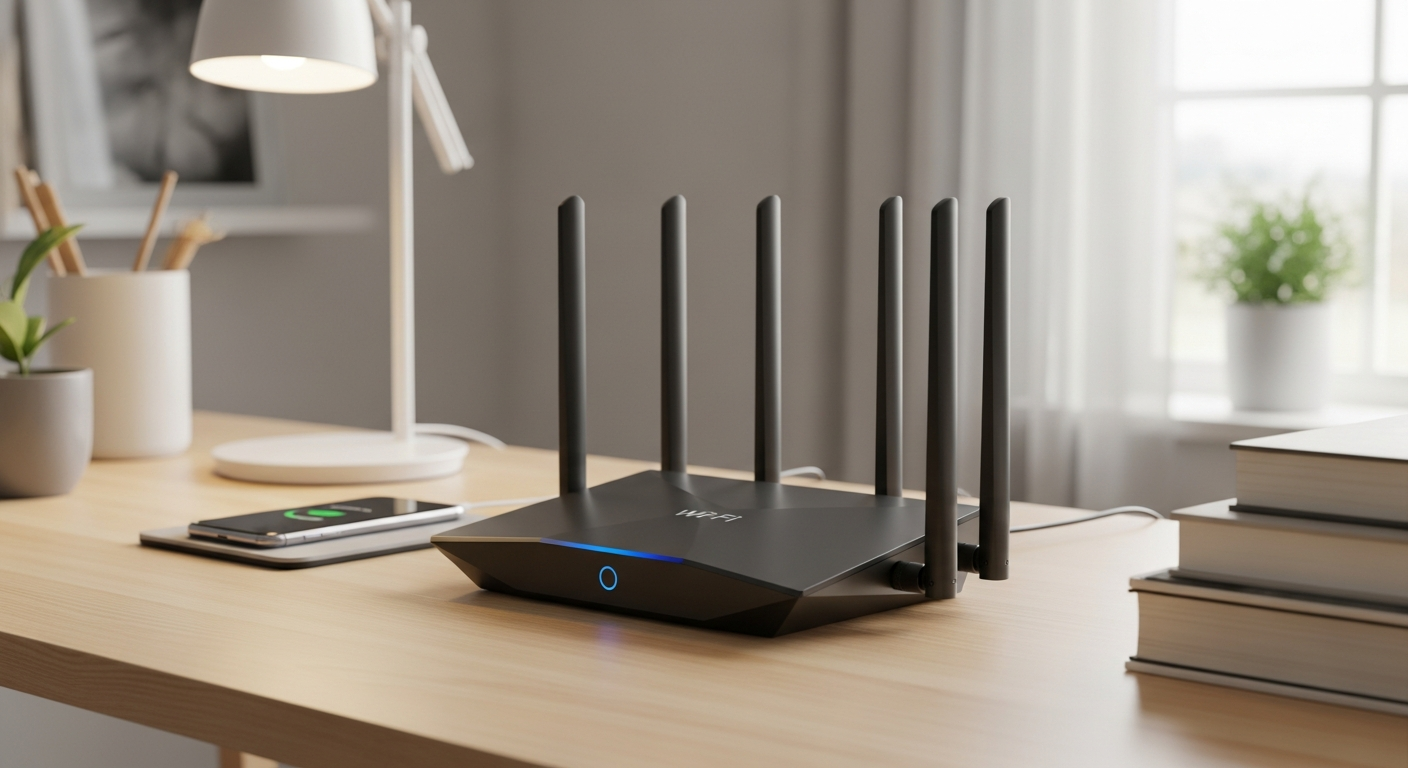
Always start by checking if your Wi-Fi router is plugged in and turned on. Look for indicator lights on the router; they should be lit up, often green or blue. If they're off, ensure the power cable is securely connected to both the router and the wall outlet.
Wi-Fi Troubleshooting Flow
Check Router Lights
Restart Router
Check Device Wi-Fi
Test Other Devices
Call Provider
4. How do I restart my router?
To restart your router, unplug its power cord from the wall outlet. Wait for about 30 seconds, then plug it back in. Give the router a few minutes to fully power up and reconnect to the internet. This simple "power cycle" often fixes many temporary issues.
5. What's the difference between Wi-Fi and internet?
Think of Wi-Fi as the road in your home, and the internet as the world outside your home. Wi-Fi lets your devices connect to your home network wirelessly. The internet is the global network of computers and servers that your Wi-Fi connects to, giving you access to websites and online services.
6. Why does my Wi-Fi keep disconnecting?
Frequent disconnections can be caused by several things. It could be interference from other electronics, your router being too far away from your device, or outdated router software. Sometimes, too many devices using the network at once can also cause instability.
7. Can too many devices slow down Wi-Fi?
Yes, absolutely! Every device connected to your Wi-Fi uses a portion of its available speed. If you have many devices streaming videos, playing games, or downloading large files simultaneously, it can significantly slow down the Wi-Fi for everyone on the network.
Wi-Fi
- Wireless connection for devices
- Local network in your home
- Connects devices to the router
- Can exist without internet (e.g., local file sharing)
Internet
- Global network of information
- Access to websites, email, streaming
- Requires a service provider
- Needs Wi-Fi or cable to reach your devices
8. What is a Wi-Fi extender?
A Wi-Fi extender, also called a range extender or booster, is a device that helps expand your Wi-Fi signal to areas in your home where it's weak. It picks up your existing Wi-Fi signal and rebroadcasts it, creating a larger area of coverage. This is great for large homes or dead zones.
9. How do I find my Wi-Fi password?
Your Wi-Fi password is often printed on a sticker on the bottom or side of your router. If not, check any documentation that came with your router. You can also find it in your computer's Wi-Fi settings if you're already connected, or by logging into your router's administration page.
10. When should I call my internet provider?
If you've tried restarting your router, checked all connections, and still have no internet on any device, it's time to call your internet service provider (ISP). They can check for outages in your area or diagnose issues with the internet line coming into your home.