
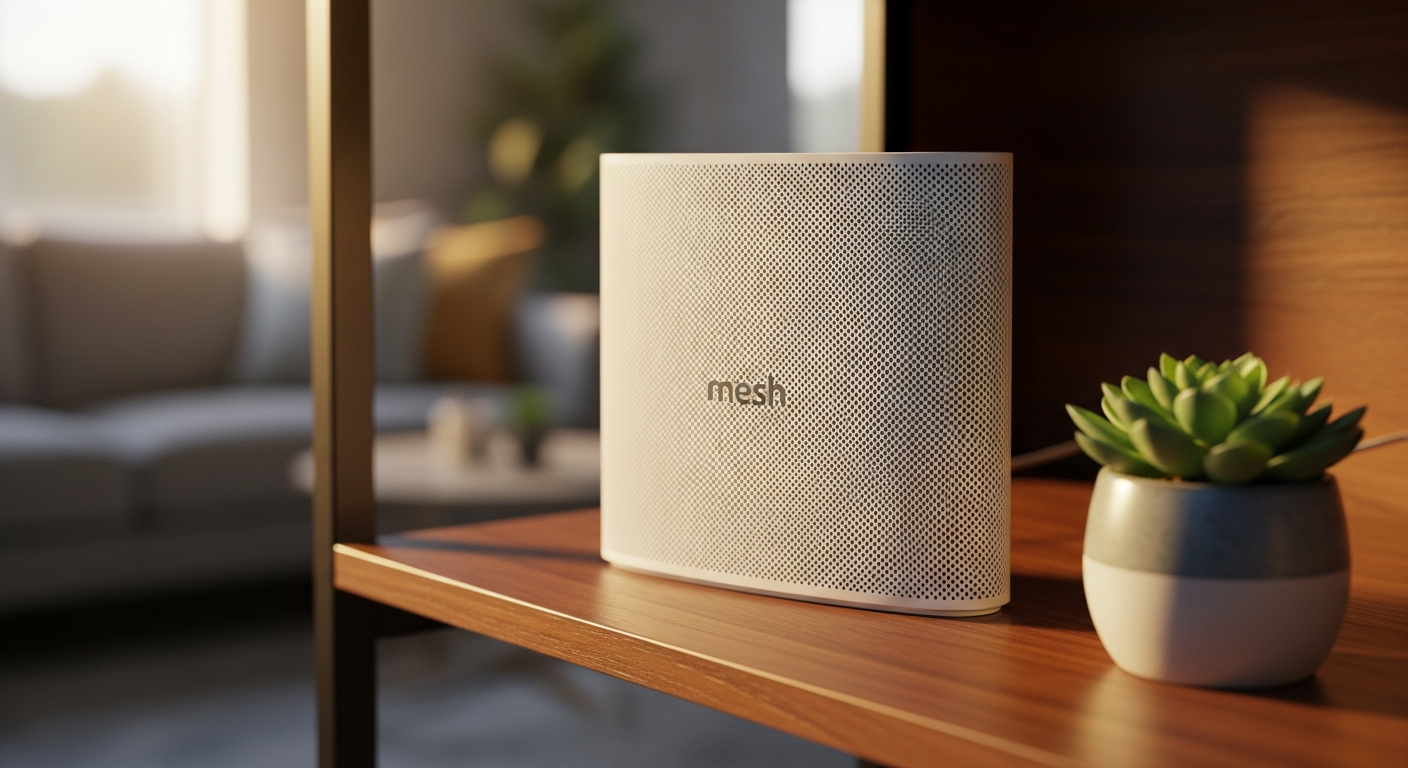
Understanding your home internet and WiFi can feel like learning a new language. Don't worry, we're here to break down the most common questions in simple terms, so you can get the best out of your connection.
Big Picture
How Your Home Internet Connects
flowchart LR
A["Internet Provider (ISP) 🌐"] --> B["Modem 📦"]
B --> C["Router 📡"]
C --> D["Your Devices 📱💻📺"]
style A fill:#e0f7fa,stroke:#00bcd4,stroke-width:2px
style B fill:#fff3e0,stroke:#ff9800,stroke-width:2px
style C fill:#e8f5e9,stroke:#4caf50,stroke-width:2px
style D fill:#f3e5f5,stroke:#9c27b0,stroke-width:2px
1. Why is my WiFi so slow?
Your WiFi can slow down for many reasons. Too many devices connected at once, or being too far from your router, are common culprits. Walls and other objects can also block the signal, making it weaker. Sometimes, an old router or a slow internet plan from your provider can be the cause. Think of your WiFi like a road. If too many cars (devices) are on it, or if there are too many speed bumps (obstacles), traffic (data) will move slowly. Restarting your router often helps clear things up, or try moving closer to it.2. What is the difference between a modem and a router?
A modem is like the translator that connects your home to your internet provider's network, bringing the internet into your house. It converts the signal from your provider (like cable or fiber) into a language your devices can understand. A router then takes that internet connection from the modem and shares it with all your devices, both wirelessly (WiFi) and through cables (Ethernet). Think of the modem as the main water pipe coming into your house, and the router as the plumbing system that distributes water to all your faucets and showers.3. Should I buy my own router or use the one from my provider?
Most internet providers offer a router, often for a monthly rental fee. While convenient, these are usually basic models. Buying your own router can save you money in the long run by avoiding rental fees. More importantly, your own router often offers better performance, faster speeds, stronger WiFi coverage, and more advanced features. If you have a larger home, many devices, or want the best possible WiFi experience, buying your own is usually the better choice. Router Choice
Should You Buy or Rent a Router?
flowchart TD
A{"Happy with Current WiFi? 🤔"} -->|Yes| B["Use Provider's Router 👍"]
A -->|No| C{"Want Better Speed/Coverage? 🚀"}
C -->|Yes| D["Buy Your Own Router ✅"]
C -->|No| B
style A fill:#fff3e0,stroke:#ff9800,stroke-width:2px
style B fill:#e8f5e9,stroke:#4caf50,stroke-width:2px
style D fill:#e0f7fa,stroke:#00bcd4,stroke-width:2px
4. What is WiFi 6 and do I need it?
WiFi 6 (also known as 802.11ax) is the newest standard for wireless internet. It's designed to be faster, handle more devices at once without slowing down, and be more efficient with battery life for your gadgets. You only truly "need" WiFi 6 if you have a very fast internet plan (300+ Mbps) and many newer devices (phones, laptops, smart home gadgets) that also support WiFi 6. For most homes with average internet speeds and older devices, WiFi 5 (802.11ac) is still perfectly fine.5. How do I extend WiFi to the whole house?
First, try placing your router in a central location, away from obstacles. If that's not enough, a "mesh WiFi" system is the best solution for large homes. It uses multiple devices (nodes) to create one strong, seamless network. Other options include WiFi extenders (which can sometimes slow down your connection) or Powerline adapters (which use your home's electrical wiring). For most people, a good mesh system provides the best balance of performance and ease of use.6. What is a good internet speed for home?
Internet speed is measured in Mbps (megabits per second). For most homes with 2-4 people, 100-200 Mbps is plenty for streaming HD videos, browsing, online learning, and working from home. If you have many people, stream 4K video on multiple devices, or are a serious online gamer, you might want 300 Mbps or more. Don't pay for speeds you don't need; for basic use, even 50 Mbps can be sufficient.7. Ethernet vs WiFi — does it matter?
Yes, it absolutely matters! Ethernet uses a physical cable to connect your device directly to the router, while WiFi is wireless. Ethernet is almost always faster, more stable, and more secure than WiFi. It's less prone to interference and drops. For devices that need the most reliable connection, like desktop computers, gaming consoles, or smart TVs that stream 4K content, using an Ethernet cable is highly recommended. For phones, tablets, and laptops that move around, WiFi is more convenient. Connection Types
Ethernet vs. WiFi: Which to Choose?
flowchart LR
subgraph "Ethernet (Wired) ⚡"
direction TB
A["Faster Speed 🚀"]
B["More Stable Connection 💪"]
C["More Secure 🔒"]
end
subgraph "WiFi (Wireless) 📡"
direction TB
D["Convenient & Flexible ✨"]
E["Easy Setup 🏡"]
F["Can Be Slower/Less Stable 🐢"]
end
A --- B
B --- C
D --- E
E --- F
linkStyle 0 stroke:green,stroke-width:2px;
linkStyle 1 stroke:green,stroke-width:2px;
linkStyle 2 stroke:blue,stroke-width:2px;
linkStyle 3 stroke:blue,stroke-width:2px;
linkStyle 4 stroke:red,stroke-width:2px;