
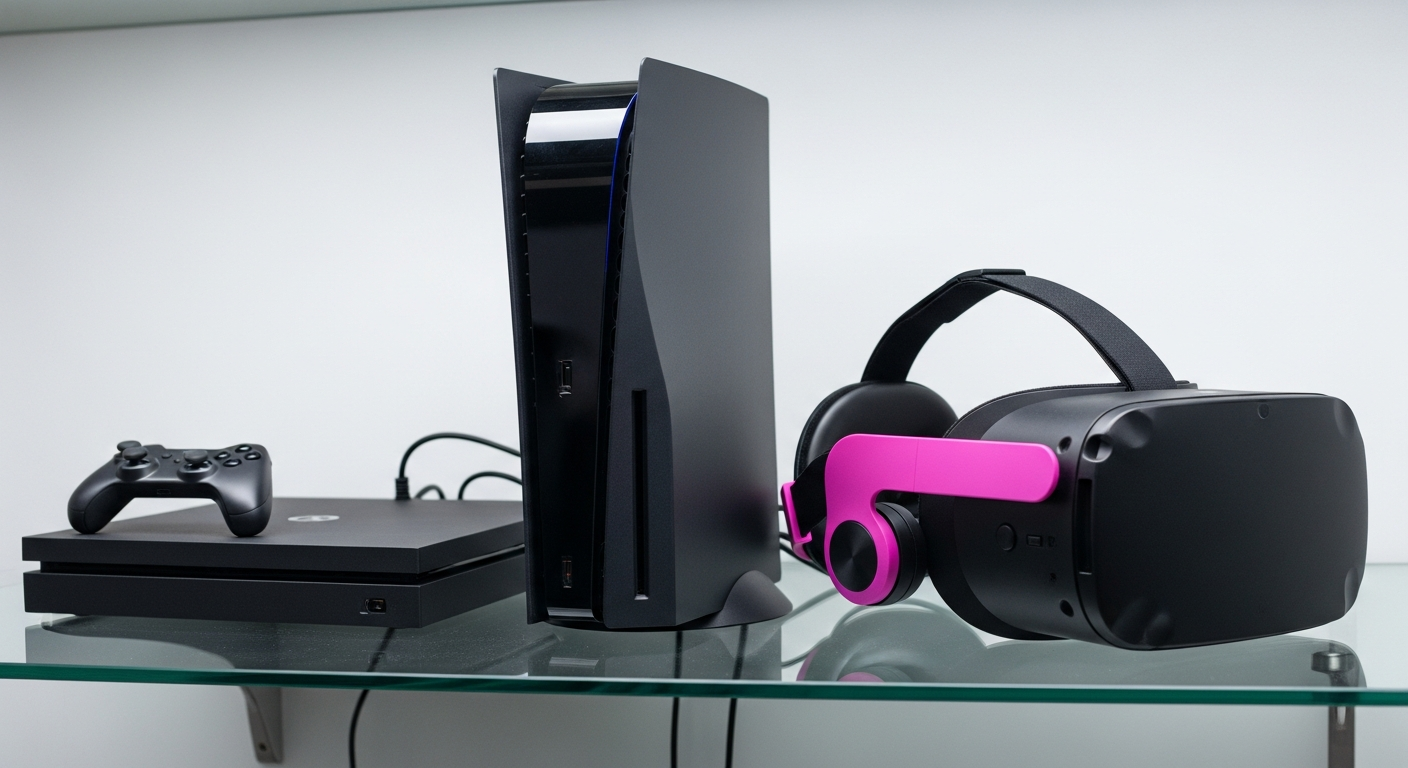
Ever wondered what a gaming console is or how to start playing games? This guide will break down everything you need to know in simple terms, perfect for beginners.
Let's explore the exciting world of gaming together and get you ready to play!
1. What exactly is a gaming console?
A gaming console is a special computer designed just for playing video games. Think of it like a dedicated entertainment box that connects to your TV. Instead of doing many things like a regular computer, its main job is to run games smoothly and provide a fun experience.
Popular examples include PlayStation, Xbox, and Nintendo Switch. Each console has its own unique games and features, but they all share the core purpose of letting you play games from your couch.
2. What's the difference between a console and a PC for gaming?
The main difference is simplicity and cost. Consoles are plug-and-play, meaning they are easy to set up and use right out of the box. They are generally less expensive upfront than a gaming PC, which is a powerful computer built specifically for games.
Gaming PCs offer more flexibility, better graphics (often), and a wider range of games, but they require more technical knowledge to build or maintain. Consoles are designed for a straightforward, living-room gaming experience.
3. Which gaming console is best for a beginner?
For beginners, the Nintendo Switch is often recommended. It's very versatile, allowing you to play on your TV or take it with you as a handheld device. It also has many family-friendly and easy-to-learn games.
PlayStation 5 and Xbox Series X/S are also great choices, offering powerful graphics and a vast library of games. The "best" one depends on the types of games you want to play and if you prefer portable gaming.
Gaming Console
- Easy setup, plug-and-play
- Generally lower upfront cost
- Optimized for TV/couch play
- Exclusive games (e.g., Mario, Halo)
- Simple updates and maintenance
Gaming PC
- More complex setup
- Higher upfront cost (often)
- Versatile for work, gaming, etc.
- Wider range of games & mods
- Requires more technical knowledge
4. Do I need a special TV to use a gaming console?
No, you don't need a special TV. Most modern gaming consoles connect to your TV using an HDMI cable. If your TV has an HDMI port (which almost all flat-screen TVs do), you're good to go.
For the best experience, especially with newer consoles like PS5 or Xbox Series X, a 4K TV can make games look incredibly sharp and vibrant. However, it's not a requirement to start playing.
5. How do I connect a new gaming console to my TV?
Connecting your console is usually straightforward. First, plug the HDMI cable (which comes with your console) into the "HDMI Out" port on the console and then into an "HDMI In" port on your TV. Next, plug the console's power cord into an electrical outlet.
Finally, turn on your TV and use your TV remote to select the correct HDMI input (e.g., HDMI 1, HDMI 2). Your console's picture should then appear on the screen, and you can follow any on-screen setup instructions.
6. What are the basic parts of a gaming console setup?
A typical gaming console setup includes four main parts: the console itself (the main box), a controller (the handheld device you use to play), an HDMI cable (to connect to your TV), and a power cable (to plug into the wall).
Some setups might also include a charging cable for your controller, especially if it's wireless. That's all you generally need to get started and enjoy your games.
7. Where can I buy games for my console?
You can buy games in two main ways: digitally or physically. Digital games are downloaded directly to your console from its online store (like the PlayStation Store, Xbox Store, or Nintendo eShop). Physical games come on discs or cartridges that you insert into your console.
Physical games can be purchased at electronics stores, large retailers, or online marketplaces. Digital games offer convenience, while physical games can sometimes be found used or collected.
How to Get Games
8. Are all games compatible with all consoles?
No, games are generally made for specific consoles. A game designed for a PlayStation will not work on an Xbox or Nintendo Switch, and vice-versa. This is because each console has different internal hardware and operating systems.
Some games might be available on multiple consoles, but you'll need to buy the version specifically made for your console. Always check the game's packaging or description to ensure it's for your system.
9. Do I need an internet connection to play console games?
Not always, but it's highly recommended. Many games can be played offline without an internet connection, especially if you have a physical copy. However, an internet connection is essential for downloading digital games, game updates, and playing online with friends.
It's also needed for initial console setup and accessing online features like streaming apps. For the full experience, connecting your console to Wi-Fi or an Ethernet cable is best.
10. What are some easy games to start with on a console?
For a gentle introduction, consider games like "Minecraft" (creative building), "Mario Kart 8 Deluxe" (fun racing), or "Animal Crossing: New Horizons" (relaxing life simulation). These games are known for being easy to pick up and play.
Many consoles also offer subscription services (like Xbox Game Pass or PlayStation Plus) that give you access to a large library of games, perfect for trying out different genres without buying each game individually.