
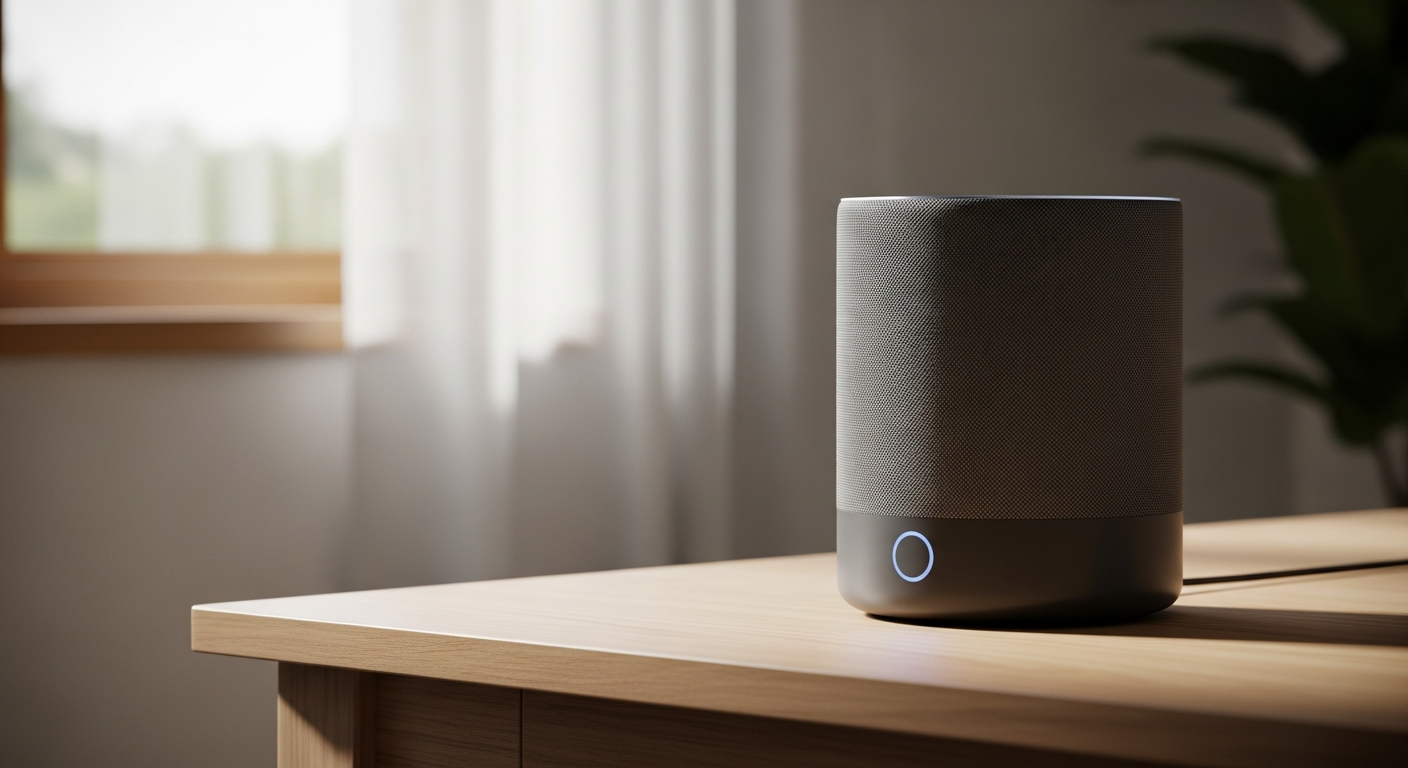
Voice assistants are like helpful digital helpers that live in your devices. They make controlling your smart home and getting information super easy, all just by using your voice.
1. What is a voice assistant (like Alexa or Google Assistant)?
A voice assistant is a computer program that understands spoken commands and responds with spoken information. Think of it as a smart brain that listens to you. Popular examples include Amazon Alexa, Google Assistant, and Apple Siri. These programs use special technology to understand what you say and then perform tasks for you.
They are designed to make technology more natural to interact with. Instead of typing or tapping, you simply talk to your devices. This makes everyday tasks quicker and hands-free, whether you're setting a timer or turning on lights.
2. How do voice assistants control smart devices?
Voice assistants control smart devices by acting as a central translator. When you speak a command, the assistant sends that instruction over your home's Wi-Fi network to the specific smart device. For example, saying "Turn on the living room lights" tells the voice assistant to send a signal to your smart light bulbs.
For this to work, your smart devices must be compatible with your voice assistant and connected to the same home network. You usually link them together using an app on your smartphone during the initial setup. Once connected, your voice assistant becomes the remote control for your entire smart home.
3. Do I need a special speaker for a voice assistant?
Not always! While dedicated smart speakers like Amazon Echo or Google Nest are common, many other devices have voice assistants built-in. You can find them in smartphones, smart displays, smart TVs, soundbars, and even some smartwatches. If your device has a microphone and is connected to the internet, it might be able to use a voice assistant.
However, smart speakers are often designed for optimal voice recognition and sound quality for music. They are also usually always listening for your commands, making them very convenient for hands-free control throughout your home.
Smart Speaker
- Primary Use: Audio playback, voice commands.
- Features: Excellent microphones, good sound quality.
- Examples: Amazon Echo Dot, Google Nest Mini.
Smartphone
- Primary Use: Calls, apps, general computing.
- Features: Portable, always with you, built-in assistant.
- Examples: iPhone (Siri), Android phones (Google Assistant).
4. What kinds of commands can I give a voice assistant?
You can give a wide variety of commands! For smart devices, you can say things like "Turn off all lights," "Set the thermostat to 72 degrees," or "Lock the front door." Beyond smart home control, they can play music, set alarms, tell you the weather, answer questions, read news headlines, and even tell jokes.
Many assistants also support more complex routines. For example, you could say "Good morning," and it might turn on your lights, play the news, and start your coffee maker all at once. The possibilities expand as more devices and services become compatible.
5. Can I use multiple voice assistants in my home?
Yes, you can definitely use multiple voice assistants in your home. For example, you might have an Amazon Echo speaker in your living room and a Google Nest Hub in your kitchen. Each assistant will respond to its own wake word (like "Alexa" or "Hey Google").
However, it's important to know that devices usually only connect to one assistant at a time. So, a smart light bulb might be controlled by Alexa, and a smart plug by Google Assistant, but not usually both simultaneously from the same device. Some smart devices are compatible with multiple assistants, allowing you to choose which one controls them.
6. Is my privacy protected when using a voice assistant?
Voice assistant companies state they prioritize user privacy. Devices are designed to only start recording and sending audio to the cloud after they hear their specific "wake word" (like "Alexa" or "Hey Google"). They usually have a physical mute button to turn off the microphone completely.
However, recordings of your commands are often stored for a short period to help the assistant learn and improve. You can typically review and delete these recordings through the assistant's companion app. It's always a good idea to check the privacy settings and policies of your specific voice assistant.
7. What's the difference between a smart speaker and a smart display?
A smart speaker is primarily an audio device. It uses only sound to communicate, playing music, answering questions, and confirming commands through its speaker. Examples include Amazon Echo Dot or Google Nest Mini. They are great for hands-free audio and voice control.
A smart display adds a screen to the mix. It does everything a smart speaker does but also shows visual information. This means you can watch videos, see recipes, view security camera feeds, make video calls, or see your calendar. Examples include Amazon Echo Show or Google Nest Hub.
How Voice Control Works
Say "Turn on lights."
Smart speaker hears wake word & command.
Audio sent to cloud for understanding.
Assistant sends signal to smart device.
Smart light turns on.
8. Can voice assistants help with daily tasks beyond smart home control?
Absolutely! Voice assistants are incredibly versatile. They can help you manage your schedule by setting reminders and adding calendar events. Need to know something? Just ask for facts, weather forecasts, traffic updates, or sports scores. They can also play music, podcasts, or audiobooks from various streaming services.
Many people use them for cooking, asking for recipes or setting multiple timers. They can even make calls, send texts, or help you shop online. Their capabilities are constantly expanding, making them useful companions for many aspects of daily life.
9. What happens if my internet connection drops?
If your internet connection drops, most voice assistant features will stop working. This is because voice assistants rely on cloud processing to understand your commands and communicate with smart devices. Without internet, they can't send your voice to the cloud or receive instructions back.
Some smart devices might still work locally with their own apps or physical switches, but they won't respond to voice commands. A few advanced smart home hubs can maintain some local control even without internet, but this is less common for basic voice assistant setups.
10. Are voice assistants difficult for beginners to use?
Not at all! Voice assistants are designed to be very user-friendly, especially for beginners. The main interaction is simply speaking, which is natural for most people. Setup usually involves downloading an app, plugging in the device, and following simple on-screen instructions to connect to your Wi-Fi and link smart devices.
You don't need to learn complex commands; you can just speak naturally. Most assistants offer tips and suggestions to help you discover new features. They are built to be accessible and intuitive, making them a great entry point into smart home technology.