
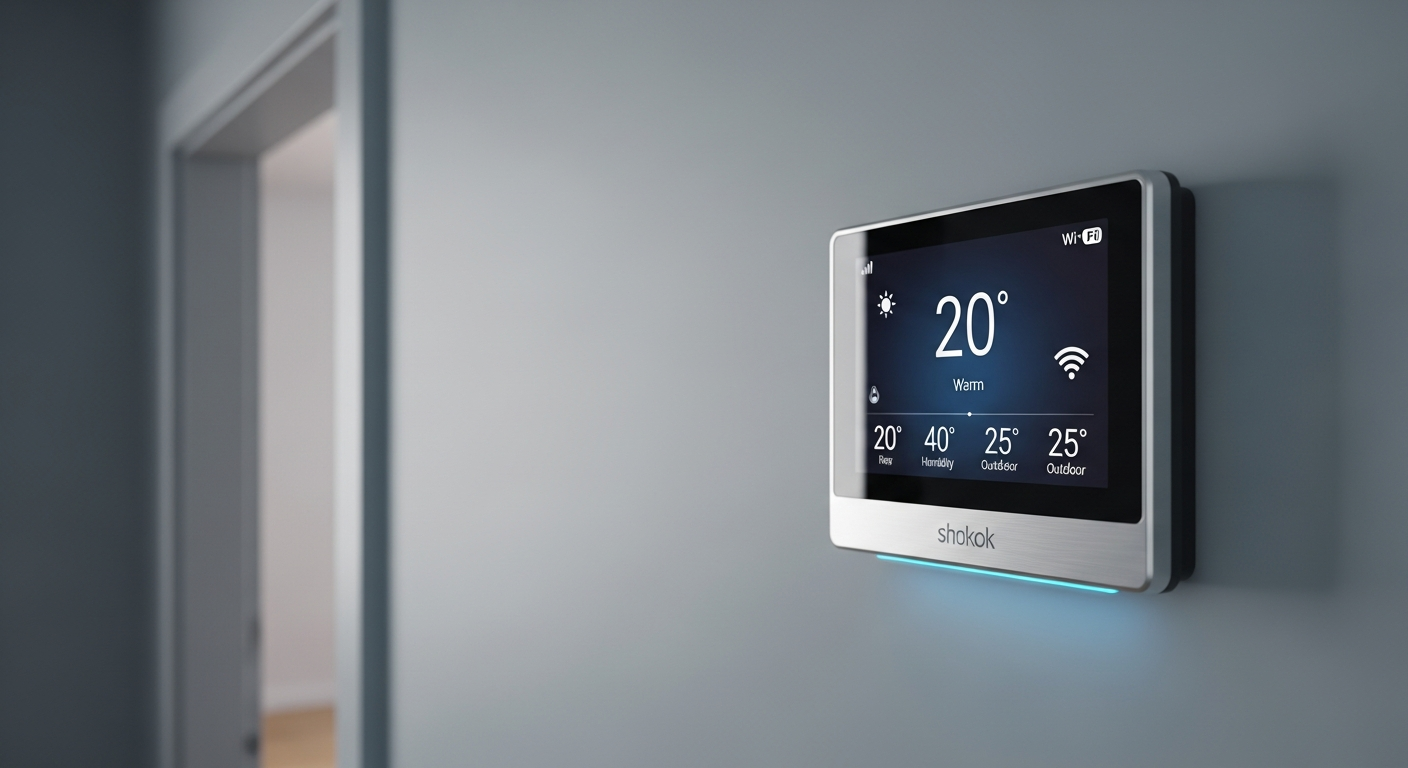
Ever wish your home's temperature would just manage itself, saving you money without you lifting a finger? Smart thermostats are clever devices that do exactly that, making your home more comfortable and energy-efficient.
1. What is a smart thermostat?
A smart thermostat is a modern device that controls your home's heating and cooling system. Unlike old-fashioned thermostats, it connects to the internet, allowing it to do much more than just set a temperature. Think of it as a mini-computer for your home's climate.
It can learn your habits, adjust temperatures automatically, and even be controlled from your phone. This smart control helps keep your home comfortable while using less energy.
2. How does a smart thermostat learn my preferences?
Many smart thermostats use advanced sensors and algorithms to learn. When you adjust the temperature manually for the first few days or weeks, the thermostat pays attention. It notes when you like it warmer or cooler, and at what times.
Over time, it builds a personalized schedule based on your actual behavior. It can even detect when you're home or away using motion sensors or your phone's location, adjusting temperatures accordingly.
3. What are the main features of smart thermostats?
Smart thermostats offer several cool features. They include remote control via smartphone, learning capabilities to create automatic schedules, and energy usage reports to show you where you're saving. Many also offer geofencing, which adjusts the temperature based on whether you're home or away.
Other features might include voice control integration with devices like Alexa or Google Assistant, compatibility with other smart home devices, and maintenance alerts for your HVAC system.
Smart Thermostat Flow
Initial manual adjustments
Observes habits, uses sensors
Creates smart schedule
Optimizes heating/cooling
4. Can a smart thermostat really save me money on bills?
Yes, absolutely! By intelligently managing your heating and cooling, smart thermostats can significantly reduce your energy consumption. They avoid heating or cooling an empty house and optimize temperatures based on your actual needs.
Many users report savings of 10-15% on their heating and cooling costs. The exact amount depends on your home, climate, and how efficiently you used your old thermostat.
5. Is it difficult to install a smart thermostat myself?
For many people, installing a smart thermostat is a DIY project that takes about 30-60 minutes. Most come with clear instructions and helpful apps that guide you step-by-step. You'll typically need a screwdriver and basic electrical safety knowledge (like turning off power at the breaker).
However, if your wiring is unusual, very old, or you're uncomfortable with electrical work, it's always best to hire a professional electrician or HVAC technician to ensure safe and correct installation.
6. Do smart thermostats require a C-wire?
A C-wire (common wire) provides continuous power to your thermostat. Many smart thermostats need this wire to power their advanced features like Wi-Fi and backlit screens. Without it, they might try to "steal" power, which can cause issues with your HVAC system.
Some smart thermostats can work without a C-wire by using batteries or a power extender kit. It's important to check your specific thermostat's requirements and your home's wiring before purchasing.
7. Can I control my thermostat remotely?
Yes, this is one of the biggest advantages of a smart thermostat! Since it connects to your home's Wi-Fi, you can control it from anywhere using a smartphone app. Whether you're at work, on vacation, or just in another room, you can adjust the temperature, change schedules, or check your energy usage.
This remote access means you can warm up your home before you arrive or turn down the AC if you forgot to before leaving, saving energy and adding convenience.
Smart Thermostat
- Connects to Wi-Fi
- Learns your habits
- Remote control via app
- Geofencing (knows if you're home)
- Integrates with smart home
- Energy reports
Programmable Thermostat
- No Wi-Fi connection
- Manual schedule setup
- No remote control
- No location awareness
- Standalone device
- Basic timer functions
8. What's the difference between smart and programmable thermostats?
A programmable thermostat allows you to set a schedule (e.g., warmer at night, cooler during the day) and it sticks to it. A smart thermostat does all that and much more. It connects to the internet, learns your habits, and can be controlled remotely.
Smart thermostats are more adaptive and intelligent. They can react to changes in your routine, weather, or even detect if you're home, offering greater energy savings and convenience than a basic programmable model.
9. Are smart thermostats compatible with all HVAC systems?
Most smart thermostats are designed to be compatible with common heating and cooling systems, including central AC, furnaces, heat pumps, and even some boiler systems. However, there are exceptions.
Very old systems, multi-stage systems, or unique setups might require specific thermostat models or professional installation. Always check the compatibility list provided by the smart thermostat manufacturer against your specific HVAC system before buying.
10. Which smart thermostat is best for beginners?
For beginners, thermostats known for their easy installation and intuitive app interfaces are usually best. Brands like Google Nest Thermostat and Ecobee Lite are popular choices.
They offer straightforward setup guides, user-friendly controls, and reliable performance. These models provide excellent smart features without overwhelming you with too many complex options right away.