
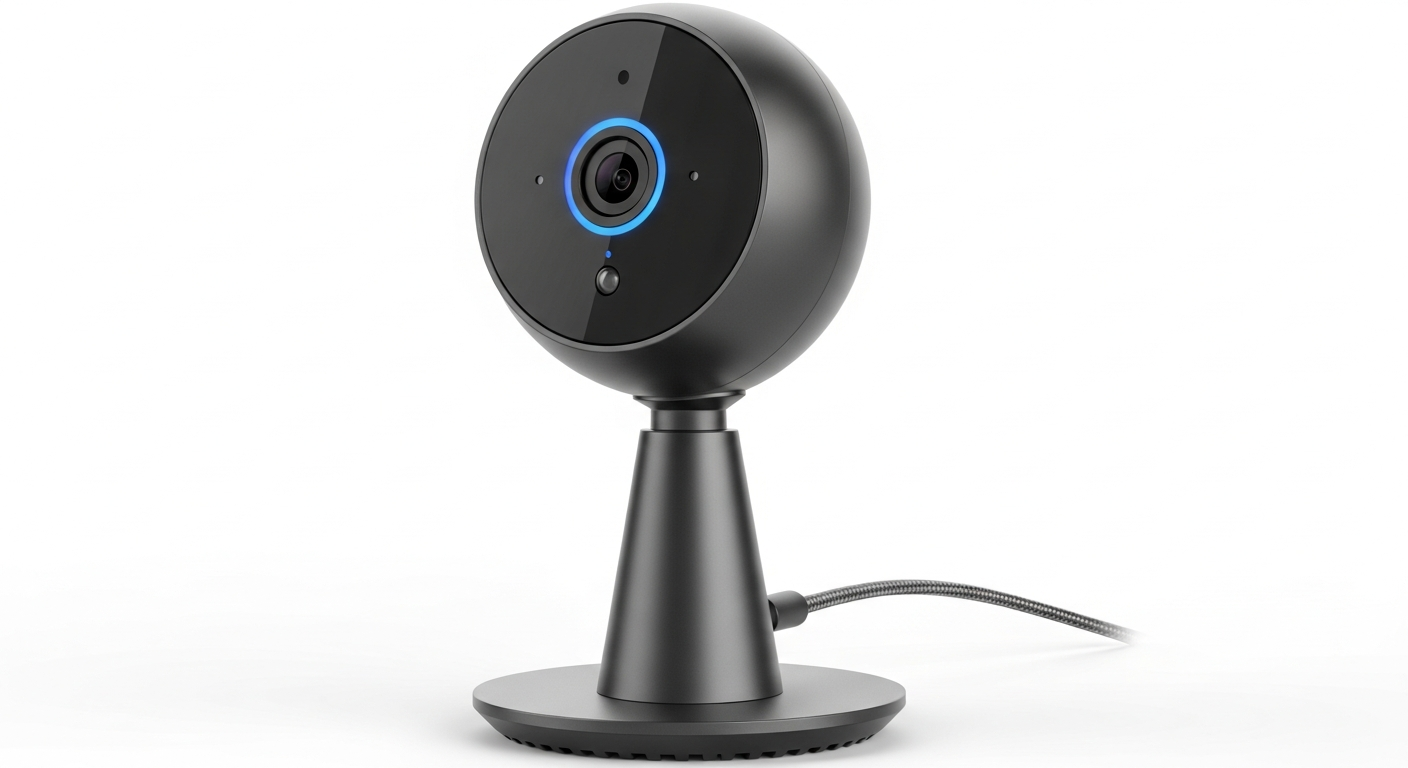
Worried about home security? Smart security cameras offer a modern way to keep an eye on your property, even when you're away.
This guide will explain what these cameras are and how they can help protect your home, using simple language.
1. What is a smart security camera?
A smart security camera is a digital camera that connects to your home's internet (Wi-Fi). Unlike older cameras, it can do more than just record video. It can send alerts to your phone, store footage online, and often has features like two-way talk or night vision.
2. How do smart security cameras work?
These cameras capture video and audio, then send that information over your Wi-Fi to a connected app on your smartphone or tablet. Many cameras use special sensors to detect movement or sound. When something happens, they can start recording and immediately send you a notification.
3. What's the difference between indoor and outdoor smart cameras?
Indoor cameras are designed for use inside your home, often with a focus on discreet design. Outdoor cameras are built to withstand different weather conditions like rain, snow, or extreme temperatures. They are usually more durable and often have stronger night vision and wider viewing angles.
Indoor Cameras
- Compact design
- Often include two-way talk
- Connects to power outlet
- Monitors pets, kids, elderly
Outdoor Cameras
- Weatherproof casing
- Wider viewing angles
- Battery or wired power
- Monitors doors, yard, garage
4. Do smart cameras record all the time or only when motion is detected?
Most smart cameras offer both options. You can set them to record continuously, which uses more storage. More commonly, users choose "motion-activated recording." This means the camera only records when it senses movement or sound, saving storage space and making it easier to review important events.
5. Where is the video footage stored? Is it secure?
Footage is typically stored in two main ways: on a local memory card (like an SD card) inside the camera, or in "the cloud." Cloud storage means the video is sent over the internet and saved on secure servers managed by the camera company. Both methods usually employ strong encryption to keep your data private and secure.
6. Can I view live footage from my smart camera on my phone?
Yes, absolutely! This is one of the main benefits. Through a dedicated app on your smartphone or tablet, you can access your camera's live video feed anytime, anywhere, as long as your phone has an internet connection. This lets you check in on your home whenever you want.
7. What about privacy concerns with smart cameras?
Privacy is a valid concern. To protect yours, always place cameras thoughtfully, avoiding neighbors' properties. Choose cameras from reputable brands that prioritize security and use strong encryption. Regularly update your camera's software and use strong, unique passwords for your camera and Wi-Fi network.
Smart Camera Alert Flow
8. Are smart cameras easy to install for a beginner?
Many smart cameras are designed for easy, do-it-yourself installation. Most connect wirelessly to your home Wi-Fi and use a smartphone app to guide you through setup. You might need to plug it into power or mount it with a few screws, but complex wiring is usually not required.
9. Do I need a subscription service for smart camera features?
It depends on the camera and the features you want. Basic functions like live viewing and motion alerts are often free. However, many companies offer subscription plans for advanced features, such as extended cloud video storage, person detection, or professional monitoring. Always check before buying.
10. How do smart cameras alert me to activity?
When your camera detects something important (like motion or sound), it sends an immediate "push notification" to your smartphone or tablet. This is similar to how you get a text message or an alert from other apps. You can then open the camera's app to view the live feed or the recorded event.