
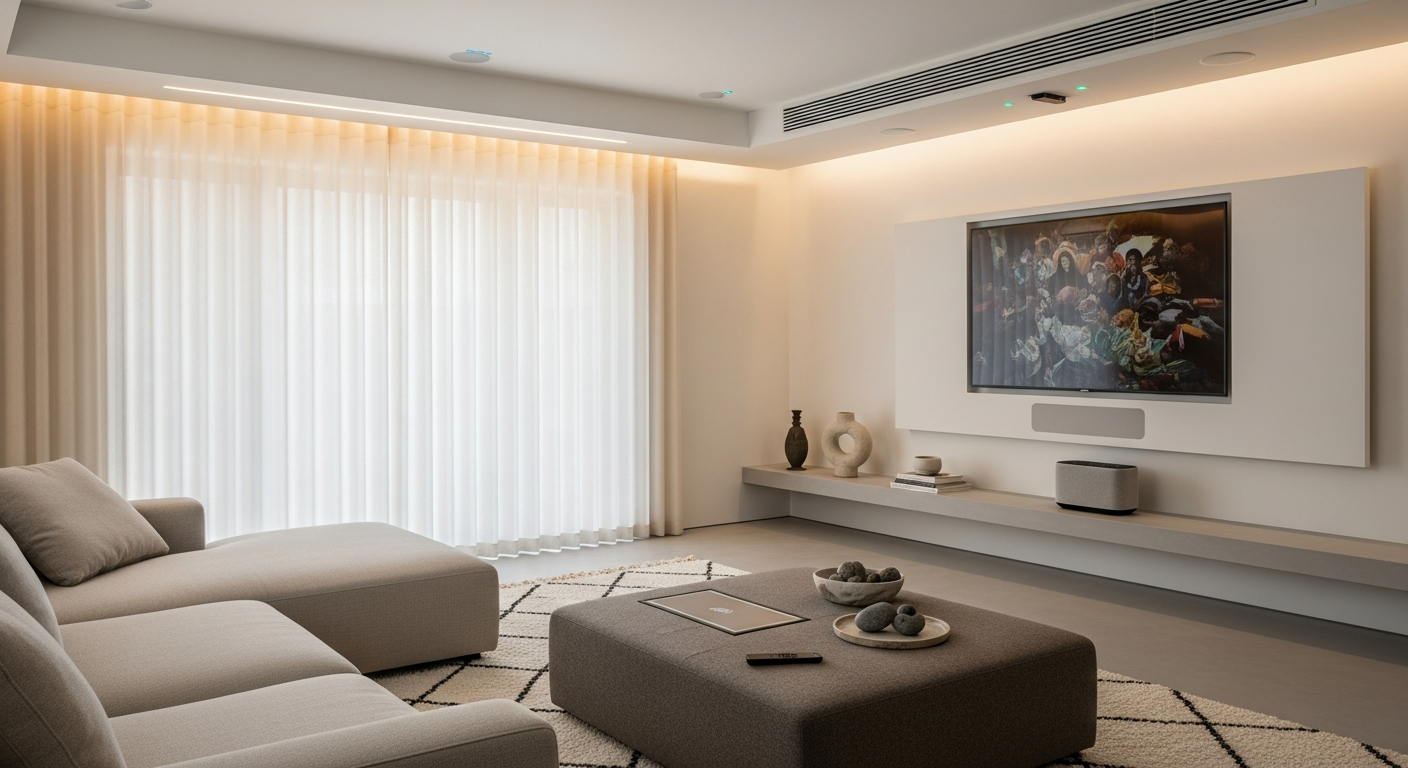
Welcome to the world of smart home devices! These gadgets make your home life easier, more convenient, and often more energy-efficient by connecting to the internet.
They let you control things around your house using your phone, voice, or even automatically.
1. What exactly is a smart home device?
A smart home device is an everyday item, like a light bulb or thermostat, that has been upgraded with technology to connect to the internet. This connection allows you to control it remotely, often through an app on your smartphone or with your voice.
Unlike regular devices, smart devices can also "talk" to other devices and react to their surroundings, making your home more responsive to your needs.
2. How do smart devices connect to each other?
Smart devices connect using various wireless technologies. The most common is Wi-Fi, which uses your home internet connection. Others include Bluetooth, a short-range connection often used for direct control, and special networks like Zigbee and Z-Wave.
These specialized networks are designed for smart home gadgets, allowing them to communicate efficiently and often with less power than Wi-Fi.
3. Do I need Wi-Fi for all smart home devices?
Most smart home devices rely on Wi-Fi to connect to the internet and allow remote control. However, some devices can use Bluetooth for direct control from your phone when you're nearby, without needing Wi-Fi.
Other devices might connect to a central "hub" using technologies like Zigbee or Z-Wave, and the hub itself then uses Wi-Fi to connect to your home network.
Wi-Fi Direct Connection
- How it works: Device connects straight to your home Wi-Fi.
- Pros: No extra box needed, simple setup for one or two devices.
- Cons: Can slow down your Wi-Fi with many devices, uses more power.
Smart Hub Connection
- How it works: Devices connect to a central "hub," which then uses Wi-Fi.
- Pros: Better for many devices, less Wi-Fi clutter, often more reliable.
- Cons: Requires an extra hub device, initial setup can be more complex.
4. What is a smart home hub?
A smart home hub acts like a central brain for your smart home. It's a single device that allows different smart gadgets, especially those using Zigbee or Z-Wave, to communicate with each other and with your Wi-Fi network.
The hub translates messages between devices that might not normally understand each other, letting you control everything from one app or system.
5. Can I control smart devices with my voice?
Absolutely! Many smart devices are designed to work with popular voice assistants like Amazon Alexa, Google Assistant, or Apple Siri. Once connected, you can simply speak commands to turn on lights, adjust the thermostat, or lock doors.
This hands-free control adds a layer of convenience, letting you manage your home even when your hands are full.
6. Are smart devices difficult to set up?
For most modern smart devices, setup is surprisingly straightforward. Manufacturers design them to be user-friendly, often guiding you step-by-step through a smartphone app.
You typically plug in the device, download its app, and follow the on-screen instructions to connect it to your Wi-Fi or a hub. Basic setup usually takes only a few minutes.
7. What are some common types of smart devices?
The range of smart devices is constantly growing! Some of the most popular include smart light bulbs that change color, smart thermostats that learn your preferences, and smart door locks you can open with your phone.
Other common types are smart speakers, security cameras, and smart plugs that turn any regular appliance into a smart one.
Smart Lights
Change brightness, color, and turn on/off remotely.
Smart Thermostat
Control home temperature from anywhere, learn your habits.
Smart Speaker
Play music, get answers, and control other devices with your voice.
Smart Lock
Lock/unlock doors remotely, grant temporary access.
Smart Camera
Monitor your home with live video feeds and motion alerts.
Smart Plug
Turn any plugged-in appliance into a smart device.
8. Do smart devices use a lot of electricity?
Generally, smart devices are designed to be very energy efficient. While they are always "on" to maintain their connection, their power consumption is usually quite low, similar to other small electronics in standby mode.
In fact, smart devices like thermostats and smart plugs can often help you save electricity by optimizing heating/cooling or turning off devices when not in use.
9. Can I use smart devices without a smartphone?
While a smartphone is usually essential for the initial setup and full control of most smart devices, some can be used without one after setup. For example, you can often control smart lights with a physical switch or a smart speaker using voice commands.
However, for managing settings, creating schedules, or checking status remotely, a smartphone app remains the most common and powerful tool.
10. What's the difference between smart home and automation?
"Smart home" refers to having devices that are connected and can be controlled remotely. They are "smart" because they have internet connectivity and often sensors.
"Automation" is when these smart devices work together automatically based on rules you set. For example, your smart lights turning on when your smart door unlocks, or your thermostat adjusting when you leave home. Automation makes your smart home truly hands-free.