
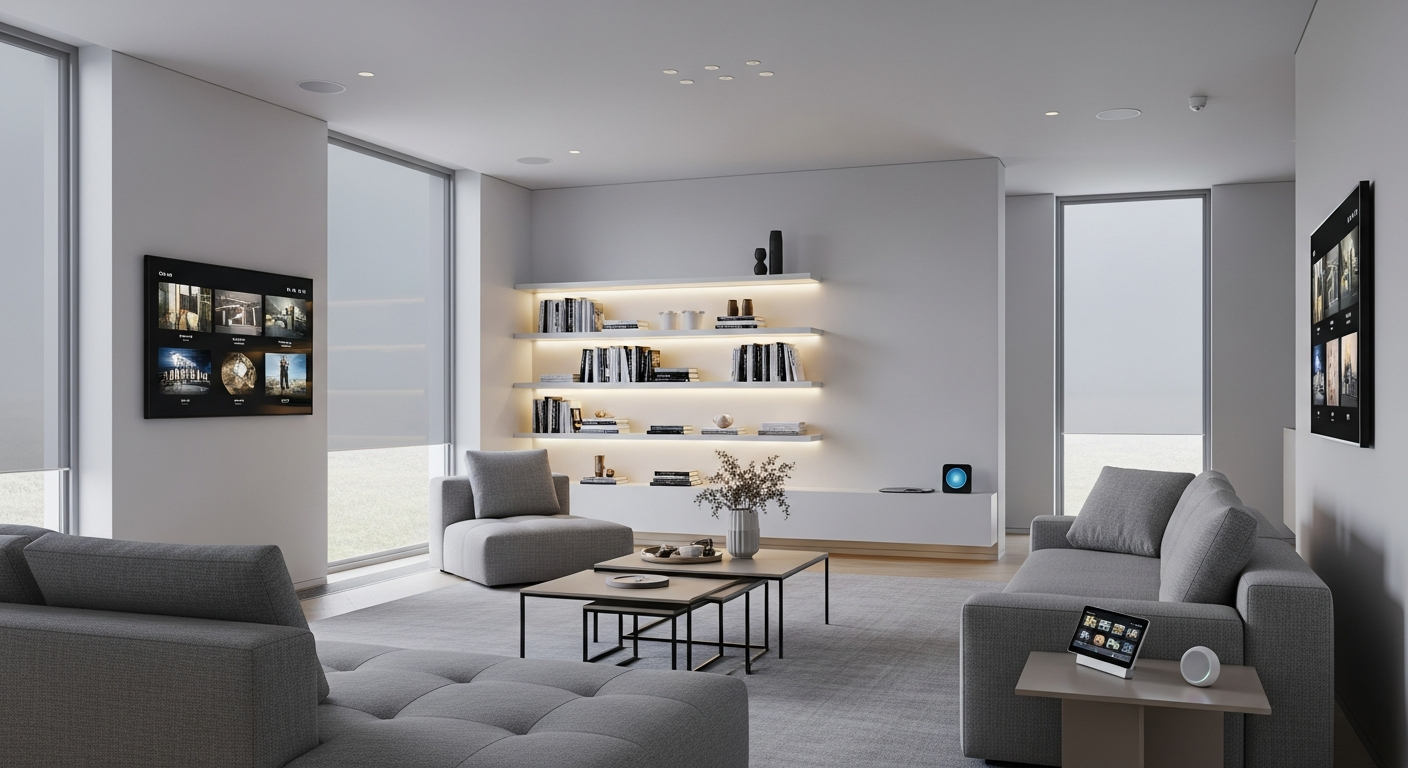
Welcome to the world of smart homes! This guide will help you understand what smart home devices are and how they can make your life simpler, even if you've never used tech like this before.
1. What exactly is a smart home device?
A smart home device is an everyday item, like a light bulb or a thermostat, that has been upgraded with technology to connect to the internet. This connection allows you to control it remotely using an app on your phone, a voice command, or even have it work automatically based on your preferences.
Think of it as giving your regular home items a "brain" so they can communicate with you and each other. They can perform tasks that traditional devices can't, offering convenience and efficiency.
2. How do smart devices connect to each other?
Smart devices connect using various wireless technologies, much like how your phone connects to Wi-Fi. Common ways include Wi-Fi, Bluetooth, Zigbee, and Z-Wave. These connections allow devices to send and receive information, creating a network within your home.
This network lets them "talk" to each other, enabling features like your smart light turning on when your smart door sensor detects you've arrived home.
3. Do I need a special hub for smart home devices?
Not always, but sometimes yes. Many smart devices, especially those using Wi-Fi, can connect directly to your home's internet router. However, some devices, particularly those using Zigbee or Z-Wave, require a central "hub" or "bridge."
A hub acts like a translator, allowing different types of smart devices to communicate with each other and with your home network. It can simplify control and enable more complex automation for multiple devices.
Direct Connection (No Hub)
- Connects straight to your Wi-Fi router
- Fewer devices to buy and set up
- Often simpler for single devices
- Can sometimes slow down Wi-Fi network
Hub Connection
- Hub connects to your Wi-Fi, devices connect to hub
- Required for Zigbee/Z-Wave devices
- Better for many devices or different brands
- Can create more reliable, faster network
4. What are the most common types of smart devices?
The most popular smart devices include smart speakers (like Amazon Echo or Google Nest), smart lighting (bulbs you control with your phone), smart thermostats (that learn your schedule), and smart security cameras (to monitor your home).
Other common devices are smart plugs (to make any appliance "smart"), smart door locks, and video doorbells. There's a smart version of almost anything you can imagine!
5. How do smart devices make life easier?
Smart devices bring convenience, comfort, and peace of mind. You can turn off lights from bed, adjust the thermostat before you get home, or check if you locked the front door from anywhere. They automate routine tasks, saving you time and effort.
Imagine waking up to lights slowly brightening, your coffee machine starting, and the news playing, all without lifting a finger. That's the power of smart home automation.
6. Are smart devices difficult to set up?
Generally, no. Most modern smart devices are designed to be user-friendly. Setup usually involves plugging in the device, downloading a companion app on your smartphone, and following simple on-screen instructions to connect it to your home network.
While some advanced setups might be more complex, basic installation for popular devices like smart bulbs or plugs is often quick and easy, taking just a few minutes.
7. Can smart devices save me money?
Yes, many smart devices can help you save money over time. Smart thermostats can optimize heating and cooling, reducing energy waste. Smart lighting can be set to turn off when no one is around, cutting electricity bills.
Monitoring devices like smart water leak detectors can prevent costly damage, and smart security systems can sometimes lower home insurance premiums. The initial investment can pay off through long-term savings.
Smart Home Money Savings
8. What's the difference between Wi-Fi and Zigbee devices?
Wi-Fi devices connect directly to your home's Wi-Fi router, just like your phone or laptop. They are easy to set up but can sometimes use more power and potentially slow down your Wi-Fi network if you have many of them.
Zigbee devices, on the other hand, require a separate hub to connect to your Wi-Fi. They use less power, create a more reliable mesh network (where devices help each other communicate), and are great for larger smart home systems.
9. How do I control my smart home devices?
You primarily control smart devices through a smartphone app provided by the device manufacturer or a central smart home platform (like Google Home or Apple HomeKit). Many devices also support voice control through smart speakers like Amazon Alexa or Google Assistant.
You can also set up automated routines, so devices respond to triggers like time of day, your location, or other device actions, allowing them to work without direct input.
10. Is my home compatible with smart technology?
Most modern homes are compatible with smart technology. You primarily need a reliable internet connection and a Wi-Fi router. For devices that plug into outlets or screw into light sockets, standard electrical wiring is sufficient.
Even older homes can be made smart with minimal effort. There are smart solutions for nearly every type of home, from apartments to large houses, making smart living accessible to everyone.