
What Wearable Tech Can Help Monitor Health and Safety?
Wearable tech includes gadgets you wear like a watch or ring that help keep an eye on your health and safety. They're becoming super popular for giving you peace of mind and quick help when needed.
1. What is a wearable device?
A wearable device is a small electronic gadget you wear on your body, like a piece of jewelry or clothing. It collects information about you and your surroundings. Think of it as a tiny computer on your wrist or finger that helps you track things without much effort.
2. How can a smartwatch help me?
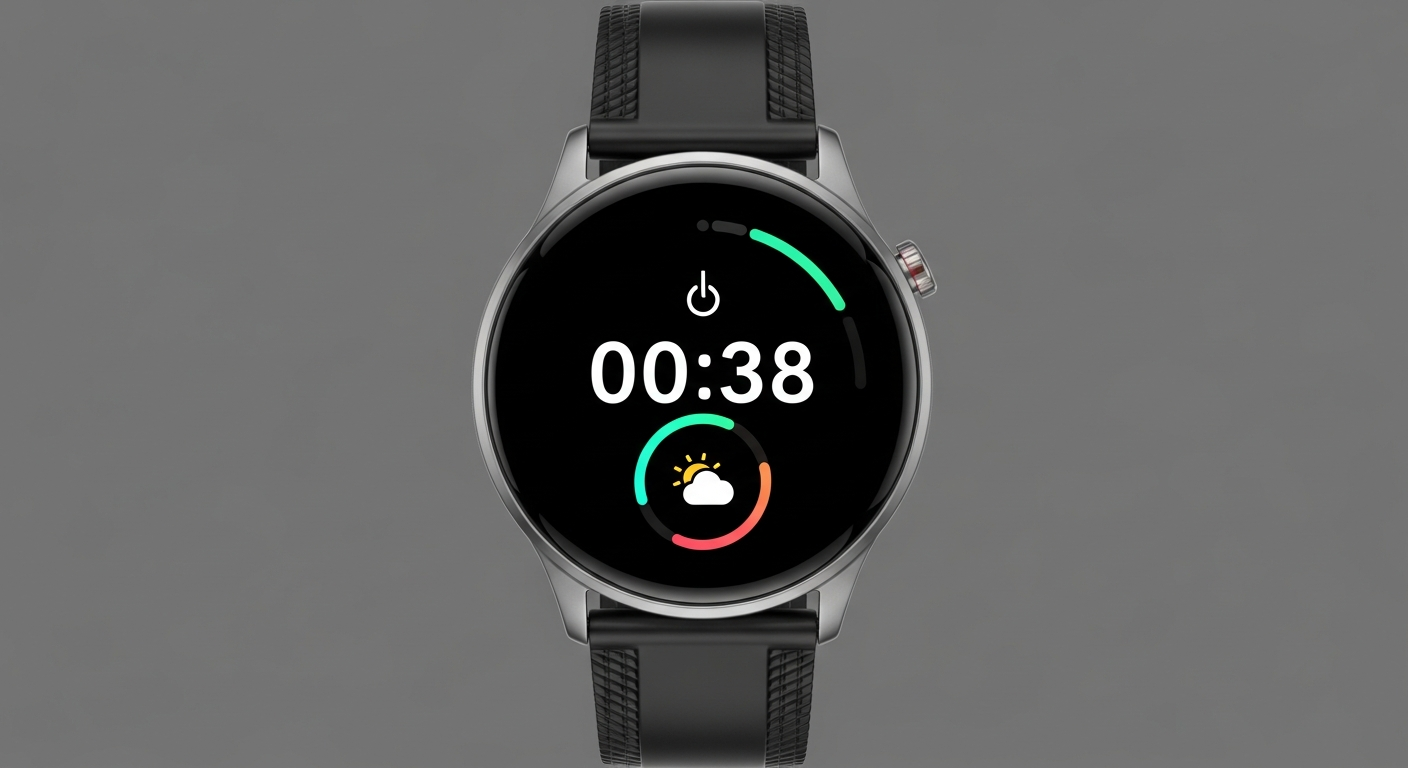
A smartwatch, a common type of wearable, can track your daily steps, sleep patterns, and even your heart rate. It can also remind you to move, show notifications from your phone, and in some cases, even let you make calls directly from your wrist. It's like having a mini health assistant and communication tool all in one.
3. Do these devices detect falls?
Yes, many modern wearable devices, especially smartwatches and dedicated fall detectors, have sensors that can detect if you've taken a hard fall. They use special technology to recognize sudden, sharp movements that indicate a fall, rather than just a quick sit-down. This feature is particularly helpful for older adults or those with certain health conditions.
Smartwatch
- Multi-purpose (calls, apps, fitness)
- Stylish, everyday wear
- Battery life 1-3 days
- Often requires smartphone
Dedicated Fall Detector
- Single purpose (fall detection)
- Simple, often pendant-style
- Battery life 1-3 months
- Can work independently
4. Can they alert someone in an emergency?
Absolutely. Many wearables have emergency features. If a fall is detected, or if you press a special button, the device can automatically send an alert. This alert typically goes to pre-selected emergency contacts, like family members or caregivers, and can even share your location so help can find you quickly.
5. How do they monitor heart rate?
Most wearables use a technology called photoplethysmography (PPG). This involves shining a green light onto your skin. The device then measures how much of that light is absorbed by your blood flow. Since blood flow changes with each heartbeat, the device can calculate your heart rate. It's a non-invasive and continuous way to keep an eye on your heart.
6. Are they comfortable to wear?
Yes, comfort is a key design goal for wearable tech. Manufacturers use lightweight materials like silicone, aluminum, or special plastics. They come in various sizes and designs, often with adjustable straps, to ensure they fit snugly without being too tight or bulky. Many people forget they're even wearing them after a short while.
7. Do I need a smartphone to use them?
While many wearables work best when paired with a smartphone, some can operate independently. Devices with built-in cellular connectivity can make calls and send alerts without a phone nearby. However, a smartphone is often needed for initial setup, viewing detailed health data, and changing settings.
Emergency Alert Flow
1. Event Triggered
Fall detected OR SOS button pressed
2. Device Confirms
Vibrates/asks "Are you OK?" (if fall)
3. Alert Sent
Texts/calls emergency contacts with location
4. Help Arrives
Contacts can respond or dispatch help
8. How often do I need to charge them?
Battery life varies greatly depending on the device and how you use it. Smartwatches with many features might need charging every 1-3 days. Simpler fitness trackers or dedicated safety devices can last a week or even months on a single charge. Checking the product's specifications will give you the best idea of its typical battery life.
9. Are they accurate?
For general health and fitness tracking, wearables are quite accurate. They provide good estimates for steps, sleep, and heart rate trends. However, they are not medical devices and should not replace professional medical advice or equipment. Always consult a doctor for diagnosis or treatment of health conditions.
10. What is an SOS button?
An SOS button is a dedicated feature on some wearable devices designed for emergencies. When pressed, it immediately triggers an alert to your pre-selected emergency contacts. It's a quick and simple way to call for help, especially if you're in a situation where you can't speak or reach your phone.