
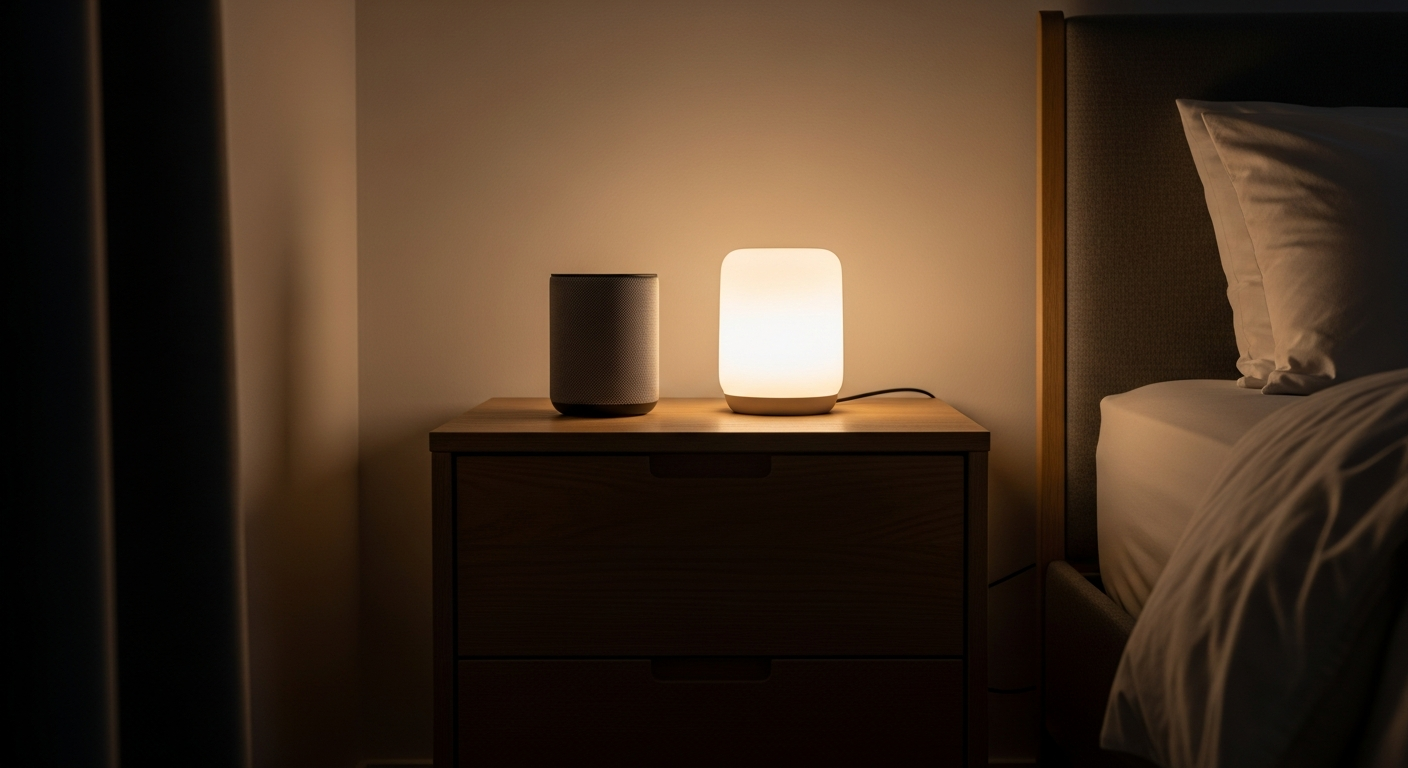
Voice assistants like Alexa and Google Assistant are smart devices that can make daily life much simpler for seniors. They respond to your voice, helping you with many tasks around the home without needing to touch buttons or screens.
1. What is a voice assistant like Alexa or Google Assistant?
A voice assistant is a smart speaker or device that listens and responds to your voice. Think of it like a helpful friend living in a small box, ready to answer questions or do tasks when you speak to it. You just say a special "wake word" like "Alexa" or "Hey Google" to get its attention.
2. How do I set up a voice assistant device?
Setting up a voice assistant usually involves plugging it into a power outlet and connecting it to your home's internet using a smartphone app. If you're not comfortable with technology, a family member or friend can easily help you get it ready. Once set up, it's ready to use with just your voice.
3. What commands can I use with a voice assistant?
You can use many simple commands to get help. For example, you can ask "What time is it?" or "Tell me a joke." You can also ask it to play music, set reminders, or give you the weather forecast. Just speak clearly, and the assistant will try its best to understand.
Setting a Reminder: Voice Assistant
- Say: "Alexa, remind me to take my pills at 8 AM."
- Assistant confirms: "Okay, I'll remind you at 8 AM."
- Hands-free and instant.
Setting a Reminder: Traditional Way
- Find a pen and paper or a physical alarm clock.
- Write down the reminder or set the alarm manually.
- Requires physical effort and time.
4. Can it help me make phone calls?
Yes, many voice assistants can help you make phone calls. You can simply say, "Call [Name of contact]" or "Call [Phone Number]." It's a great way to stay connected with family and friends without needing to pick up your phone or dial numbers. Some can even call emergency services in urgent situations.
5. How can it remind me about things?
Voice assistants are excellent for reminders. You can ask it to remind you about anything, like "Remind me to take my medication at 7 PM" or "Set an alarm for 6 AM." It will then speak out loud at the set time, helping you remember important tasks or appointments throughout your day.
6. Can it play music or audiobooks?
Absolutely! Voice assistants can play almost any music you can think of. Just ask, "Play some classical music" or "Play songs by Frank Sinatra." They can also play audiobooks, which are books read aloud, perfect for enjoying stories without straining your eyes. It's a wonderful way to relax or keep your mind active.
7. How do I ask for the weather or news?
It's very simple to get daily updates. Just say, "What's the weather today?" or "Tell me the news." The voice assistant will then give you the current forecast or read out the latest headlines from various news sources. It's an easy way to stay informed about what's happening around you.
Getting the Weather Forecast
8. Is it easy to understand the voice assistant?
Yes, voice assistants are designed to speak clearly and at a comfortable pace. You can often adjust their speaking volume too. They are built to understand many different voices and ways of speaking, making them very user-friendly for most people. If you speak clearly, it will usually understand you well.
9. What about privacy with voice assistants?
Voice assistants are designed to only listen for their "wake word" (like "Alexa"). They don't record everything you say all the time. Most devices also have a mute button you can press to turn off the microphone completely when you want extra privacy. You can also usually review and delete your voice recordings through a companion app.
10. Which voice assistant is best for a senior beginner?
Both Amazon Alexa (found in Echo devices) and Google Assistant (found in Google Nest devices) are excellent choices for beginners. They are very similar in how they work and are both designed to be easy to use with simple voice commands. The best one often comes down to personal preference or which one a helpful family member might already use.