
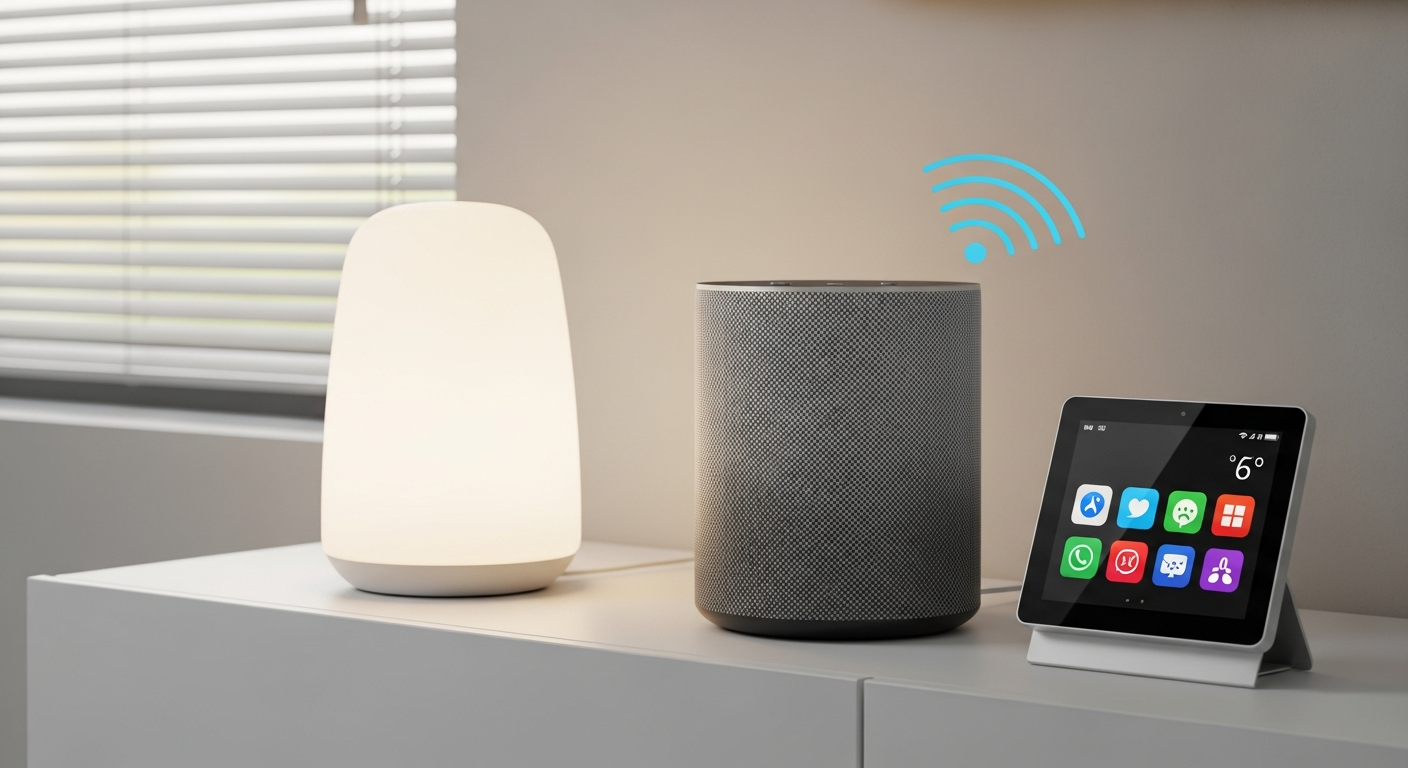
Voice assistants are smart devices that respond to your voice, making daily tasks easier and providing quick information. They can be a wonderful tool for seniors, offering convenience and connection.
1. What are the basic commands a senior can use with a voice assistant?
The most common commands are simple phrases. You start by saying the "wake word" like "Hey Assistant" or "Alexa," then your request. For example, "Hey Assistant, stop," "Hey Assistant, turn up the volume," or "Hey Assistant, what time is it?" These basic phrases let you control the device and get immediate answers.
2. How can a voice assistant help with setting reminders and alarms?
Voice assistants excel at managing schedules. Seniors can simply say, "Hey Assistant, set a reminder for my medication at 2 PM," or "Hey Assistant, wake me up at 7 AM tomorrow." This hands-free way to remember important events and daily routines can be very helpful, especially for medication schedules or appointments.
3. Can voice assistants provide news, weather, and general information?
Yes, they are excellent sources for quick updates. You can ask, "Hey Assistant, what's the weather like today?" or "Hey Assistant, tell me the news headlines." They can also answer general knowledge questions like "Hey Assistant, what's the capital of France?" providing immediate, spoken information without needing to read screens.
Getting Information: The Old Way
- Find remote, turn on TV
- Wait for news/weather segment
- Search through newspaper or computer
- Requires reading or visual focus
Getting Information: With Voice Assistant
- "Hey Assistant, what's the weather?"
- "Hey Assistant, tell me the news."
- "Hey Assistant, what time is it?"
- Hands-free, instant audio response
4. How do seniors use voice assistants to play music or audiobooks?
It's incredibly easy. Just say, "Hey Assistant, play some classical music," or "Hey Assistant, play my audiobook." They can start specific songs, artists, genres, or continue an audiobook from where you left off. This provides entertainment and companionship without needing to operate complex music players or screens.
5. What are the best voice assistant devices for ease of use?
For seniors, devices that are simple and have clear audio are best. Many smart speakers without screens are very straightforward, as they only require voice commands. Devices with small screens can also be helpful for visual cues, but the primary interaction should remain voice-based for maximum ease of use. Look for models known for good sound quality.
6. Is it easy to set up a voice assistant for an elderly person?
Setting up a voice assistant typically involves plugging it in and connecting it to Wi-Fi using a smartphone app. While the process is guided, it might be easier for a family member or caregiver to do the initial setup. Once set up, the senior can use it immediately with just their voice, no further technical steps needed.
7. What privacy considerations should I know about voice assistants?
Voice assistants listen for their "wake word" but only record and send audio to the cloud after hearing it. Companies use these recordings to improve the service. Most devices have a mute button to physically turn off the microphone. Users can also review and delete their voice history through the companion app, giving control over their data.
Simple Voice Assistant Setup Steps
8. Can voice assistants control smart home devices for seniors?
Yes, voice assistants can connect to compatible smart home devices like lights, thermostats, and smart plugs. This allows seniors to control their environment with simple voice commands, such as "Hey Assistant, turn on the living room light" or "Hey Assistant, set the thermostat to 72 degrees." This can greatly enhance comfort and safety.
9. How do I troubleshoot common voice assistant problems?
Most common issues are easy to fix. First, ensure the device is plugged in and connected to Wi-Fi. If it's not responding, try repeating your command clearly and a bit louder. Sometimes, simply unplugging the device for 30 seconds and plugging it back in (a "reboot") can resolve minor glitches. Check the mute button to ensure the microphone isn't off.
10. Are there specific skills or routines useful for elderly users?
Absolutely. You can set up custom "routines" or "skills." For example, a "Good Morning" routine could play the news, give the weather, and list today's reminders with one command. Other useful skills include simple games, guided meditations, or even making hands-free calls to pre-approved contacts, enhancing daily life and connectivity.