
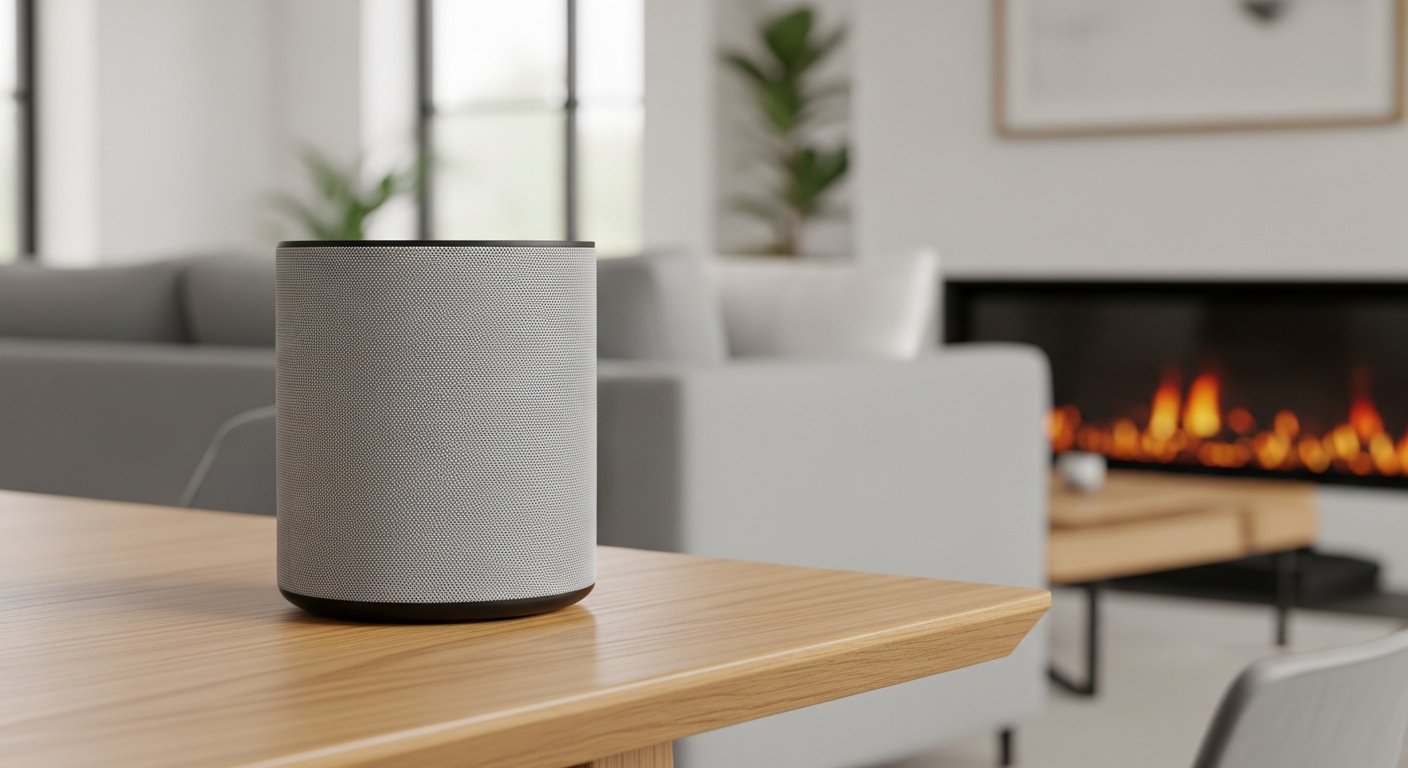
Voice assistants are becoming a helpful tool for many, especially seniors looking to make daily tasks a little easier. This guide will answer common questions about how these smart devices can simplify your life.
1. What exactly is a voice assistant or smart speaker?
A voice assistant is a computer program that understands spoken commands and answers questions. A smart speaker is a device, like a small speaker, that has a voice assistant built into it. You talk to the speaker, and it talks back to you, helping with various tasks around your home.
2. How do I ask a voice assistant a question or give a command?
To get its attention, you first say a "wake word," like "Alexa" or "Hey Google." After you say the wake word, you then speak your question or command clearly. For example, you might say, "Alexa, what's the weather today?" The device will then respond to you.
3. Can it set reminders for appointments or medications?
Yes, this is one of its most helpful features! You can tell your voice assistant to remind you about anything. For example, say, "Hey Google, remind me to take my pills at 8 AM every day," or "Alexa, remind me about Dr. Smith's appointment next Tuesday at 2 PM." It will then speak the reminder aloud at the set time.
Traditional Reminders
- Written notes
- Calendar apps
- Manual alarms
- Can be forgotten
Voice Assistant Reminders
- Set by voice
- Spoken aloud
- Recurring options
- Hands-free convenience
4. How can it help me get news and weather updates?
Simply ask! You can say, "Alexa, what's the news?" and it will play a summary of the day's headlines from various sources. For weather, you can say, "Hey Google, what's the weather like in my area?" or "Alexa, will it rain tomorrow?" It provides instant, up-to-date information without needing to read a newspaper or turn on the TV.
5. Can I play music or audiobooks using just my voice?
Absolutely! Voice assistants can connect to popular music services and audiobook platforms. You can say, "Alexa, play classical music," or "Hey Google, play the latest audiobook by my favorite author." It's a great way to enjoy entertainment hands-free, making it easy to listen while doing other activities.
6. How do I connect it to other smart devices in my home?
Many smart home devices, like smart lights or thermostats, can be linked to your voice assistant. You usually do this through the voice assistant's app on a smartphone or tablet. Once connected, you can say things like, "Alexa, turn on the living room lights," or "Hey Google, set the thermostat to 72 degrees."
7. Is a voice assistant easy for a beginner to set up?
Setting up a voice assistant is designed to be straightforward. You typically plug it in, download a simple app on a smartphone or tablet (if you have one), and follow the on-screen instructions to connect it to your home's Wi-Fi. Many setup guides are available online, and family members can often help with the initial steps.
Voice Assistant Setup Flow
8. What are the privacy implications of using voice assistants?
Voice assistants are always listening for their "wake word" but only record and send your voice commands to the cloud after they hear it. Companies say they use this data to improve the service. You can usually review and delete your voice recordings in the companion app, and some devices have a mute button to physically turn off the microphone for added privacy.
9. Can it make phone calls or send messages for me?
Yes, most voice assistants can make calls to contacts in your phone or other voice assistant users. You can say, "Alexa, call John Smith," or "Hey Google, send a message to Sarah." This feature is very convenient, especially if your hands are full or you have difficulty using a traditional phone.
10. What are some fun or unexpected things I can ask it?
Beyond practical tasks, voice assistants can be quite entertaining! Try asking, "Alexa, tell me a joke," or "Hey Google, play a game." You can also ask for fun facts, trivia, or even just "What's the meaning of life?" They often have charming or witty responses that can bring a smile to your face.