
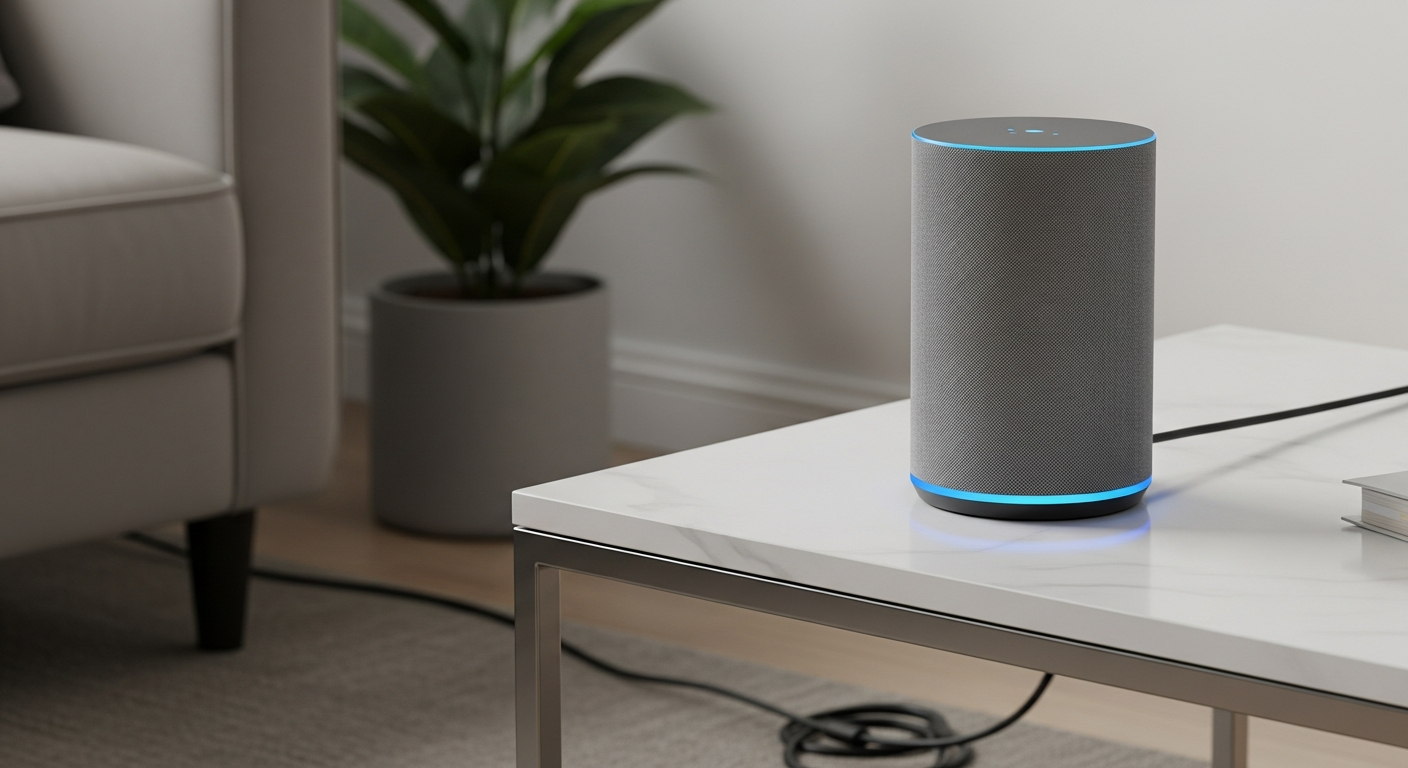
Voice assistants like Alexa and Google Home are becoming popular helpers in many homes. This guide will explain how these smart devices can make daily life easier and more enjoyable for seniors.
1. What is a voice assistant device?
A voice assistant device is a smart speaker or display that listens to your voice commands. Think of it like a helpful friend living in a small box, ready to answer questions, play music, or control other smart devices in your home, all by just using your voice.
2. How do I ask Alexa or Google Home a question?
It's simple! You start by saying a "wake word," like "Alexa" or "Hey Google." Then, you just ask your question naturally, as if you were talking to a person. For example, "Alexa, what time is it?" or "Hey Google, what's the weather today?"
3. Can they set reminders for appointments?
Yes, absolutely! Voice assistants are excellent at remembering things so you don't have to. You can tell them, "Alexa, remind me to take my medication at 8 AM," or "Hey Google, set a reminder for my doctor's appointment tomorrow at 2 PM." They will then speak out the reminder at the set time.
Alexa (Amazon Echo)
- Great for Amazon shopping
- Wide range of smart home devices
- Many "Skills" (apps) available
Google Home (Nest Hub)
- Excellent for general knowledge questions
- Integrates well with Google services (Calendar, Maps)
- Good for Android phone users
4. How do I listen to music or news using voice?
Just ask! You can say, "Alexa, play some classical music," or "Hey Google, play the latest news." You can also ask for specific radio stations, artists, or even audiobooks. It's a hands-free way to enjoy your favorite sounds and stay informed.
5. Can they help me make phone calls?
Yes, they can! Voice assistants allow you to make calls to friends and family using just your voice. You might need to link your phone's contacts or a specific calling service first. Then, you can simply say, "Alexa, call John," or "Hey Google, call Mom."
6. What about controlling smart lights with my voice?
If you have smart light bulbs or plugs, you can connect them to your voice assistant. This means you can say, "Alexa, turn on the living room lights," or "Hey Google, dim the bedroom light to 50%." No more fumbling for light switches, especially helpful in the dark.
7. Are voice assistants easy for beginners to set up?
Setting up a voice assistant usually involves plugging it in and using a simple app on a smartphone or tablet to connect it to your home's Wi-Fi. While the initial setup might require a little help from a family member, daily use is very straightforward and relies only on your voice.
Using Your Voice Assistant
8. Do they understand different accents?
Modern voice assistants are very good at understanding a wide range of accents and speech patterns. They use advanced technology to learn and adapt over time, so even if you have a unique way of speaking, they are likely to understand you well after a short period of use.
9. What are privacy concerns with voice assistants?
Voice assistants are designed to only listen for their "wake word." They don't constantly record everything you say. You can also review and delete your voice recordings in the app, and mute the microphone on the device itself for extra privacy whenever you wish.
10. Can they help me find recipes or weather forecasts?
Absolutely! They are like a quick information desk. You can ask, "Alexa, what's the weather like tomorrow?" or "Hey Google, find a recipe for chicken soup." They can give you instant answers, saving you from having to look up information on a computer or phone.