
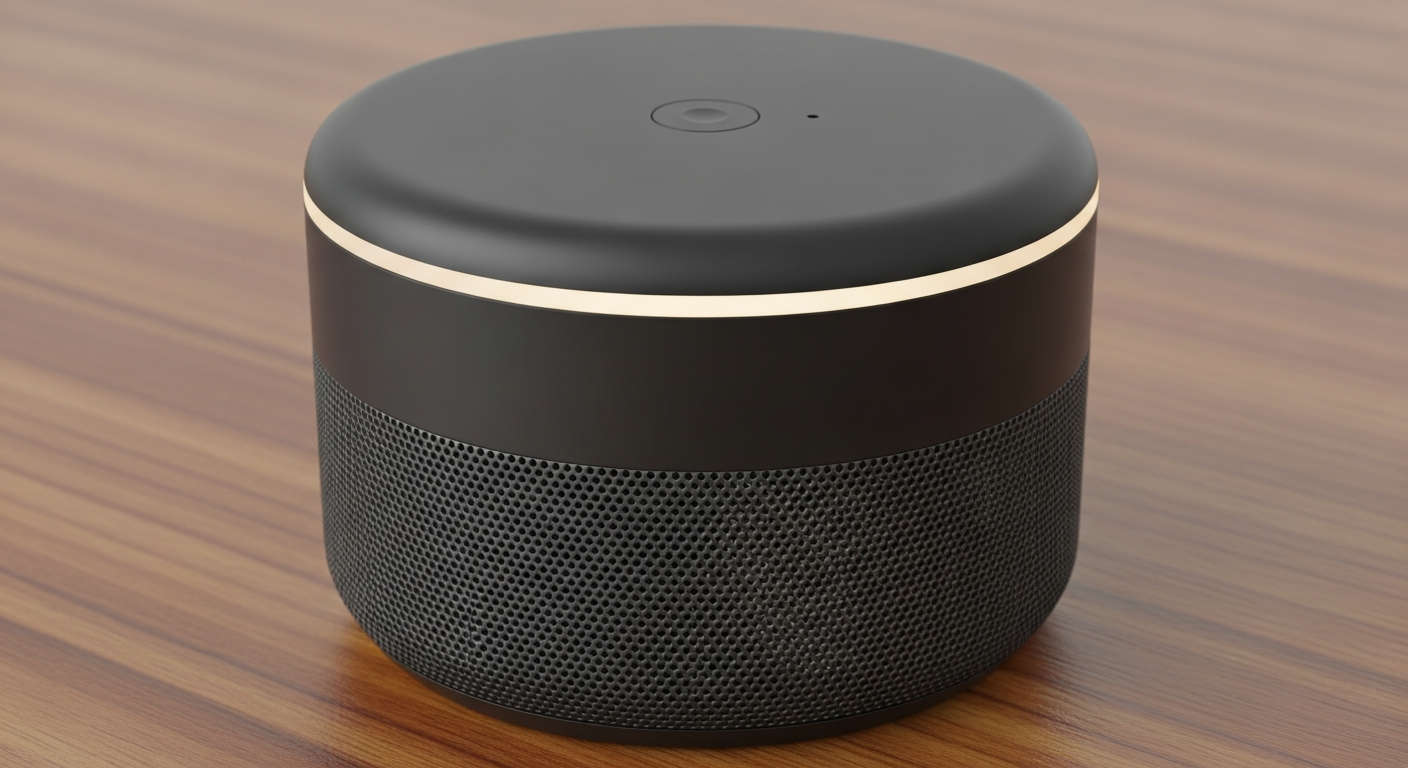
Voice assistants like Alexa and Google Home can be wonderful helpers for seniors, making daily life easier and more connected. This guide will show you how these smart devices can assist with tasks, reminders, and even entertainment.
1. What is a voice assistant like Alexa or Google Home?
A voice assistant is a smart device that listens to your voice commands and performs tasks. Think of it as a helpful digital companion you can talk to. Common examples are Amazon Alexa (found in Echo devices) and Google Assistant (found in Google Home/Nest devices).
These assistants can answer questions, play music, set timers, and even control smart home devices, all just by using your voice. They connect to the internet to access information and services.
2. How can I set reminders with a voice assistant?
Setting reminders is one of the most useful features. Simply say, "Alexa, remind me to take my pills at 8 AM" or "Hey Google, remind me to call Mary at 3 PM." The assistant will then speak the reminder aloud at the specified time.
You can set reminders for appointments, medications, birthdays, or anything else you need to remember. You can also ask, "What are my reminders?" to hear all upcoming alerts.
3. Can it help me make calls?
Yes, most voice assistants can help you make calls to friends and family. You usually need to link your phone's contacts or a specific calling service to the device first. Once set up, you can simply say, "Alexa, call John" or "Hey Google, call Mom."
This feature is great for hands-free communication, especially if you have difficulty using a traditional phone or need to multitask.
Voice Commands
- "Alexa, set a timer for 10 minutes."
- "Hey Google, what's the weather?"
- "Play classical music."
- Hands-free operation.
- Great for accessibility.
Manual Actions
- Finding a physical timer.
- Checking a phone app or TV.
- Turning on a radio/stereo.
- Requires pressing buttons.
- Can be fiddly or slow.
4. How do I ask for the weather or news?
Getting daily information is very simple. Just say, "Alexa, what's the weather today?" or "Hey Google, tell me the news." The assistant will provide current conditions or play a summary of the latest headlines from your chosen news sources.
You can customize your news sources in the assistant's app to hear from your preferred channels. It's a convenient way to stay informed without needing to read or watch TV.
5. Can it play music for me?
Absolutely! Voice assistants are excellent for playing music. You can ask for specific songs, artists, genres, or even moods. Try saying, "Alexa, play some jazz music" or "Hey Google, play songs by Frank Sinatra."
They can connect to popular music services like Spotify, Apple Music, or Amazon Music. It's a fantastic way to enjoy your favorite tunes or discover new ones, all with a simple voice command.
6. How do I set up a voice assistant?
Setting up usually involves plugging in the device and downloading its companion app (like the "Alexa app" or "Google Home app") on a smartphone or tablet. The app will guide you through connecting the device to your home Wi-Fi network.
You'll create an account and personalize settings, such as your location for weather or preferred news sources. If you need help, a family member or friend can often assist with the initial setup.
7. What are "routines" and how do they work?
Routines are a sequence of actions that your voice assistant performs automatically based on a single command or a set time. For example, you could say "Good morning," and it might turn on lights, tell you the weather, and play the news.
You set up routines in the assistant's app. You choose a trigger (like a phrase or a time) and then select the actions you want the assistant to do. They simplify daily tasks by bundling multiple commands together.
Example: Morning Routine
Trigger: You say "Good morning."
Action 1: Assistant turns on smart lights.
Action 2: Assistant tells you the weather.
Action 3: Assistant plays your daily news briefing.
Action 4: Assistant plays your favorite music.
8. Can it help me find recipes?
Yes, voice assistants can be helpful in the kitchen! You can ask for recipes for specific dishes or ingredients. For example, "Alexa, find a recipe for chicken soup" or "Hey Google, how do I make mashed potatoes?"
The assistant can read out ingredients and instructions step-by-step, making it hands-free while you're cooking. Some smart displays (devices with screens) can even show you video tutorials.
9. Is it secure to use a voice assistant?
Voice assistants are designed with privacy and security features. They typically only "wake up" and record audio after hearing their wake word (like "Alexa" or "Hey Google"). You can review and delete your voice recordings through the companion app.
Manufacturers regularly update their software to protect your information. For added privacy, you can often mute the microphone directly on the device when not in use.
10. What are the best voice assistant devices?
The "best" device often depends on your needs and budget. Popular options include Amazon Echo devices (like the Echo Dot or Echo Show with a screen) and Google Nest devices (like the Nest Mini or Nest Hub).
Consider if you want a screen (for video calls, recipes, or photos) or just a speaker. Both Amazon and Google offer reliable, easy-to-use options that are widely available in 2026.