
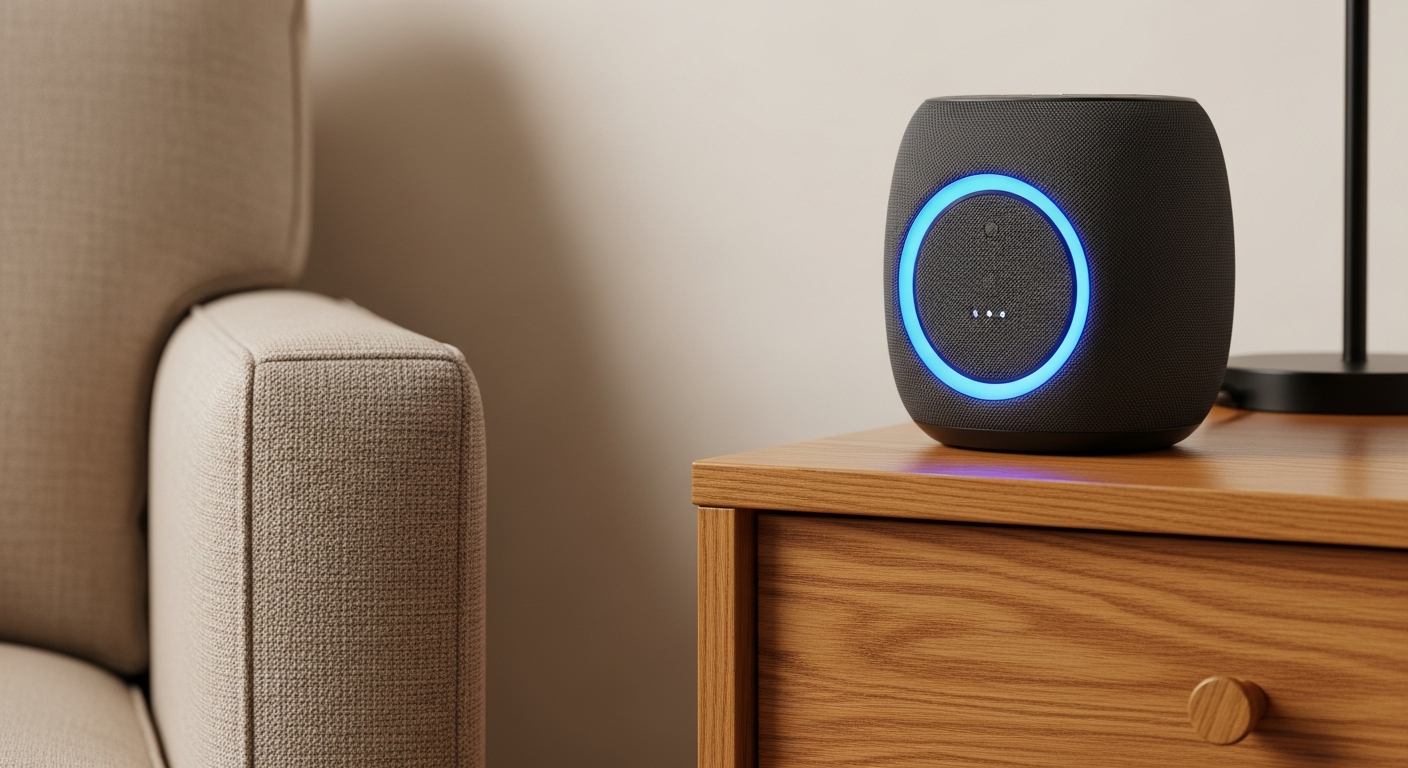
Voice assistants are smart speakers or apps that respond to your voice. They can make daily life easier and more connected for seniors.
1. What is a voice assistant (like Alexa or Google Home)?
A voice assistant is a smart device or program that listens to your voice commands and performs tasks. Think of it like having a helpful assistant you can talk to. Popular examples include Amazon Alexa and Google Home devices.
These devices connect to the internet and use artificial intelligence to understand what you say. They can answer questions, control other smart devices, and help with many daily activities, all just by using your voice.
2. How do I set up a voice assistant?
Setting up a voice assistant usually involves plugging it in and connecting it to your home Wi-Fi network. You'll typically need a smartphone or tablet to download a companion app (like the Alexa app or Google Home app).
The app will guide you through connecting the device to your Wi-Fi and linking it to your account. Once connected, you can start talking to it! It's designed to be straightforward, often with step-by-step instructions.
3. What can voice assistants do for seniors?
Voice assistants can greatly assist seniors with daily tasks. They can set medication reminders, help make hands-free phone calls, and provide instant answers to questions without needing to type or search. They also offer entertainment and companionship.
For example, they can read recipes aloud, tell jokes, or play soothing music. This makes everyday activities simpler and more accessible, especially for those with limited mobility or vision.
Voice Assistant Benefits
- Hands-free operation
- Instant information access
- Set reminders easily
- Connect with family
- Entertainment & companionship
Traditional Methods
- Manual dialing/typing
- Searching on computer/phone
- Writing notes/calendars
- Limited immediate contact
- Physical media required
4. Can they make calls or send messages?
Yes, most voice assistants can make calls to contacts or phone numbers you specify, all hands-free. They can also send messages, often by converting your spoken words into text. This is incredibly helpful for staying connected with family and friends.
You simply say, "Hey Google, call Mom" or "Alexa, send a message to John saying I'll be late." This feature is particularly useful for seniors who may find small phone screens or dialing difficult.
5. How do I set reminders with voice commands?
Setting reminders is one of the easiest and most valuable features. Just tell your voice assistant what you need to remember and when. For example, you can say, "Alexa, remind me to take my pills at 8 AM every day."
You can set reminders for appointments, medication, watering plants, or anything else. The device will then alert you at the specified time with an audible notification, ensuring you don't miss important tasks.
6. Can they play music or audiobooks?
Absolutely! Voice assistants are excellent for entertainment. You can ask them to play specific songs, artists, genres, or even radio stations. They can also play audiobooks, podcasts, and calming sounds.
This provides easy access to a vast library of audio content without needing to operate complex devices. It's a great way for seniors to enjoy their favorite tunes or listen to a story without any fuss.
7. What about getting news and weather updates?
Voice assistants are perfect for quick, daily information updates. You can simply ask, "Hey Google, what's the weather like today?" or "Alexa, give me the news headlines." They will provide current, relevant information immediately.
This keeps seniors informed about local conditions and world events without needing to read newspapers or navigate news websites. It’s a convenient way to start the day with essential information.
Daily Information Flow
8. Are voice assistants easy to use for everyone?
For many seniors, voice assistants are very easy to use because they rely on natural speech rather than complex buttons or menus. If someone can speak clearly, they can often use these devices effectively.
However, some may need initial help with setup or learning the commands. With a little practice, and perhaps a cheat sheet of common phrases, most seniors can quickly become comfortable using them for daily tasks.
9. What are the privacy implications?
Voice assistants are always listening for their "wake word" (like "Alexa" or "Hey Google"). While they don't record everything, they do record and send snippets of audio to the cloud when they hear the wake word or are activated.
Most companies have privacy settings allowing you to review or delete these recordings. It's important to understand these settings and adjust them to your comfort level. Devices usually have a mute button to physically turn off the microphone when not in use.
10. Which voice assistant is best for seniors?
Both Amazon Alexa and Google Home devices offer similar core features that are beneficial for seniors. The "best" choice often comes down to personal preference or what family members already use.
Alexa is known for its wide range of "skills" (apps) and devices, while Google Home often integrates well with other Google services. It's recommended to consider ease of use, family familiarity, and specific features that might be most important to the individual senior.