
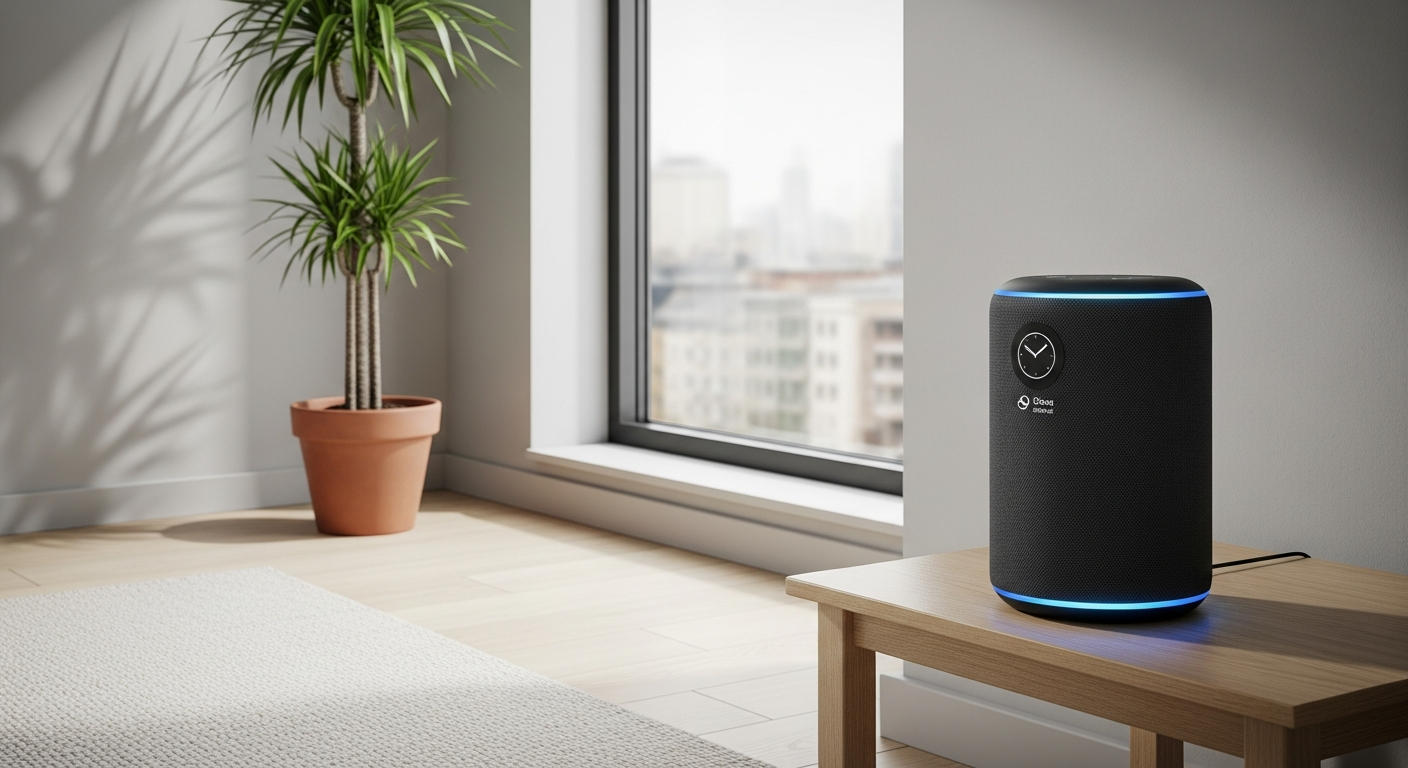
Voice assistants like Amazon Echo (Alexa) and Google Nest (Google Assistant) are becoming popular helpers in homes. They can make daily tasks easier and more fun, especially for seniors.
1. What is a voice assistant?
A voice assistant is a smart speaker or display that responds to your voice commands. Think of it as a helpful friend you can talk to. You ask it questions or tell it what to do, and it tries its best to help you.
These devices connect to the internet to find information, play music, set timers, and even control other smart gadgets in your home, all just by listening to your voice.
2. How do I set up an Amazon Echo or Google Nest device?
Setting up is usually done with a smartphone or tablet. First, plug in your device. Then, download the Alexa app (for Amazon Echo) or Google Home app (for Google Nest) onto your phone.
The app will guide you step-by-step to connect your device to your home Wi-Fi and link it to your account. It's often as simple as following on-screen prompts and choosing your device from a list.
3. What commands can I use for setting reminders?
Setting reminders is very easy. You can say things like, "Alexa, remind me to take my pills at 8 AM every day," or "Hey Google, set a reminder for my doctor's appointment next Tuesday at 10 AM."
You can also ask, "Alexa, what are my reminders?" or "Hey Google, show me my reminders." The assistant will then tell you what you have scheduled or display them if you have a screen device.
Amazon Echo (Alexa)
- "Alexa, set a reminder for 'water plants' at 3 PM."
- "Alexa, remind me weekly to call Sarah."
- "Alexa, what are my reminders?"
Google Nest (Google Assistant)
- "Hey Google, remind me to 'check mail' at 11 AM."
- "Hey Google, set a daily reminder for 'medication'."
- "Hey Google, list my reminders."
4. Can I make calls using a voice assistant?
Yes, you can make calls to friends and family using your voice assistant. For Alexa, you can call other Alexa devices or contacts in your phone's address book. For Google Nest, you can call most phone numbers in your country.
You might say, "Alexa, call Mom," or "Hey Google, call David." It's a hands-free way to connect, which can be very helpful if you're busy or have difficulty using a phone.
5. How do I get weather updates or news?
It's simple to get up-to-date information. Just ask, "Alexa, what's the weather like today?" or "Hey Google, what's the news?" The assistant will then tell you the current weather or play a summary of the latest headlines.
You can customize your news sources in the companion app to hear from your favorite news outlets. This keeps you informed without needing to pick up a newspaper or turn on the TV.
6. Can it help me play music or audiobooks?
Absolutely! Voice assistants are great for entertainment. You can ask them to play specific songs, artists, genres, or even radio stations. Say, "Alexa, play some classical music," or "Hey Google, play my favorite jazz playlist."
They also work with audiobook services. You can say, "Alexa, play my audiobook," or "Hey Google, resume my audiobook." It's a convenient way to enjoy stories and music without fumbling with small buttons.
7. What about controlling smart home devices with my voice?
Voice assistants can be the central control for many smart home gadgets. If you have smart lights, thermostats, or door locks that are compatible, you can control them with your voice.
For example, you could say, "Alexa, turn on the living room lights," or "Hey Google, set the thermostat to 72 degrees." This offers great convenience and can be a big help for those with mobility challenges.
Voice Control for Smart Home
8. Are voice assistants good for people with limited mobility?
Yes, they are incredibly beneficial. Voice assistants allow you to control devices, get information, and communicate without needing to physically move or use small buttons. This can greatly enhance independence.
Tasks like turning lights on or off, making calls, or changing the TV channel become effortless with just your voice. This makes daily living much simpler and safer for those who find movement difficult.
9. What are the privacy concerns with listening devices?
Voice assistants are designed to only "wake up" and record when they hear their wake word (like "Alexa" or "Hey Google"). They don't constantly record everything you say.
However, recordings of your commands are sent to the cloud to process your requests. You can usually review and delete these recordings in the companion app, and adjust privacy settings to your comfort level.
10. Are there specific skills or routines for seniors?
Yes, both Alexa and Google Assistant offer many "skills" or "routines" that can be very helpful. You can create custom routines, for example, saying "Good morning" could trigger the news, weather, and turn on the kitchen lights.
There are also specific skills for things like brain games, guided meditations, medication reminders, or even finding lost items. Explore the Alexa Skills Store or Google Home app for options that fit your needs.