
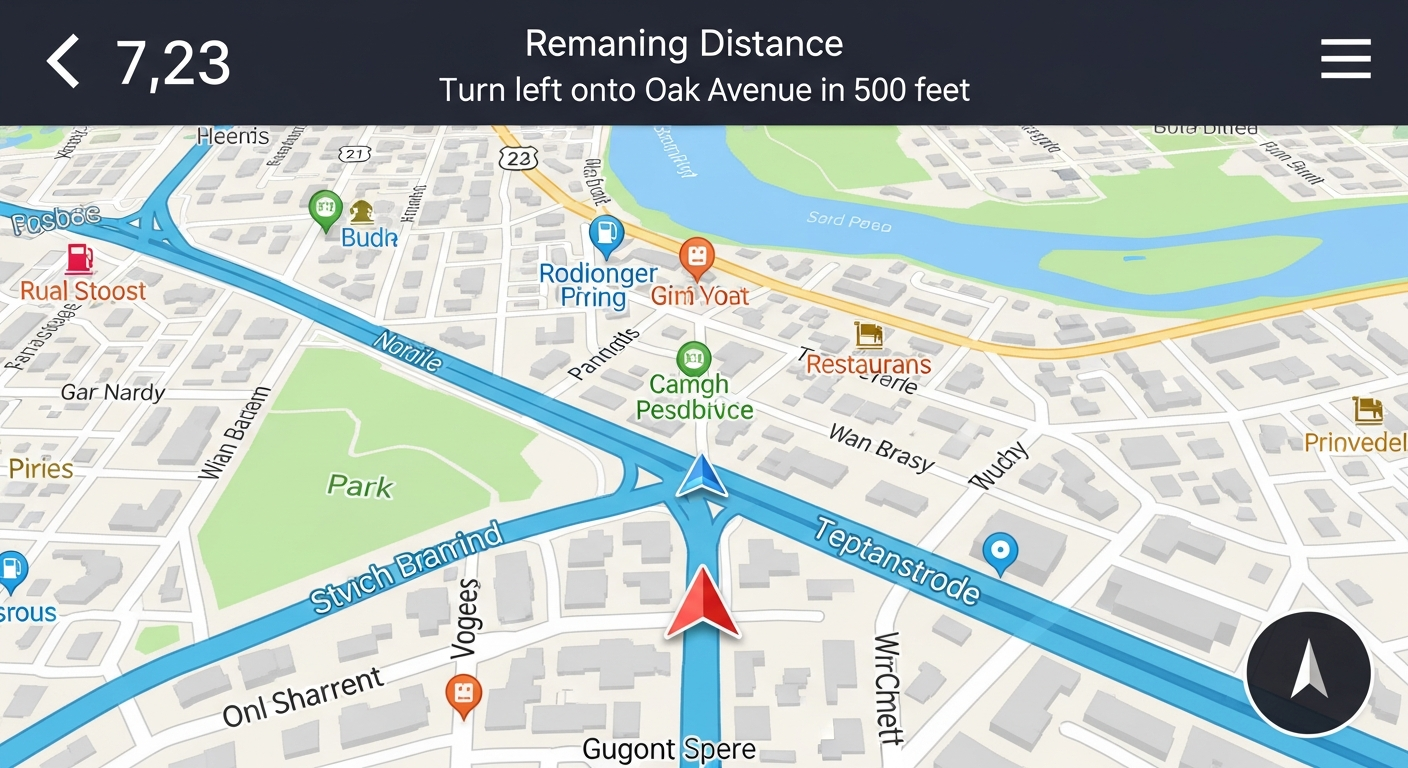
Planning a trip or just heading to a new place? Your phone can be a powerful guide! This guide will help you understand how to use navigation apps to make your travels easier.
1. What is a navigation app?
A navigation app is like having a digital map and a helpful guide right in your pocket. It uses your phone's location to show you where you are and helps you find the best way to get to your destination, whether you're walking, driving, or using public transport.
2. How do I download a navigation app?
You download navigation apps just like any other app. If you have an iPhone, open the "App Store." If you have an Android phone, open the "Google Play Store." Search for apps like "Google Maps" or "Waze," then tap "Install" or "Get."
3. Is Google Maps free to use?
Yes, Google Maps is completely free to download and use. It's one of the most popular navigation apps because it offers many features without any cost. Other popular apps like Waze are also free.
Google Maps
- Detailed maps worldwide
- Public transport info
- Street View photos
- Good for planning
Waze
- Real-time traffic alerts
- User-reported hazards
- Community-driven updates
- Good for daily commute
4. How do I enter a destination in a navigation app?
Once you open the app, you'll usually see a search bar at the top. Tap on it and type in the address, name of a place (like "Eiffel Tower"), or even a business name. The app will then show you possible routes to get there.
5. Can I get voice-guided directions?
Absolutely! Most navigation apps offer voice guidance, which is very helpful, especially when driving. After you select your route, look for a "Start" or "Go" button. The app will then speak directions aloud, telling you when to turn and which way to go.
6. What if I lose internet signal while navigating?
This is a common concern! Many apps can continue guiding you for a while if you lose signal, especially if you started the route with a connection. For longer trips or areas with spotty service, consider downloading "offline maps" beforehand. This saves map data directly to your phone.
7. How do I avoid tolls or highways?
Yes, you can customize your routes. After you enter your destination and the app shows you route options, look for a "Options," "Settings," or "Route Options" button. Here, you can usually find checkboxes to "Avoid Tolls," "Avoid Highways," or "Avoid Ferries."
Setting Up Your Route
8. Can I save routes for later use?
Many navigation apps allow you to save locations or even specific routes. For locations, you can often "star" or "favorite" an address. For routes, some apps let you "pin" or "save" a planned trip. This is great for places you visit often or for future travel plans.
9. What are offline maps and how do they work?
Offline maps are map areas you download to your phone. This means you don't need an internet connection to view the map or get directions within that downloaded area. They work by storing the map data directly on your device, using up some storage space but ensuring you never get lost in areas without signal.
10. How do I update my navigation app?
Keeping your app updated ensures you have the latest maps and features. On an iPhone, open the "App Store," tap your profile picture, and scroll down to see available updates. On an Android phone, open the "Google Play Store," tap your profile picture, then "Manage apps & device" to find updates. It's a good idea to update regularly.