
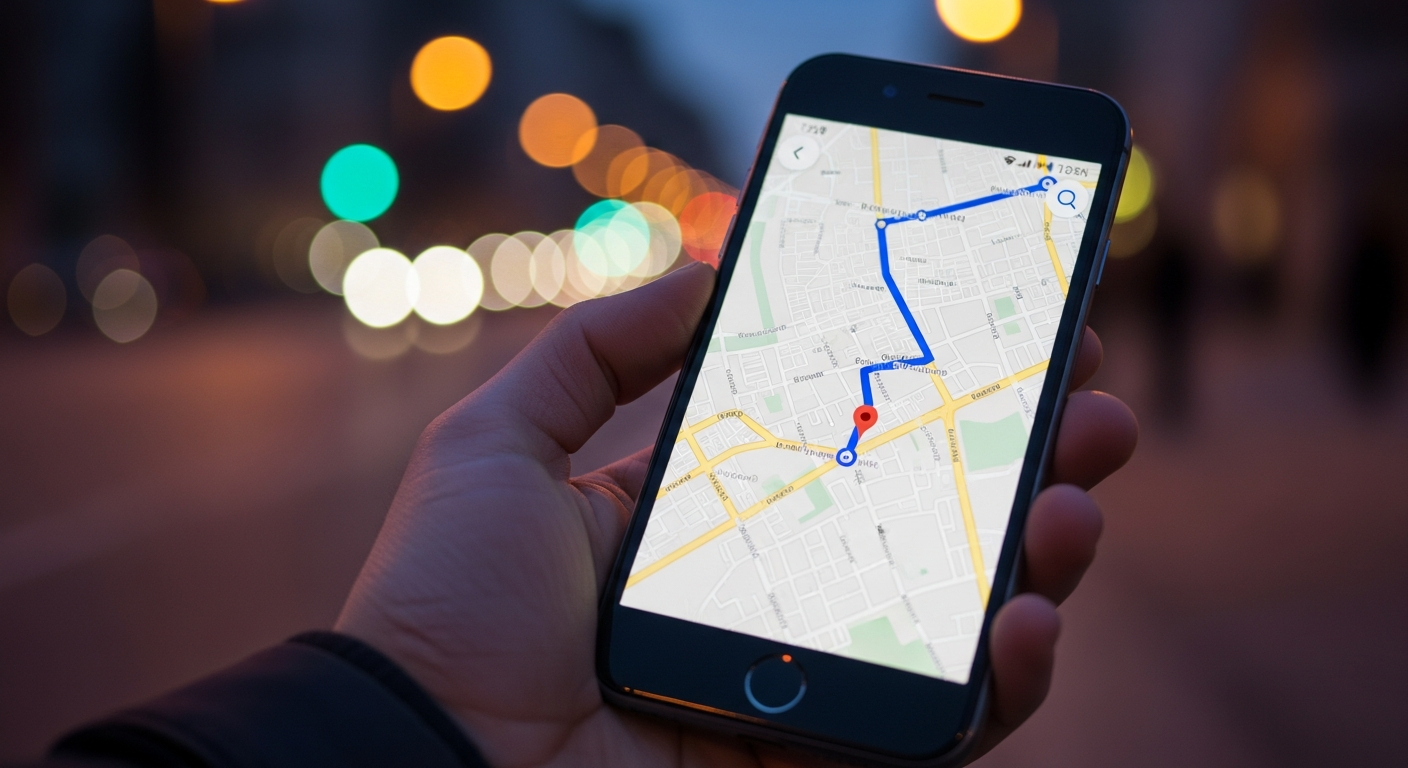
Ever been lost in an unfamiliar area with no signal? Navigation apps are super helpful, but they usually need internet to work. Luckily, you can often use them without an internet connection!
1. What are offline maps and why are they useful?
Offline maps are digital maps that you download and save directly onto your phone or tablet. This means your device doesn't need to connect to the internet to see the map or figure out where you are. They are incredibly useful for saving mobile data, traveling to areas with poor signal, or when you're abroad and want to avoid expensive roaming charges.
2. How do I download maps for offline use on Google Maps?
Open the Google Maps app, then tap your profile picture in the top right corner. Select "Offline maps" and then "Select your own map." Zoom and pan the map to cover the area you need, then tap "Download." Make sure you're connected to Wi-Fi for the download, as map files can be large.
3. Are there other apps specifically for offline navigation?
Yes, many apps specialize in offline navigation. Popular choices include Here WeGo, which offers global offline maps for free, and Maps.me, known for its detailed maps and hiking trails. Sygic is another robust option, often preferred for its advanced features like voice-guided navigation and speed limit warnings, though some features might require a paid subscription.
Google Maps (Offline)
- Familiar interface
- Good for driving & basic navigation
- Integrates with your Google account
- Requires manual download of regions
Dedicated Offline Apps (e.g., Here WeGo, Maps.me)
- Often smaller file sizes
- More detailed trails/points of interest
- Designed primarily for offline use
- May have a learning curve
4. How much storage space do offline maps require?
The amount of storage space needed varies greatly depending on the size and detail of the area you download. A small city might only take up a few hundred megabytes (MB), while a large state or country could require several gigabytes (GB). Always check your phone's available storage before downloading large map areas.
5. Can I still get turn-by-turn directions offline?
Absolutely! Once you've downloaded an area for offline use, most navigation apps can provide full turn-by-turn voice directions without an internet connection. Your phone uses its built-in GPS (Global Positioning System) to know your location, and the downloaded map provides the route information. This is a core benefit of offline maps.
6. Do offline maps work anywhere in the world?
Yes, generally. Most major navigation apps offer offline map downloads for a vast majority of countries and regions worldwide. However, some very remote or less-populated areas might have less detailed offline map data available. It's always a good idea to check the specific app and area you plan to visit beforehand.
7. How do I ensure my offline maps are up-to-date?
Offline maps don't update automatically like online maps. You usually need to manually refresh or re-download them. In Google Maps, go to "Offline maps," tap the three dots next to a downloaded map, and select "Update." Other apps have similar options, often prompting you when an update is available, especially if you connect to Wi-Fi regularly.
Offline Map Update Flow
8. What features are limited when using maps offline?
While navigation works great, some features require an internet connection. You won't get real-time traffic updates, which means the app can't reroute you around unexpected jams. Searching for new places or businesses by name might also be limited to what's stored in your downloaded map, and you won't see live public transport schedules or user reviews.
9. Is it reliable to depend solely on offline maps?
For basic navigation and getting from point A to point B, offline maps are very reliable. However, they lack real-time information like traffic and new points of interest. It's wise to download maps for a larger area than you think you'll need and to have your phone fully charged. For critical journeys, consider supplementing with a traditional paper map as a backup.
10. How do I delete old offline maps to save space?
To delete offline maps, open your navigation app and go to the "Offline maps" section. You'll see a list of your downloaded areas. Tap on the map you want to remove, and there should be an option to "Delete" or "Remove." Confirm your choice, and the map data will be cleared from your device, freeing up storage space.