
Ever wonder how your phone knows exactly where you are or how to get you somewhere new? It's all thanks to something called GPS!
This article will explain what GPS is and how your everyday phone uses it to make your travels easier.
1. What is GPS?
GPS stands for Global Positioning System. It's a network of satellites orbiting Earth that constantly send out signals. Your phone (and other devices) can "listen" to these signals to figure out its exact location on the planet. Think of it like a giant, invisible measuring tape in the sky.
2. How does my phone use GPS?
Your phone has a special receiver inside that catches the signals from multiple GPS satellites. By measuring the tiny time differences in when these signals arrive, your phone can calculate its precise position. This location data is then used by apps like maps to show you where you are and provide directions.
3. Does GPS need internet?
No, GPS itself does not need an internet connection to find your location. The signals come directly from satellites. However, many apps that use GPS, like Google Maps, need internet to download maps, search for places, or get live traffic updates. If you download maps beforehand, you can use GPS for navigation without internet.
GPS (Satellite Signals)
- Finds your exact location.
- Works almost anywhere on Earth.
- Doesn't use your mobile data.
- Can be slower to get a first fix.
Internet (Mobile Data/Wi-Fi)
- Downloads maps and traffic.
- Searches for businesses/addresses.
- Provides real-time updates.
- Needed for most app features.
4. Is GPS accurate?
Modern GPS is very accurate, usually pinpointing your location within a few meters (about 5-15 feet). Factors like tall buildings, dense forests, or being indoors can sometimes reduce accuracy because they block or reflect satellite signals. Your phone often combines GPS with Wi-Fi and cell tower signals for even better precision.
5. Can GPS drain my battery?
Yes, actively using GPS can consume a noticeable amount of your phone's battery. Your phone's receiver is constantly working to catch signals, and the screen often stays on to display maps. To save battery, close navigation apps when not needed or turn off location services entirely if you won't be using them for a while.
6. How do I turn GPS on/off?
On most smartphones, you can quickly turn GPS (often called "Location Services") on or off from the quick settings menu. Swipe down from the top of your screen to find an icon that looks like a pin or a target. You can also go into your phone's main Settings app, then look for "Location" or "Security & Location" to manage it there.
7. What if my GPS isn't working?
First, ensure Location Services are turned on in your phone's settings. Try restarting your phone, as this often fixes minor glitches. Make sure you have a clear view of the sky, as being indoors or under heavy cover can block signals. If issues persist, check your app permissions to ensure the navigation app has access to your location.
Troubleshooting GPS Issues
8. Does it track my location?
When GPS is enabled, your phone can determine your location. Many apps and your phone's operating system might record this location data for various purposes, like showing your travel history or improving services. You usually have control over which apps can access your location and whether your location history is saved. Always review app permissions.
9. Can I share my GPS location?
Yes, many messaging and social media apps allow you to share your current location with friends or family. This uses your phone's GPS data. You can usually choose to share your location just once, for a set period, or continuously. Always be mindful of who you share your location with for privacy and safety reasons.
10. How does it help with navigation?
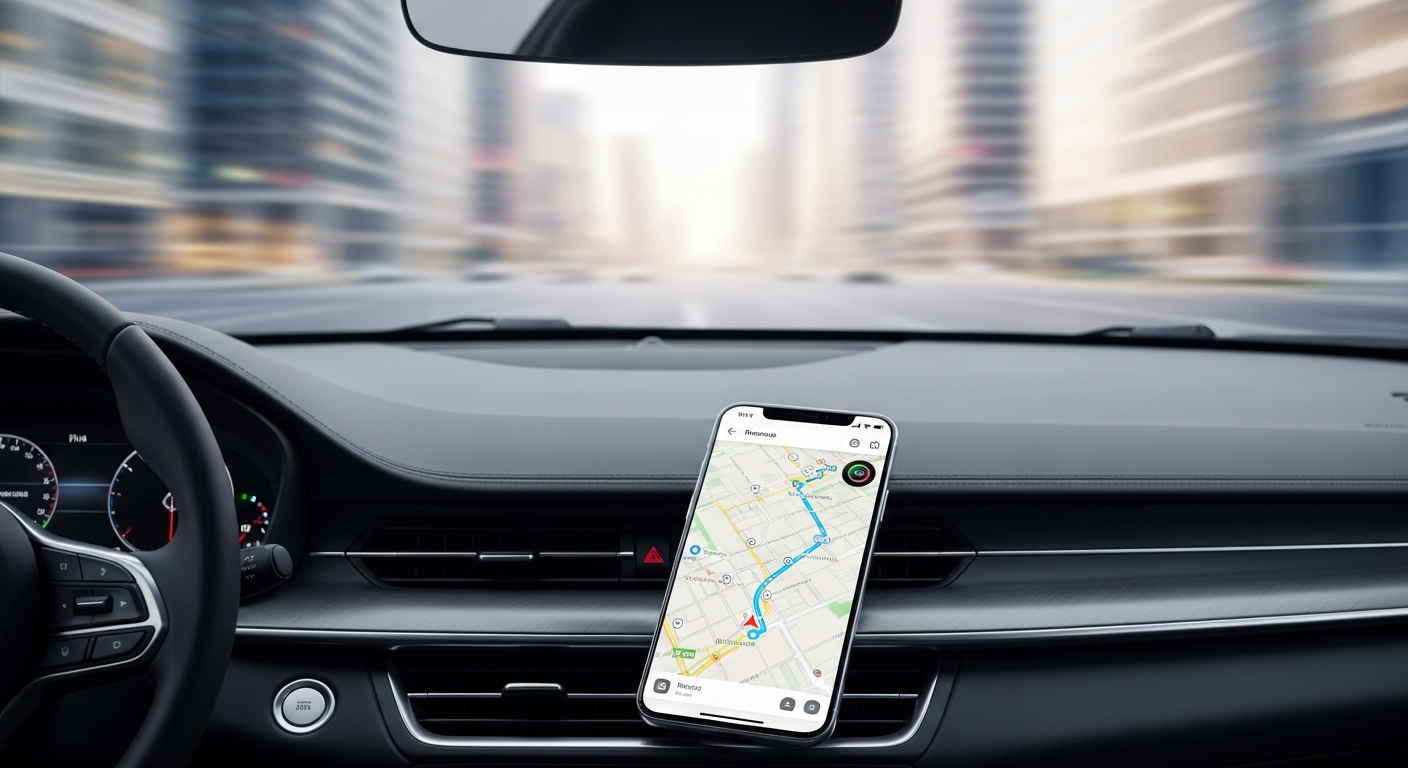
GPS is the core technology behind all modern navigation apps. It tells the app your precise position on a map. Combined with map data, it can then calculate the best route to your destination, give turn-by-turn directions, estimate arrival times, and even show you real-time traffic conditions. It's like having a personal guide in your pocket!