
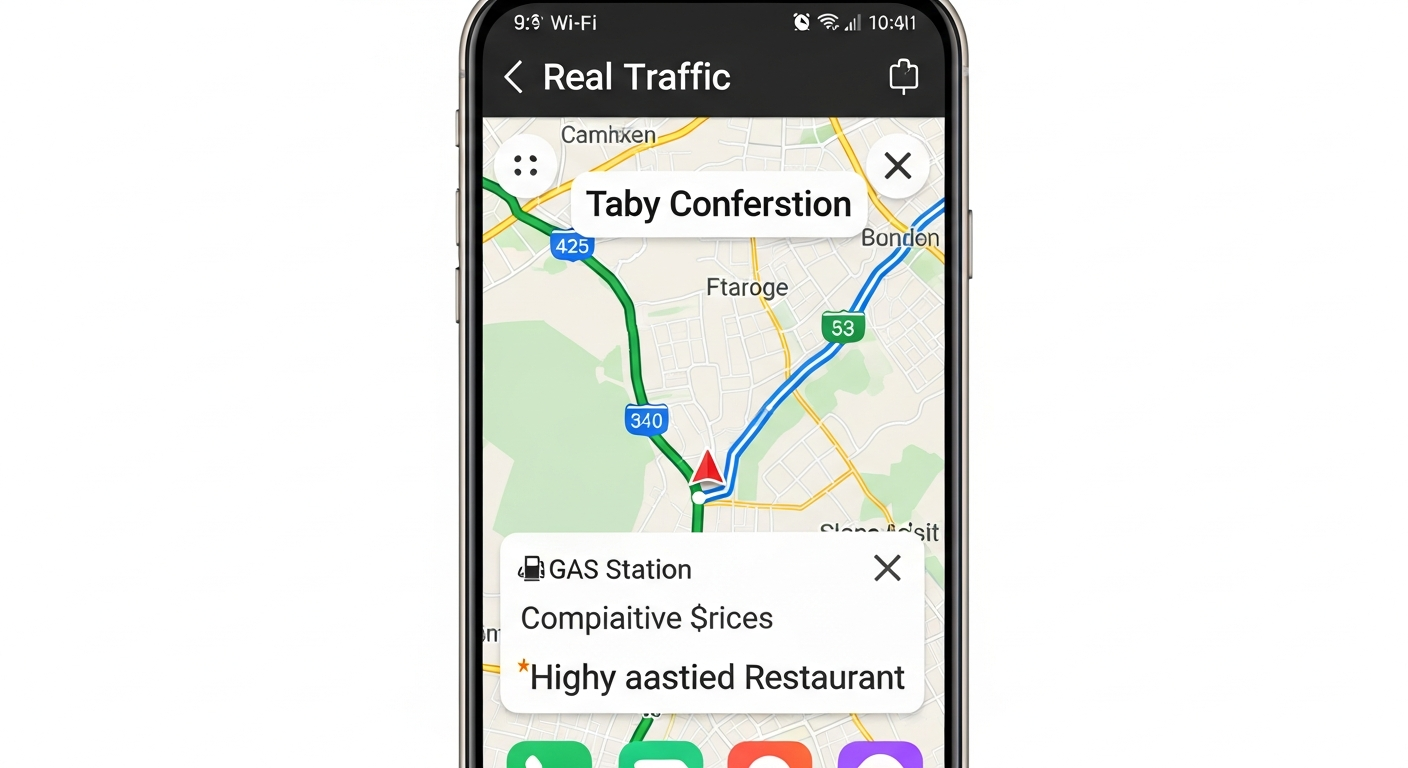
Ever wonder how your phone knows exactly where you are, even when you're in a new city? It's all thanks to GPS, a clever technology that helps you navigate the world.
This guide will explain what GPS is, how it works on your phone, and how to use it for stress-free travel.
1. What does GPS stand for?
GPS stands for Global Positioning System. It's a network of satellites orbiting Earth that send signals down to us. Your phone "listens" to these signals to figure out its exact location on the planet.
2. How does GPS work on my phone?
Your phone has a tiny GPS receiver inside it. This receiver catches signals from several GPS satellites. By measuring how long it takes for these signals to arrive, your phone can calculate its precise position, like finding a point on a giant grid.
3. Do I need internet for GPS to work?
No, the core GPS technology itself doesn't need an internet connection to find your location. Your phone's GPS receiver can pick up satellite signals anywhere. However, most map apps need internet to download maps, find points of interest, or get real-time traffic updates.
GPS Signal
- No Internet Needed: Receives signals directly from satellites.
- Finds Your Location: Pinpoints where you are on Earth.
- Works Anywhere: Even in remote areas without cell service.
Map Apps (with Internet)
- Internet Often Needed: To download maps, search places, get traffic.
- Shows Roads & Places: Displays your location on a detailed map.
- Adds Features: Traffic, business info, public transport.
4. How accurate is phone GPS?
Modern phone GPS is very accurate, usually within 5 to 10 meters (about 16 to 33 feet). In open areas with a clear view of the sky, it can be even more precise. Tall buildings or dense forests can sometimes reduce accuracy because they block satellite signals.
5. What's the difference between GPS and maps apps?
GPS is the underlying technology that tells your phone its location. Maps apps (like Google Maps or Apple Maps) are software that use your phone's GPS data to show you where you are on a map, provide directions, and find places. Think of GPS as the engine and the maps app as the car's dashboard and steering wheel.
6. How do I turn on GPS on my phone?
GPS is usually called "Location Services" on your phone. You can typically turn it on or off in your phone's Settings menu under "Location" or "Privacy." Most phones also have a quick toggle switch for Location Services in their quick settings panel (swipe down from the top of the screen).
7. Can GPS drain my phone battery quickly?
Yes, actively using GPS and navigation apps can use a lot of battery power. Your phone is constantly searching for satellite signals and displaying maps. To save battery, close navigation apps when not needed, lower screen brightness, or carry a portable charger, especially when traveling.
GPS Navigation Flow
8. What are common GPS navigation apps?
The most popular navigation apps are Google Maps and Apple Maps (pre-installed on iPhones). Other great options include Waze, known for real-time traffic and hazard alerts, and HERE WeGo, which offers excellent offline map capabilities, perfect for international travel.
9. How do I get directions using GPS?
Open your preferred navigation app. Search for your destination by name or address. The app will usually show you a route. Tap "Directions" or "Start" to begin turn-by-turn navigation. It will use your phone's GPS to track your movement and guide you along the way.
10. What if my GPS isn't working correctly?
First, ensure Location Services are turned on in your phone settings. Try restarting your phone, as this often fixes minor glitches. If you're indoors, move outside for a clearer signal. You can also try updating your navigation app or clearing its cache in your phone's app settings.