
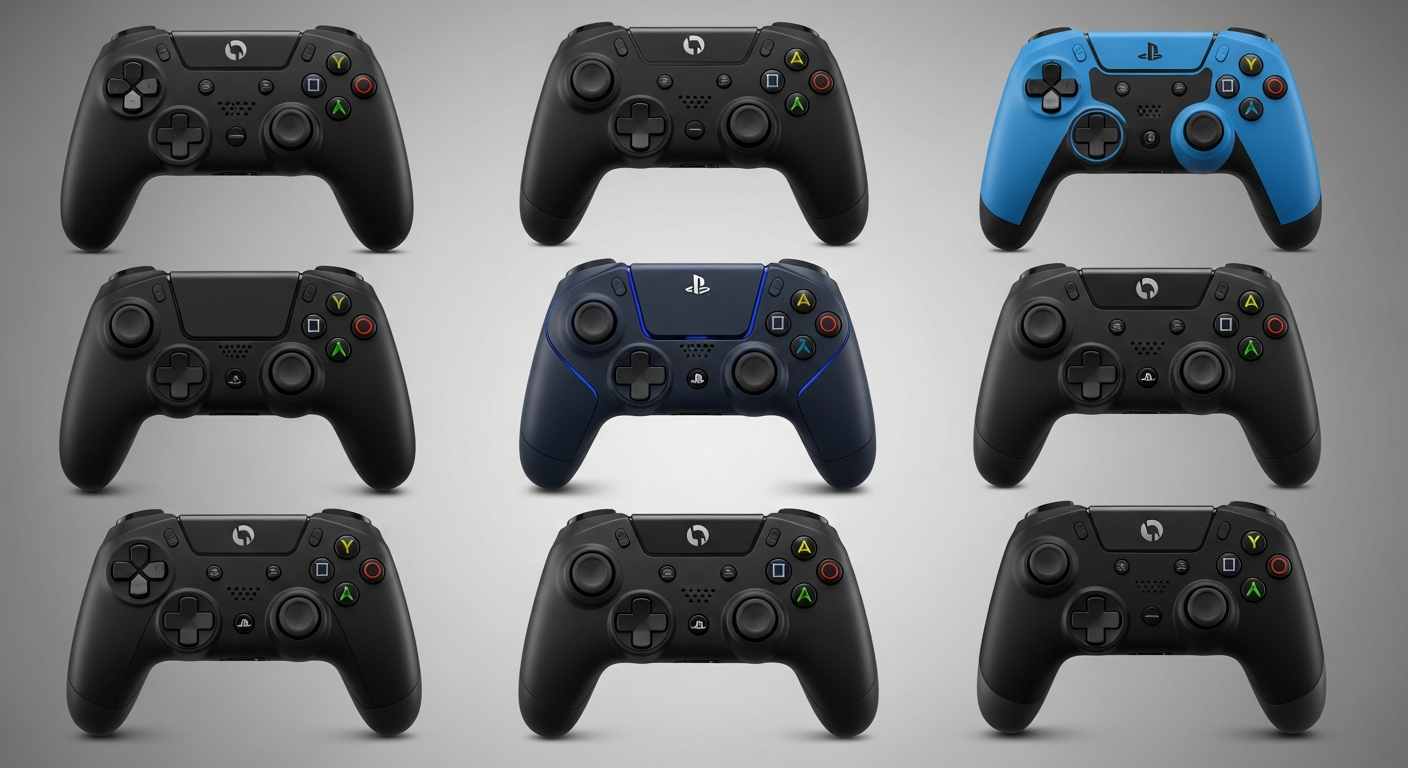
Welcome to our simple guide on gaming controllers! These are the devices you hold to play video games, and understanding them can make your gaming experience much better.
1. What are the different types of gaming controllers?
The main types are gamepads (like for PlayStation or Xbox), which have buttons, joysticks, and triggers. There are also joysticks for flight games, racing wheels for driving games, and arcade sticks for fighting games. Some games even use motion controllers, where you move your hands to play.
2. How do controllers connect to consoles?
Most modern controllers connect wirelessly using Bluetooth, a short-range wireless technology. This means no messy cables! Older controllers and some PC controllers might connect with a USB cable, which also charges them. Both methods send your button presses to the game system.
3. What is haptic feedback?
Haptic feedback is a fancy term for vibrations and subtle movements you feel in your controller. It makes games more immersive by letting you "feel" what's happening, like an explosion, the rumble of a car engine, or the tension of a bowstring. It adds a physical dimension to your gaming experience.
Official Controllers
- Made by console creator (e.g., Sony, Microsoft)
- Guaranteed compatibility & features
- Often higher quality materials
- Usually more expensive
Third-Party Controllers
- Made by other companies (e.g., PowerA, Hori)
- Can be cheaper or offer unique features
- Quality can vary greatly
- May lack some official features (e.g., advanced haptics)
4. Are third-party controllers good?
Third-party controllers are made by companies other than the console maker. They can be a good option if you're on a budget or looking for specific features, like extra buttons. However, their quality can vary, and they might not always have all the advanced features of official controllers, like the latest haptic feedback.
5. How do I charge my controller?
Most wireless controllers have a built-in rechargeable battery. You typically charge them by plugging a USB cable from the controller into your game console, a computer, or a wall adapter. Some controllers also use disposable AA batteries, which you simply replace when they run out.
6. What's controller drift?
Controller drift happens when your character or camera moves on its own, even when you're not touching the joystick. It's usually caused by wear and tear inside the joystick mechanism. It can be very frustrating, making games difficult to play accurately.
7. How do I clean my controller?
To clean your controller, first, make sure it's turned off. Use a soft, dry microfiber cloth to wipe down the surfaces. For sticky spots, lightly dampen the cloth with rubbing alcohol (isopropyl alcohol) and gently clean. Avoid getting liquid into cracks or openings, and never spray cleaner directly onto the controller.
Basic Controller Maintenance Flow
8. Can I customize controller buttons?
Yes, many modern game consoles and PC games allow you to remap, or change, what each button does. This is great for personal preference or if a certain button layout feels more comfortable for you. Some advanced controllers even have extra programmable buttons on the back.
9. What about accessibility controllers?
Accessibility controllers are specially designed to help gamers with disabilities enjoy games. They come in many forms, like large buttons, one-handed joysticks, or foot pedals. These controllers make gaming more inclusive, allowing more people to participate and have fun.
10. How long do controllers last?
The lifespan of a controller varies greatly, but with good care, an official controller can last several years. Heavy use, drops, spills, and issues like "controller drift" can shorten its life. Regular cleaning and careful handling will help your controller last longer.