
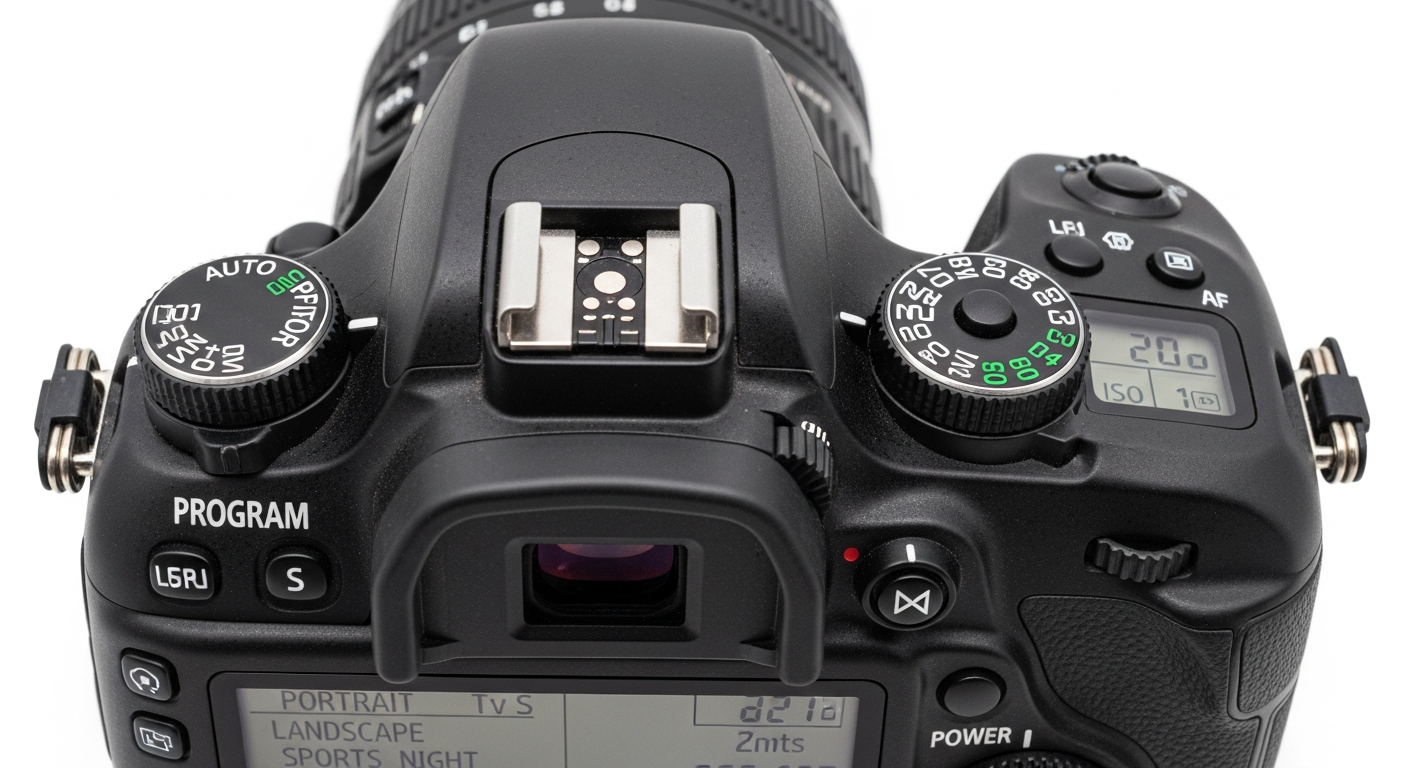
Ever wondered what all those symbols and numbers on your camera mean? This guide will break down common camera settings and modes into easy-to-understand explanations, helping you take better photos.
You don't need to be a pro to understand your camera; let's explore how these settings work together to create stunning images.
1. What is Aperture?
Aperture is like the pupil of your eye – it's an opening inside your camera lens that lets light in. A wider aperture (smaller f-number like f/2.8) lets in more light and creates a blurry background, perfect for portraits. A narrower aperture (larger f-number like f/16) lets in less light and keeps more of the scene in focus, good for landscapes.
2. What is Shutter Speed?
Shutter speed is how long your camera's shutter stays open to capture light. A fast shutter speed (like 1/1000th of a second) freezes motion, great for sports. A slow shutter speed (like 1/2 second) blurs motion, useful for capturing light trails or smooth water.
3. What is ISO?
ISO measures your camera sensor's sensitivity to light. A low ISO (like 100) is best for bright conditions and produces the cleanest images. A high ISO (like 1600 or more) is good for dark environments, but it can add "noise" or graininess to your photos.
Low ISO (e.g., 100)
- Less sensitive to light
- Best for bright conditions
- Clean, smooth images
- Requires more light
High ISO (e.g., 1600)
- More sensitive to light
- Best for dark conditions
- Images may have "noise" (grain)
- Requires less light
4. What is the Exposure Triangle?
The Exposure Triangle refers to the three main settings that control how bright or dark your photo is: Aperture, Shutter Speed, and ISO. They work together. Changing one often means you need to adjust another to keep your photo properly exposed (not too bright or too dark). Understanding their relationship is key to manual control.
5. What are P, A, S, M camera modes?
These are common shooting modes on many cameras:
- P (Program Auto): Camera sets aperture and shutter speed, you control other settings.
- A (Aperture Priority): You set aperture, camera sets shutter speed. Great for controlling background blur.
- S (Shutter Priority): You set shutter speed, camera sets aperture. Great for controlling motion.
- M (Manual): You control everything – aperture, shutter speed, and ISO. Gives you full creative control.
6. What is White Balance and why is it important?
White Balance tells your camera what "white" should look like under different lighting. Different light sources (sunlight, fluorescent, incandescent) have different colors, which can make your photos look too blue, orange, or green. Setting the correct white balance ensures colors in your photos look natural and true to life.
7. How does focusing work on a camera?
Focusing adjusts the lens elements to make your subject appear sharp and clear. Most cameras have autofocus (AF) modes that automatically find and lock onto a subject. You can often choose different AF points or areas to tell the camera where to focus. Manual focus (MF) lets you turn the lens ring yourself for precise control.
Autofocus Process
- Camera detects subject
- Lens adjusts elements
- Subject becomes sharp
- Focus lock achieved
8. What are different metering modes?
Metering modes tell your camera how to measure the light in a scene to determine the correct exposure.
- Evaluative/Matrix: Camera analyzes the whole scene. (Good for general use)
- Center-Weighted: Focuses on the center of the frame. (Good for portraits)
- Spot: Measures a very small area. (Good for tricky lighting)
9. What is image stabilization?
Image stabilization (IS or VR) is a technology that helps reduce blur caused by camera shake. It's especially useful when shooting in low light, with long lenses, or at slower shutter speeds, as it allows you to capture sharper images without a tripod. It works by subtly moving lens elements or the camera sensor to counteract your hand movements.
10. How do I set my camera for different situations?
Start with a semi-automatic mode like Aperture Priority (A) for portraits (wide aperture, low f-number) or Shutter Priority (S) for action (fast shutter speed). For landscapes, use a narrow aperture (high f-number) for sharpness. In low light, increase ISO carefully and consider image stabilization. Experimentation is key to finding what works best for you!