
Ever wonder why some photos look professional while others don't? It often comes down to understanding a few basic camera settings. This guide will explain these settings in simple terms so you can start taking better pictures today!
1. What is aperture and how does it work?
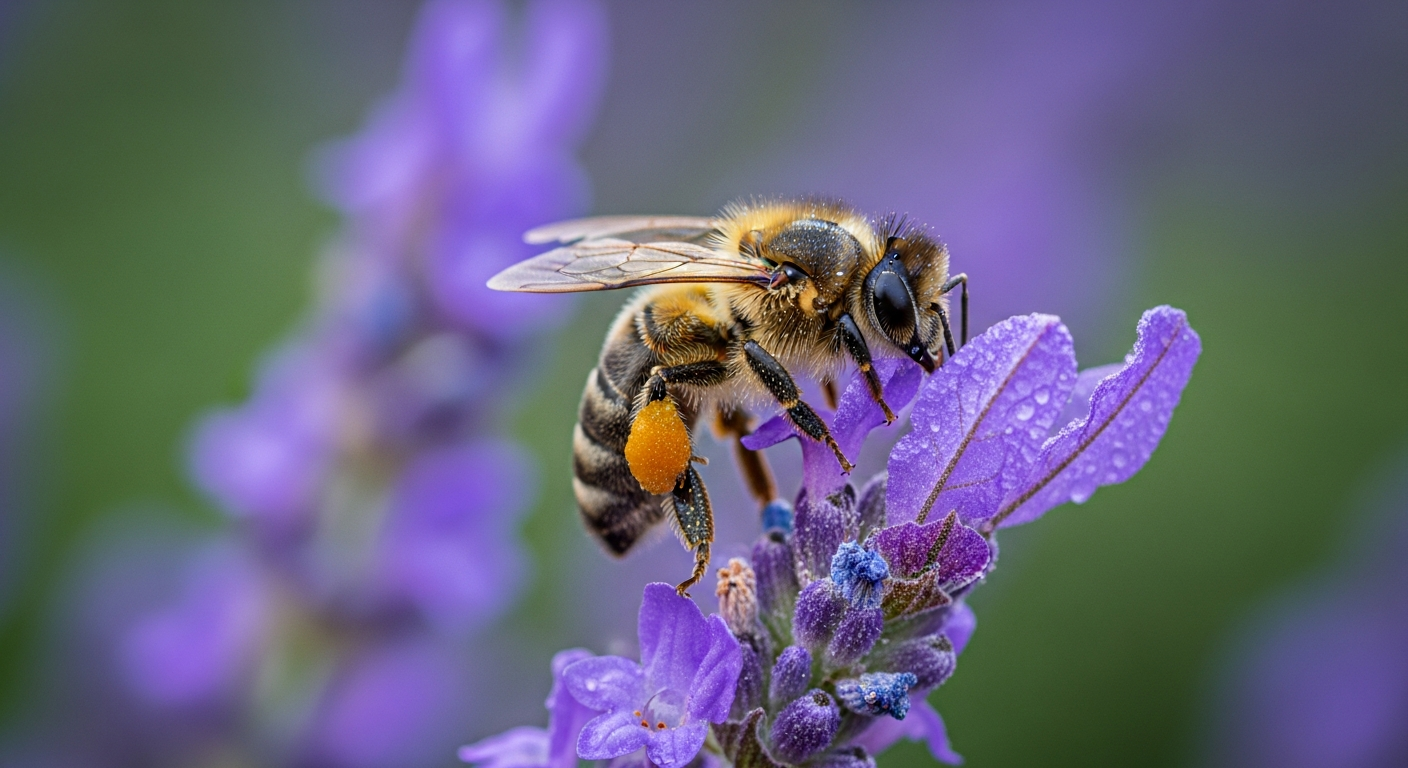
Aperture is like the pupil of your eye – it's an opening inside your camera lens that controls how much light gets in. A larger opening (smaller f-number like f/2.8) lets in more light and makes the background blurry. A smaller opening (larger f-number like f/16) lets in less light and keeps more of the scene sharp.
2. What is shutter speed and why is it important?
Shutter speed is how long your camera's shutter stays open to let light hit the sensor. A fast shutter speed (like 1/1000th of a second) freezes motion, perfect for sports. A slow shutter speed (like 1 second) blurs motion, great for capturing light trails or smooth water.
3. What is ISO and when should I change it?
ISO measures your camera's sensitivity to light. A low ISO (like 100) is best for bright conditions and produces clean images. A high ISO (like 3200) makes your camera more sensitive to light, useful in dark places, but can add "noise" (graininess) to your photos.
Low ISO (e.g., 100-400)
- Less sensitive to light
- Best for bright conditions
- Produces smooth, clean photos
- Requires more light or longer shutter speed
High ISO (e.g., 1600-6400)
- More sensitive to light
- Best for dim conditions
- Can introduce "noise" (grain)
- Allows faster shutter speeds in low light
4. How do these three settings work together?
Aperture, shutter speed, and ISO are interconnected. Changing one often means you need to adjust another to keep your photo properly lit. For example, if you use a small aperture for a sharp background (less light), you might need a slower shutter speed or higher ISO to compensate and avoid a dark photo.
5. What is the exposure triangle?
The exposure triangle is a simple way to visualize how aperture, shutter speed, and ISO balance each other to create a well-exposed photo. Think of it as three sides of a triangle; if you change one side, you usually need to adjust one or both of the other sides to maintain the correct brightness.
6. What does white balance mean?
White balance tells your camera what "white" should look like under different types of light. Different light sources (like sunlight, fluorescent bulbs, or incandescent lamps) have different colors. Adjusting white balance prevents your photos from looking too orange, blue, or green, making colors appear natural.
7. What is focus and how do I use it?
Focus determines which part of your photo appears sharpest. When you focus, your camera adjusts the lens to make your chosen subject clear and crisp, while other areas might become blurry. Most cameras have autofocus, where you simply point and press the shutter button halfway to lock focus on your subject.
Achieving Sharp Focus
- Point Camera: Frame your shot with the subject in view.
- Half-Press Shutter: Gently press the shutter button halfway down.
- Camera Focuses: Your camera's autofocus system will lock onto a subject (often indicated by a beep or green box).
- Compose & Shoot: Recompose if needed, then press the shutter button all the way down to take the photo.
8. What are different shooting modes?
Cameras offer various shooting modes, often found on a dial. "Auto" mode handles everything for you. "Program" (P) mode lets you control some settings while the camera helps with others. "Aperture Priority" (Av/A) lets you pick aperture, and "Shutter Priority" (Tv/S) lets you pick shutter speed. "Manual" (M) mode gives you full control.
9. Should I use manual or automatic mode?
For beginners, automatic mode is great for quick, hassle-free photos. As you learn, try "Program" or "Aperture/Shutter Priority" modes to experiment with specific settings. Manual mode offers the most creative control but takes practice. Start with auto and gradually explore other modes as you get comfortable.
10. How do I practice changing settings?
The best way to learn is by doing! Take your camera out and experiment. Try taking the same photo multiple times, changing just one setting each time (e.g., different apertures for the same scene). Observe how each change affects the final image. Don't be afraid to make mistakes; that's how you learn!