
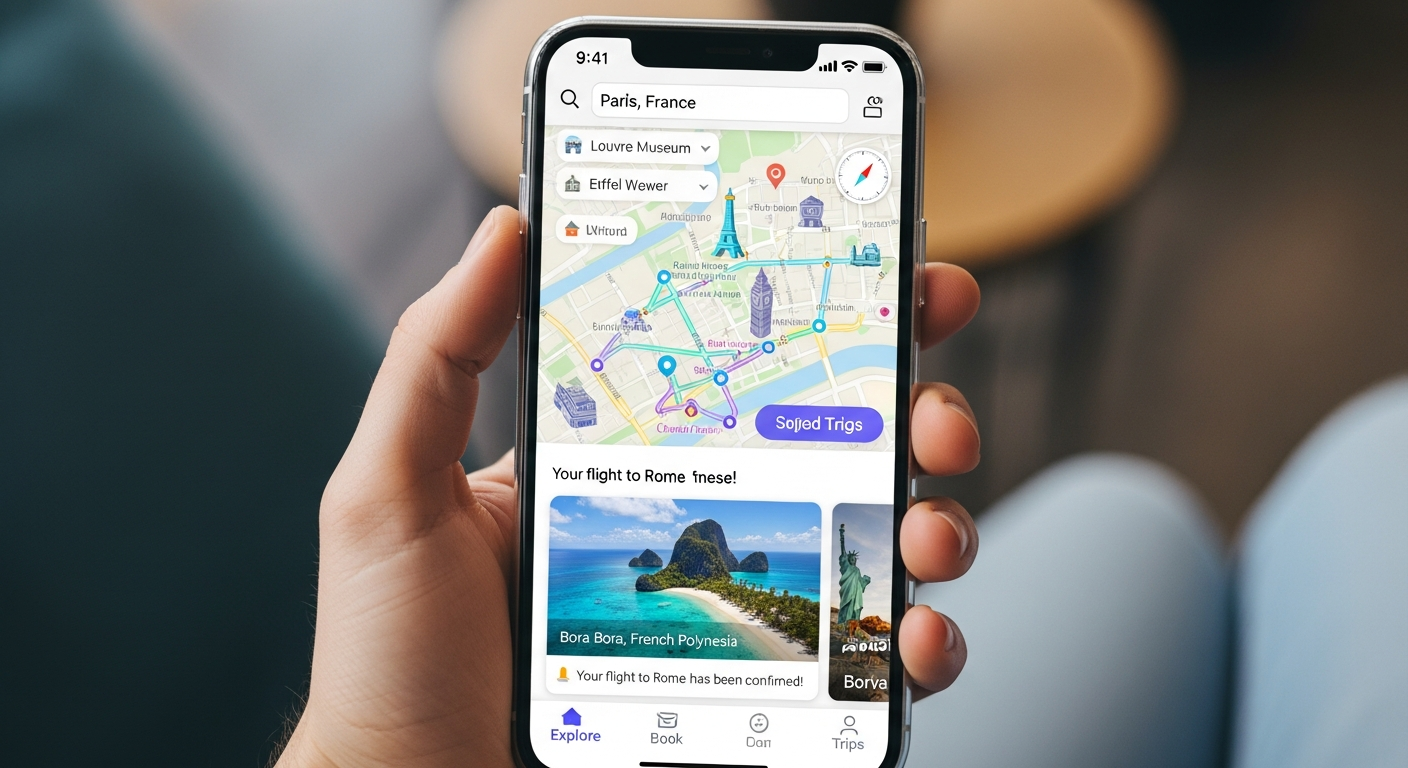
Planning a trip is exciting, and travel apps make it so much easier. But just like in the real world, it's important to stay safe online. This guide will help you understand how to protect yourself and your information when using travel apps.
1. How do I protect my personal data in travel apps?
Think of your personal data like your wallet – don't show it to everyone. Only enter the information absolutely necessary for the app to work, like your name and booking details. Avoid sharing extra details like your birthday or home address unless it's truly required for a specific service.
Always review an app's privacy policy before using it. This document explains how the app collects, uses, and shares your information. If you're uncomfortable with anything in the policy, consider using a different app or service.
2. Should I share my location?
Sharing your location can be helpful for navigation or finding nearby attractions. However, only enable location services when you actually need them. Many apps offer options like "Only while using the app" – choose this instead of "Always" to limit who knows where you are.
Regularly check which apps have access to your location in your phone's settings. If an app you rarely use for navigation has constant location access, turn it off. This saves battery and keeps your whereabouts more private.
3. What are common travel app scams?
Scammers often create fake apps or send phishing messages. Watch out for apps that look like popular ones but have slight spelling differences or very few reviews. Phishing messages might pretend to be from an airline or hotel, asking you to click a suspicious link to "confirm" your booking.
Always download apps from official app stores (like Google Play Store or Apple App Store). Be wary of deals that seem too good to be true, as they often are. If a message asks for personal details or payment outside the app, it's likely a scam.
Official App Stores
- Verified apps
- Security checks
- Developer accountability
- User reviews & ratings
Unofficial Sources
- Potential malware
- Fake apps
- No security checks
- Risk of scams
4. How do I create strong passwords for travel apps?
A strong password is your first line of defense. Use a mix of uppercase and lowercase letters, numbers, and symbols. Make it at least 12 characters long. Avoid using easily guessable information like your name, birthday, or "password123."
Consider using a password manager. This tool creates and stores complex, unique passwords for all your accounts, so you only need to remember one master password. Enable two-factor authentication (2FA) whenever possible; this adds an extra layer of security, usually a code sent to your phone.
5. Can I use a VPN with travel apps?
Yes, using a Virtual Private Network (VPN) is a great idea, especially when traveling. A VPN encrypts your internet connection, making it much harder for others to snoop on your online activity, even on public Wi-Fi. This means your data, like booking details, stays private.
When you connect to a VPN, your internet traffic goes through a secure server. This hides your actual location and makes your online actions more anonymous. It's an excellent tool for enhancing your security and privacy while using travel apps and browsing the web.
6. How do I check app permissions?
App permissions control what parts of your phone an app can access, like your camera, microphone, contacts, or photos. Go into your phone's settings, find the "Apps" or "Applications" section, and then select the specific travel app.
Review each permission and ask yourself if the app truly needs it to function. For example, a map app needs location, but a flight booking app probably doesn't need access to your microphone. Turn off any permissions that seem unnecessary.
7. What if my phone is lost or stolen while traveling?
Before you travel, set up "Find My Device" (Android) or "Find My" (iOS) on your phone. This allows you to locate, lock, or even erase your phone remotely if it's lost or stolen. Also, ensure your phone is protected with a strong passcode or biometric unlock (fingerprint/face ID).
Keep a backup of important travel documents, like passport scans or booking confirmations, in a secure cloud service or on another device. If your phone is gone, immediately change passwords for critical accounts accessed on that phone, especially email and banking apps.
If Your Phone is Lost/Stolen
8. How do I report suspicious activity?
If you encounter a suspicious app, a scam message, or an unauthorized charge, report it immediately. For apps, use the reporting features within the official app store. For scam messages, block the sender and delete the message.
If you believe your account on a travel app has been compromised, contact the app's customer support directly. They can help you secure your account and investigate the issue. Reporting helps protect you and other travelers from similar threats.
9. Are my payment details safe?
Reputable travel apps use encryption to protect your payment information. Look for a padlock icon in your browser's address bar or "https://" at the beginning of the website address when making payments. This indicates a secure connection.
Avoid saving your credit card details directly within apps unless you frequently use them and trust the app completely. If you do save them, ensure the app offers strong security measures like biometric authentication for purchases. Using virtual credit card numbers, if available from your bank, can add an extra layer of protection.
10. Should I use public Wi-Fi with travel apps?
Public Wi-Fi, like in airports or cafes, is often unsecured, meaning others on the same network could potentially see your online activity. Avoid accessing sensitive information, like banking or making payments, when connected to public Wi-Fi without a VPN.
If you must use public Wi-Fi, always use a VPN to encrypt your connection. Otherwise, stick to tasks that don't involve personal data, or use your phone's mobile data connection, which is generally more secure than public Wi-Fi.