
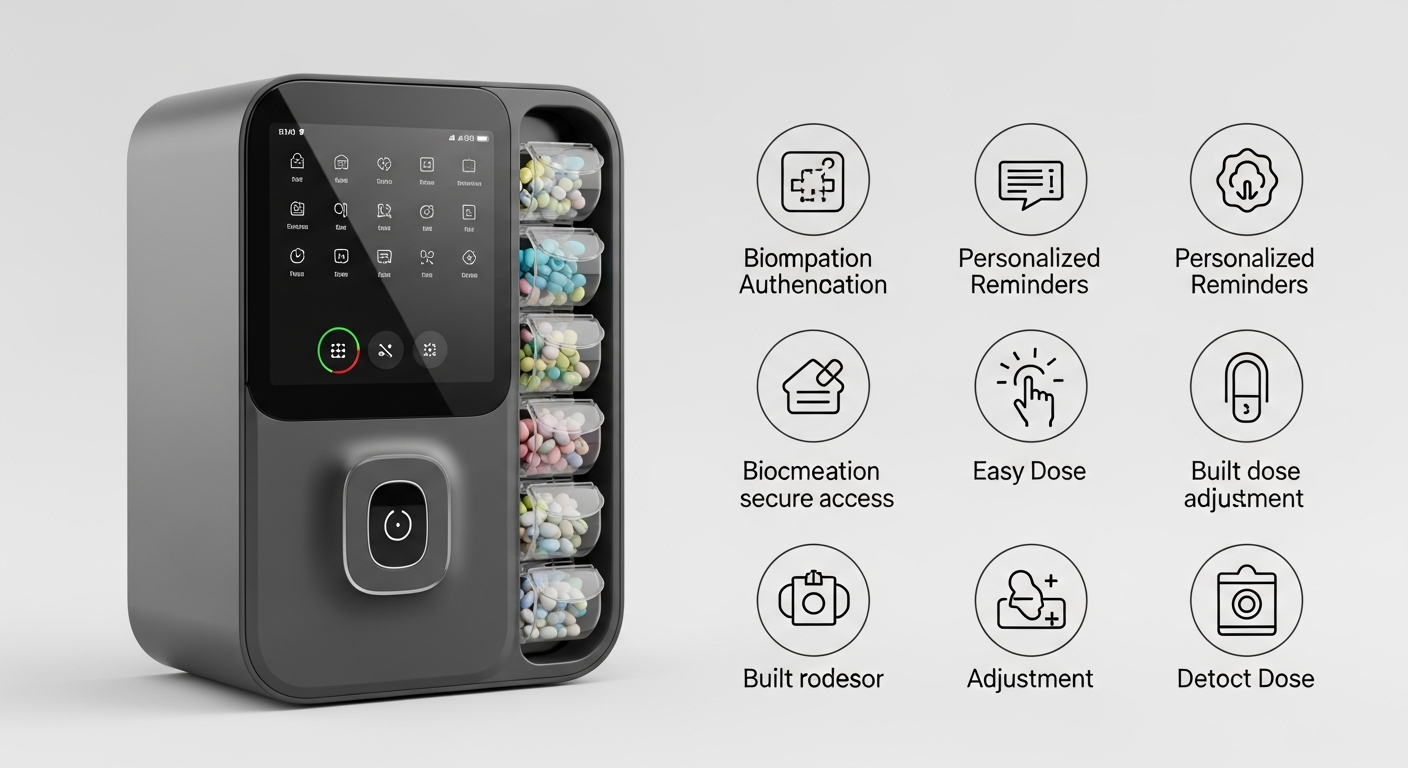
Managing medications can be tricky, especially with multiple pills and different times. Luckily, technology offers many helpful tools to make it easier and safer for seniors.
1. What are smart pill dispensers?
Smart pill dispensers are special devices that store your pills and release them at the correct times. They often have alarms, lights, or even send alerts to a family member if a dose is missed. Think of them as a personal assistant for your medicine cabinet.
2. How do medication reminder apps work?
Medication reminder apps are programs you install on your smartphone or tablet. You input your medication names, dosages, and schedules. The app then sends notifications (like a text message or a sound) to remind you when it's time to take your pills.
3. Can smartwatches remind me to take pills?
Yes, many smartwatches can connect with medication reminder apps on your phone. They will vibrate or display a notification directly on your wrist when it's time for your medication. This is handy because your watch is always with you, making it harder to miss a reminder.
Smart Pill Dispenser
- Physically dispenses pills
- Can lock doses until time
- Often has loud alarms
- May alert family directly
Medication Reminder App
- Sends notifications to phone
- Requires manual pill taking
- Customizable alerts (sound/vibrate)
- Tracks intake history
4. What about voice assistants for medication reminders?
Voice assistants like Amazon Alexa or Google Assistant can be set up to give medication reminders. You simply tell the assistant your medication schedule, and it will announce reminders at the set times. This is great for those who prefer spoken reminders and don't want to look at a screen.
5. How do I set up a reminder on my phone?
Most smartphones have a built-in "Reminders" or "Clock" app where you can set alarms. For medication, you'd open the app, create a new reminder or alarm, type in the medication name, and choose the time and days you need the reminder. Many dedicated medication apps offer more features, like tracking.
6. Are there apps to track medication intake?
Yes, many medication reminder apps also include features to track your intake. After you take your pill, you can mark it as "taken" in the app. This creates a history, which can be very useful for you, your family, or your doctor to review your medication adherence over time.
7. What are the benefits of using tech for meds?
Technology helps reduce missed doses and accidental double-dosing, making medication management safer. It provides peace of mind for both seniors and their families. Plus, tracking features offer valuable insights into adherence, which can be shared with healthcare providers.
Simple Medication Reminder Flow
8. Are these devices easy to use?
Many modern medication management tools are designed with seniors in mind, featuring large buttons, clear screens, and simple instructions. While there might be a small learning curve initially, most people find them intuitive after a few uses. Family members can often help with the initial setup.
9. What are privacy concerns with health apps?
When using health apps, it's important to be aware of your data privacy. Choose apps from reputable companies that clearly state how they protect your information. Look for apps that comply with health privacy standards. Only share necessary information and understand who might have access to it.
10. Where can I find reliable medication management tools?
You can find reliable tools by asking your doctor or pharmacist for recommendations. Online app stores (like Apple App Store or Google Play Store) also list many options, often with user reviews. Look for apps with high ratings, positive feedback, and clear privacy policies from established developers.