
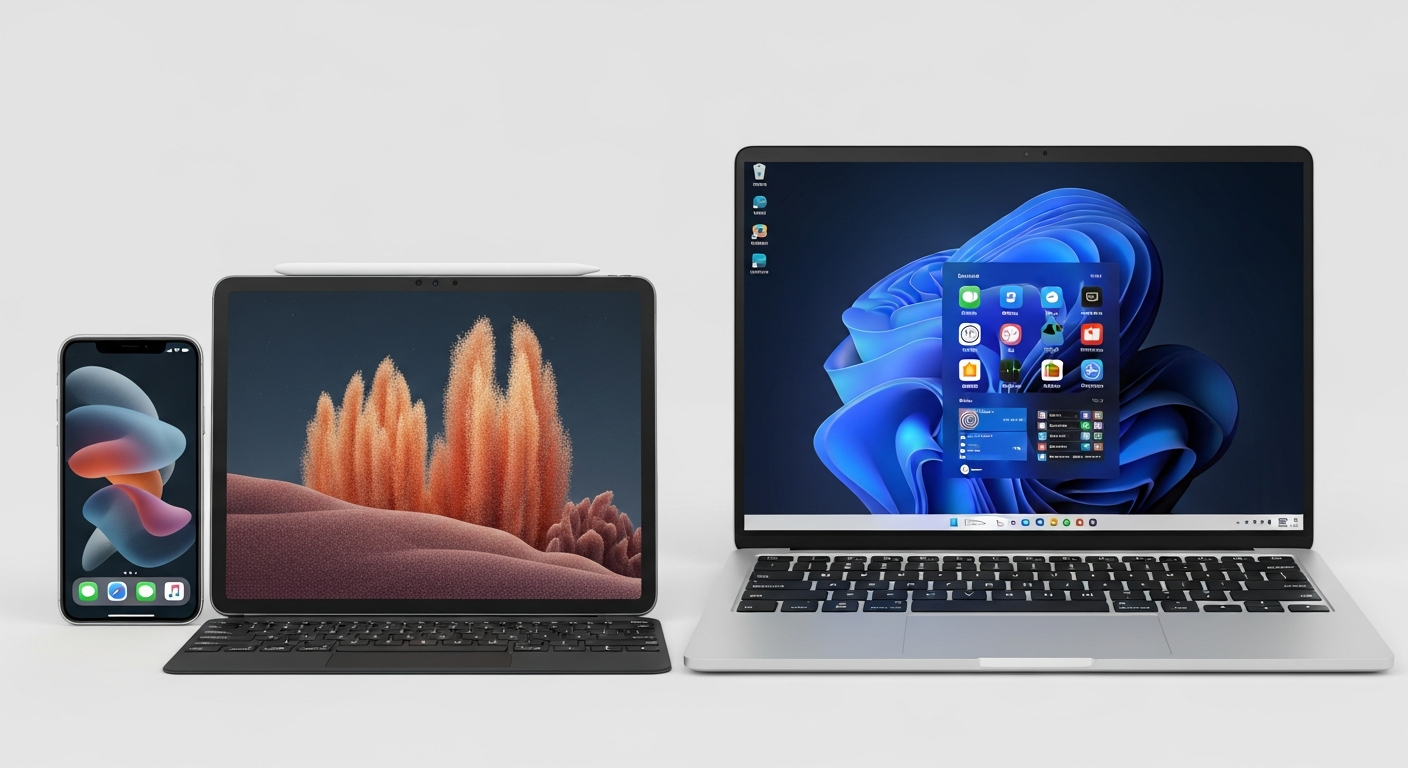
Ever wish you could start a note on your phone and finish it on your computer without emailing it to yourself? Syncing makes this possible by keeping your notes identical across all your devices.
1. What does it mean to 'sync' my notes?
'Sync' is short for synchronize. When your notes are synced, it means that every change you make to a note on one device, like your phone, is automatically updated on all your other devices, like your tablet or computer. It's like having one master copy that lives everywhere.
2. Why is syncing important for digital note-taking?
Syncing is crucial for convenience and productivity. It ensures you always have the latest version of your notes, no matter which device you're using. This means you can switch devices seamlessly, never lose progress, and always have your important information at your fingertips.
3. How do cloud services like Google Drive or iCloud help with syncing?
Cloud services are like online storage lockers. When you save notes to a cloud service, they are stored on the internet, not just on one device. Your note-taking app then connects to this cloud service to fetch and save your notes, making them available to all your devices connected to the same cloud account.
Local Storage
- Notes saved only on one device.
- No internet needed after saving.
- Risk of losing notes if device breaks.
- Cannot access from other devices.
Cloud Sync
- Notes saved online and on devices.
- Internet needed for updates.
- Notes safe even if device breaks.
- Access notes from any synced device.
4. Do most popular note-taking apps offer automatic syncing?
Yes, nearly all popular note-taking apps today, like Notion, Evernote, OneNote, and Apple Notes, offer automatic syncing. They are designed to connect to a cloud service (often their own or a major one like iCloud/Google Drive) to keep your notes updated without you needing to manually save or transfer files.
5. What should I do if my notes aren't syncing correctly?
First, check your internet connection on all devices. Then, make sure you're logged into the same account within your note-taking app on every device. Sometimes, simply closing and reopening the app, or restarting your device, can fix minor syncing glitches. You can also check the app's settings for a "sync now" option.
6. Can I access my synced notes offline?
Yes, most note-taking apps download a copy of your notes to each device. This means you can usually view and even edit your notes when you don't have an internet connection. Once you reconnect to the internet, the app will automatically sync any changes you made offline.
7. Is syncing notes secure?
Reputable note-taking apps and cloud services use strong security measures to protect your notes. This includes encryption, which scrambles your data so only authorized users can read it. While no system is 100% foolproof, using strong passwords and two-factor authentication adds significant protection to your synced notes.
How Syncing Works
- You edit a note on Device A.
- App sends changes to Cloud Server.
- Cloud Server updates master copy.
- Device B connects to Cloud Server.
- Device B downloads updated note.
- Note is identical on Device A & B.
8. How do I ensure my notes are synced across different types of devices (e.g., iPhone and Windows PC)?
The key is to use a note-taking app that has versions available for all your different device types (e.g., an iOS app for iPhone and a Windows app for your PC). As long as you log into the *same account* within that app on every device, your notes will sync seamlessly, regardless of the device's brand or operating system.
9. What happens if I edit the same note on two devices at once?
Most modern note-taking apps are designed to handle this gracefully. They usually try to merge the changes, keeping both sets of edits. In rare cases where changes conflict too much, the app might create two separate versions of the note and ask you to review and combine them. It's best to avoid editing the exact same spot on two devices simultaneously if possible.
10. Are there any costs associated with syncing notes across devices?
Many note-taking apps offer basic syncing features for free, often with a limit on storage or features. For more storage, advanced features, or syncing a very large number of notes, you might need to subscribe to a paid plan for the app or for the cloud storage service it uses. Always check the app's pricing details.