
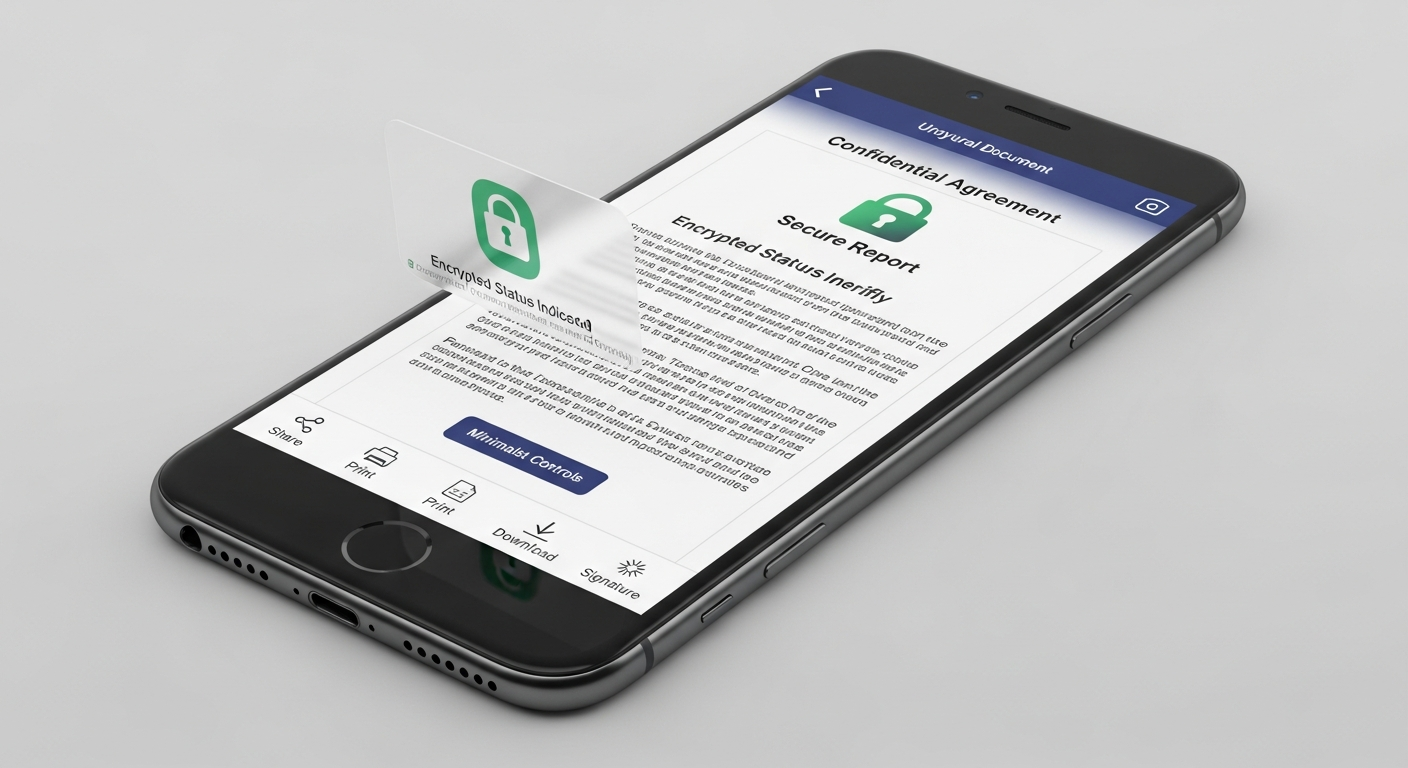
Traveling is exciting, and keeping your important papers organized can make it even smoother. This guide will show you simple ways to store your travel documents safely on your phone, making your trips less stressful.
1. Why should I store my travel documents on my phone?
Storing documents on your phone means you have everything important in one place, always with you. It reduces the risk of losing paper copies and makes checking in or passing through security much faster. Plus, it's environmentally friendly!
2. Is it truly safe to keep sensitive information on my device?
Yes, it can be very safe, as long as you take a few simple precautions. Modern phones have strong security features like fingerprint scanners and face recognition. Using secure apps adds extra layers of protection, keeping your information private.
3. What kind of travel documents can I store digitally?
You can store almost any travel document digitally! This includes your passport photo page, visa copies, flight tickets, hotel reservations, car rental agreements, travel insurance details, and even vaccination records. Always check if a specific document, like an original visa, is required physically.
Physical Documents
- Can be lost or damaged easily.
- Takes up space in your bag.
- Harder to share quickly.
- Risk of forgetting at home.
Digital Documents
- Always on your phone.
- Easy to organize and find.
- Quick to share when needed.
- Less likely to be forgotten.
4. Which apps are best for organizing and securing documents?
Many apps can help. Popular choices include Google Drive, Dropbox, and Apple Files, which offer secure cloud storage. For extra security, consider dedicated document scanner apps like Adobe Scan or Microsoft Lens, which often have password protection features for files.
5. How do I scan physical documents into my phone?
You don't need a special scanner! Most smartphones have a built-in camera that works great. Use a scanning app like Adobe Scan or your phone's camera app (some have a document mode). Just lay the document flat in good light, open the app, and take a picture. The app will usually crop and enhance it automatically.
6. How can I access my documents if I don't have internet?
This is crucial for travel! Before you leave, make sure to "download" or "make available offline" any important documents within your chosen app (like Google Drive or Dropbox). This way, even without Wi-Fi or mobile data, you can still open and view your files.
7. What if my phone is lost or stolen while traveling?
This is a major concern, but there are solutions. First, always have a strong lock screen password or biometric security (fingerprint/face ID). Second, use your phone's "find my device" feature (like Apple's Find My or Google's Find My Device) to locate, lock, or erase your phone remotely. Also, have a backup plan, like emailing copies to yourself or a trusted family member.
Lost Phone Action Plan
8. Do I still need to carry physical copies of documents?
For most situations, digital copies are fine for reference. However, it's always wise to carry physical copies of your most critical documents, like your passport and visa, especially for international travel. Some countries or airlines might still require original physical documents for certain checks. Think of digital as a convenient backup.
9. How can I protect my digital documents with a password?
Many apps allow you to set passwords for specific files or folders. For example, you can create a password-protected PDF or a secure folder within a cloud storage app. Additionally, ensure your phone itself has a strong passcode, fingerprint, or face ID, as this is your first line of defense.
10. Can I securely share my documents with others if needed?
Yes, you can. Most cloud storage apps let you share files securely by sending a link to specific people. You can often set a password for the shared file or limit how long it can be accessed. Only share with trusted individuals and always confirm you're sending the right document to the right person.