
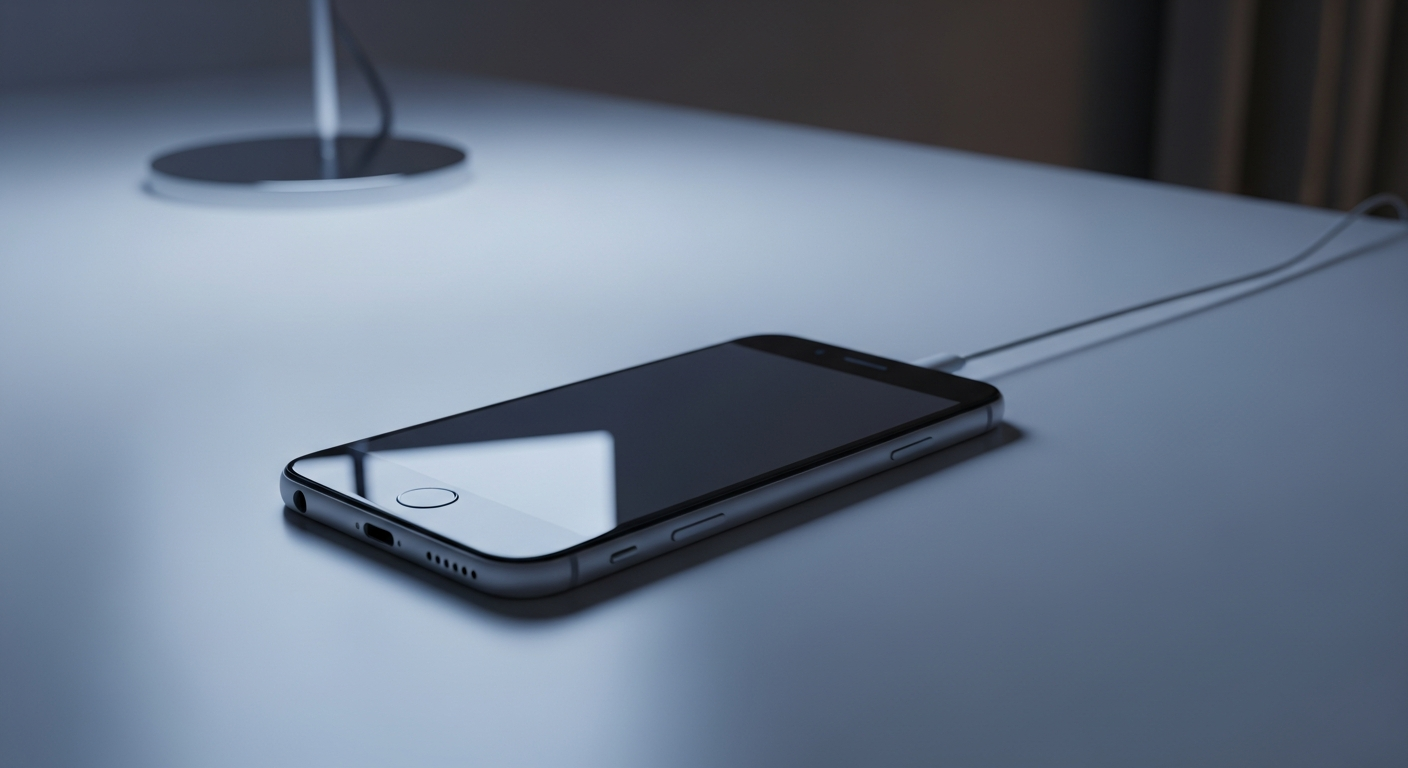
Is your smartphone feeling sluggish and slow? Don't worry, many people experience this, and there are often simple fixes to get your device running smoothly again.
1. Why is my phone suddenly so slow?
Your phone might slow down for several reasons. Over time, apps create temporary files, your storage fills up, and many apps might be running in the background. Think of it like a messy desk – the more clutter, the harder it is to find things and work efficiently.
2. Does having too many apps slow down my phone?
Yes, absolutely. Even if you're not actively using them, many apps run background processes, use up memory (RAM), and consume battery. Having too many apps, especially those you rarely use, can significantly impact your phone's speed and overall performance.
3. Should I clear my phone's RAM?
While some older phones benefited from manually clearing RAM (Random Access Memory), modern smartphones are much better at managing it automatically. Constantly clearing RAM can sometimes make your phone work harder, as apps need to reload from scratch. Focus more on closing unused apps and restarting your phone instead.
Manual RAM Clearing (Older Phones)
- What it is: Force-stopping apps or using "clear RAM" tools.
- Benefit: Could free up immediate memory.
- Drawback: Apps reload slower, uses more battery over time.
Automatic RAM Management (Modern Phones)
- What it is: Phone intelligently keeps frequently used apps ready.
- Benefit: Faster app switching, better battery life.
- Drawback: Can feel slow if too many apps are truly active.
4. How often should I restart my phone?
Restarting your phone is one of the simplest and most effective ways to improve performance. It clears out temporary glitches, closes all background apps, and refreshes the system. Aim to restart your phone at least once a week to keep it running smoothly.
5. Do live wallpapers or widgets slow down performance?
Yes, they can. Live wallpapers are animated backgrounds that constantly use your phone's processing power and battery. Similarly, many widgets (small app displays on your home screen) constantly update, consuming resources. If your phone is slow, switching to a static wallpaper and removing unnecessary widgets can help.
6. Is my phone's operating system up to date?
Keeping your phone's operating system (like Android or iOS) updated is crucial. Updates often include performance improvements, bug fixes, and better ways for your phone to manage its resources. Check your phone's settings regularly for available updates and install them.
7. What about old messages or browser history?
While individual messages or browser history entries don't take up much space, thousands of them combined can accumulate. Large message threads with many photos or videos, and extensive browser history, can contribute to a cluttered system. Regularly delete old, unnecessary messages and clear your browser's cache and history.
Digital Declutter Flow
8. Can a full storage make my phone slow?
Absolutely. When your phone's storage (where all your apps, photos, and files live) is nearly full, it struggles to perform basic tasks. Your phone needs some free space to operate efficiently, create temporary files, and run updates. Aim to keep at least 10-15% of your storage free.
9. When is it time to consider a factory reset?
A factory reset wipes your phone completely, returning it to its original state, like when you first bought it. This is a drastic step, but it can solve deep-seated performance issues. Only consider a factory reset if all other troubleshooting steps have failed, and always back up your important data first.
10. Could a virus be slowing my phone?
While less common on smartphones than computers, malware or viruses can definitely slow down your phone, drain battery, and cause unusual behavior. If your phone is suddenly very slow, showing strange ads, or overheating, a security scan with a reputable antivirus app might be necessary. Avoid downloading apps from unofficial sources to minimize risk.