
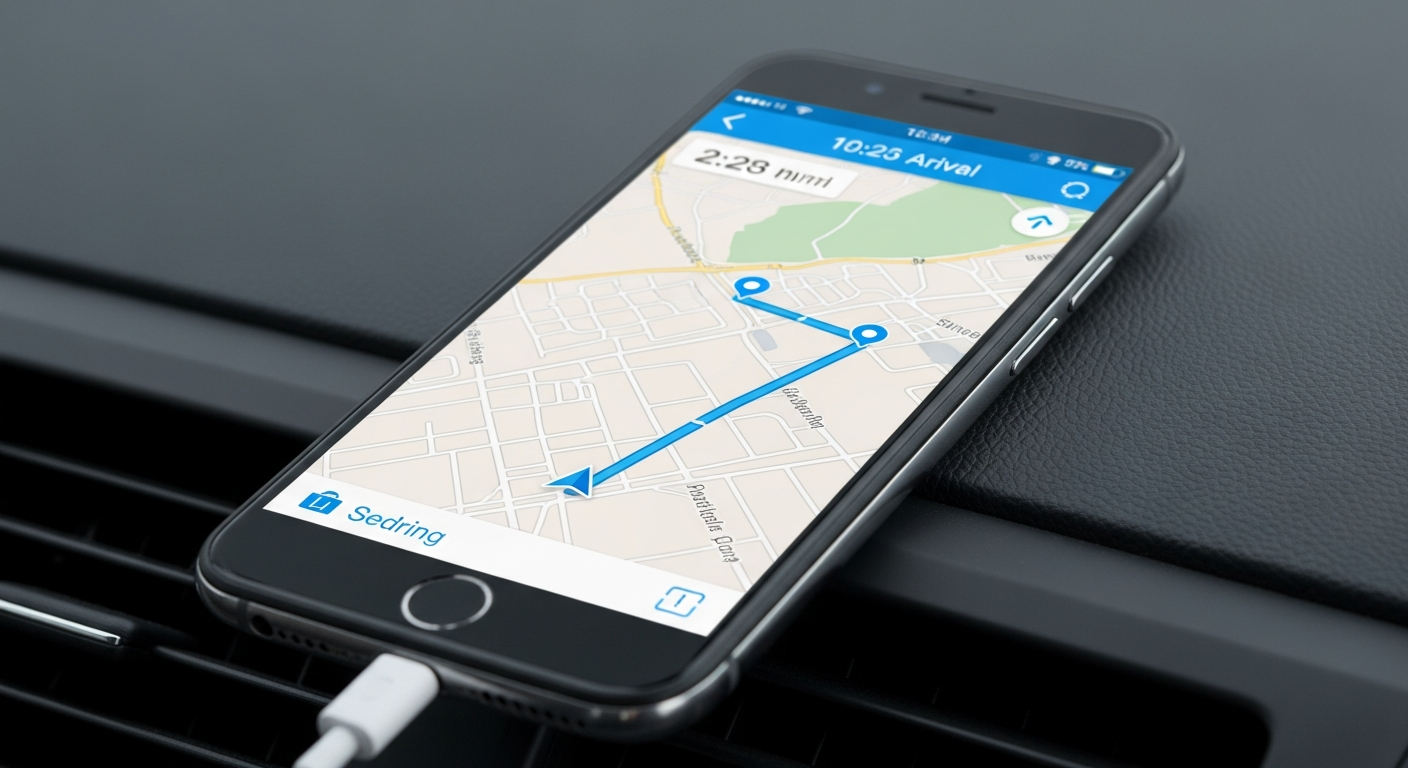
Using your phone to find your way around is super handy, especially when you're traveling. This guide will help you understand how to use your phone for navigation, even if you're not tech-savvy.
1. What is a navigation app?
A navigation app is like a digital map on your phone that tells you how to get from one place to another. It uses your phone's location to show you where you are and gives you step-by-step directions, often with voice guidance, to reach your destination.
2. Which navigation app is best for beginners?
For most beginners, Google Maps is an excellent choice. It's pre-installed on many phones and is very easy to use. It offers clear directions, real-time traffic updates, and can help you find places like restaurants or gas stations along your route.
3. How do I get directions on my phone?
First, open your navigation app (like Google Maps). Then, tap on the search bar and type in your destination's address or name. Once it appears, tap on it and then look for a "Directions" button. The app will then show you the route; tap "Start" to begin your journey with voice guidance.
Online Navigation
- Needs active internet (Wi-Fi or mobile data)
- Real-time traffic updates
- Finds new places instantly
- Uses more mobile data
Offline Navigation
- Works without internet
- Saves mobile data
- Needs pre-downloaded maps
- No real-time traffic updates
4. Can I use navigation without internet?
Yes, you can! Many navigation apps allow you to download maps to your phone beforehand. Once downloaded, these "offline maps" let you get directions even when you don't have an internet connection, which is great for saving data or when you're in areas with no signal.
5. What is GPS and how does it work?
GPS stands for Global Positioning System. It's a technology that uses signals from satellites orbiting Earth to figure out your exact location. Your phone has a small GPS receiver that picks up these signals, allowing your navigation app to pinpoint where you are on the map.
6. How do I save a location on my map?
To save a location, find it on your map app. Tap on the location to bring up its details. You should see an option like "Save" or a star icon. Tapping this will usually let you add it to a list of saved places, making it easy to find again later without re-typing the address.
7. What are offline maps?
Offline maps are digital maps that you download and store directly on your phone. This means you don't need an internet connection to view the map or get directions for that area. They are very useful for travelers who want to avoid high data costs or might be in areas without reliable internet access.
Using Offline Maps
Open Navigation App
Launch Google Maps or similar app.
Find Offline Maps Section
Look in the menu for "Offline maps" or "Download maps".
Select Area to Download
Zoom and pan to choose the region you need.
Download Map Data
Tap "Download" and wait for it to complete (best on Wi-Fi).
Navigate Offline
Use directions even without an internet connection.
8. How do I avoid tolls with navigation apps?
When you get directions in your navigation app, look for an "Options" or "Route options" button, usually near the destination input. In these settings, you'll often find checkboxes to "Avoid tolls," "Avoid highways," or "Avoid ferries." Select "Avoid tolls" before starting your trip.
9. Can navigation apps show public transport?
Yes, many popular navigation apps like Google Maps are great for public transport. After you enter your destination, look for an icon that looks like a bus, train, or a person walking. Tapping this will show you public transport routes, schedules, and walking directions to and from stops.
10. What if my phone battery dies while navigating?
This is a common concern! Always carry a portable power bank (a small, rechargeable battery pack) and your phone's charging cable when traveling. You can also charge your phone in a car using a USB port or car charger. Having a paper map as a backup is also a good idea for emergencies.