
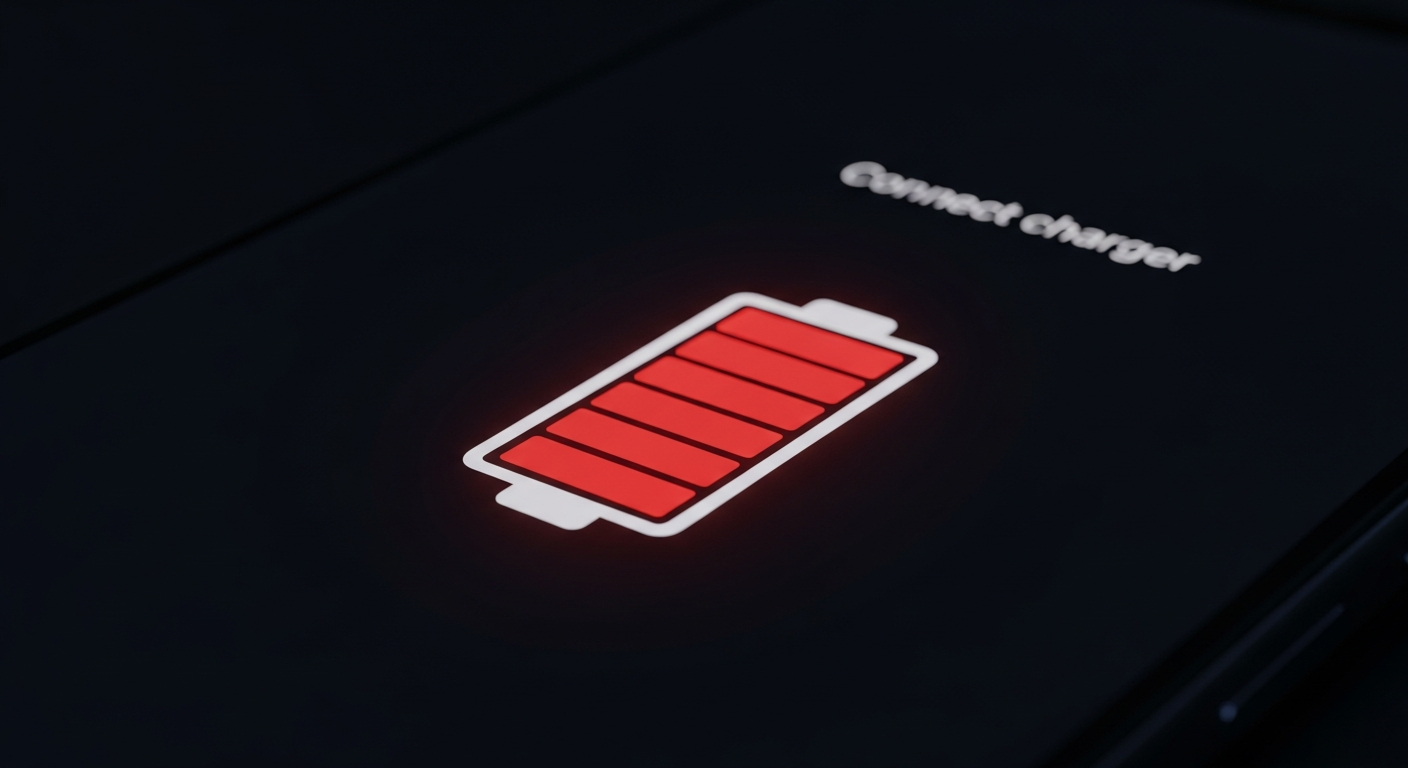
Is your smartphone always running out of juice before the day is over? You're not alone! Many things can make your battery drain faster than you'd like.
1. What causes a smartphone battery to drain quickly?
Many factors contribute to fast battery drain. Common culprits include apps running in the background, a very bright screen, constant use of location services, and an old battery. Even poor network signal can make your phone work harder, using more power.
2. How can I check which apps are using battery?
Both Android and iPhone have built-in tools to show you this. Go to your phone's Settings, then look for "Battery." Here, you'll see a list of apps and how much battery they've used over a certain period. This helps you identify which apps are the biggest power users.
3. Does screen brightness affect battery life?
Absolutely, your screen is one of the biggest battery consumers. A brighter screen requires more power, especially on larger, high-resolution displays. Reducing your screen brightness, or using auto-brightness, can significantly extend your battery life throughout the day.
High Brightness
- Vivid display
- Clear in sunlight
- Uses more battery
- Shorter battery life
Low Brightness
- Dimmer display
- Harder in sunlight
- Uses less battery
- Longer battery life
4. Should I close background apps to save battery?
Not always. Modern smartphones are designed to manage background apps efficiently. Constantly closing and reopening apps can sometimes use more battery than letting them sit idle. Focus on apps that actively use resources like location or data in the background.
5. How does location services impact battery?
Location services, used by apps like maps, weather, and social media, constantly use your phone's GPS, Wi-Fi, and cellular data to pinpoint your location. This process is very power-intensive. Limit which apps can access your location, or set them to "only while using the app."
6. What is 'low power mode' and how do I use it?
Low Power Mode (or Battery Saver on Android) is a setting that reduces your phone's power consumption. It does this by limiting background app refresh, visual effects, and automatic downloads. You can usually find and enable it in your phone's Battery settings or quick settings panel.
7. Are my charging habits affecting battery health?
Yes, they can. Constantly charging your phone to 100% and letting it drop to 0% can stress the battery over time. It's generally better for your battery's long-term health to keep it between 20% and 80% charge when possible. Avoid extreme heat while charging.
Battery Charging Best Practices
8. When should I consider replacing my phone's battery?
Most smartphone batteries are designed to last about 2-3 years or 500-800 charge cycles before their capacity significantly degrades. If your phone is noticeably slower, shuts down unexpectedly, or dies very quickly even after a full charge, it might be time for a replacement.
9. Does using dark mode help save battery?
Yes, but only on phones with OLED or AMOLED screens. These screens save power by turning off individual pixels to display black. On traditional LCD screens, dark mode offers minimal battery savings because the backlight is always on, regardless of what's displayed.
10. How can I identify apps that are major battery hogs?
Regularly check your phone's battery usage stats (Settings > Battery). Look for apps that show high usage even when you haven't used them much. Streaming apps, games, and social media apps with constant notifications or background activity are often big battery users.