
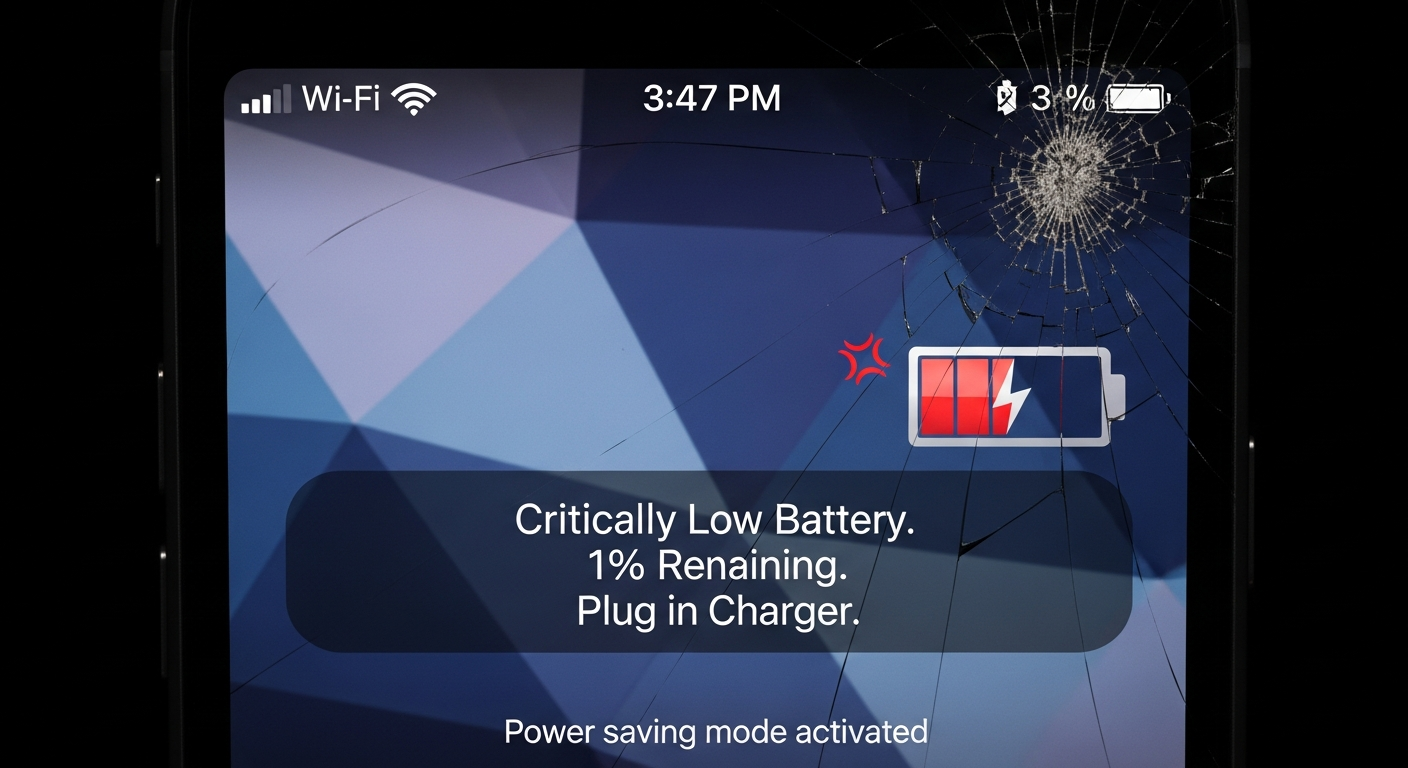
Is your smartphone battery giving up on you too soon? It's a common frustration, but understanding why it happens can help you keep your phone powered up longer.
1. What causes smartphone batteries to drain quickly?
Many things can make your battery die fast. Common culprits include too many apps running, a very bright screen, constant internet use (like Wi-Fi or mobile data), and even an old battery that isn't as good as it used to be.
Your phone's battery naturally loses its ability to hold a charge over time. Think of it like a tiny gas tank that gets smaller with each year. Plus, demanding apps like games or video streaming use a lot of power.
2. How can I check which apps are using the most battery?
Both Android and iPhone have built-in tools to show you this. Go to your phone's "Settings" app, then look for "Battery" or "Battery Usage." Here, you'll see a list of apps and the percentage of battery they've used since your last charge.
This feature helps you identify "battery hog" apps. If an app you rarely use is high on the list, you might consider uninstalling it or limiting its background activity to save power.
3. Is it better to charge my phone to 100% or only partially?
For the best long-term battery health, it's generally better to keep your phone's charge between 20% and 80%. Constantly charging to 100% or letting it frequently drop to 0% can stress the battery and shorten its lifespan.
Modern phones have smart charging features that help, but avoiding extreme charges is still a good practice. Think of it like exercising – moderate activity is better than always pushing to the absolute limit.
Charging to 100%
- Full power for long days
- Convenient for overnight charging
- Can slightly reduce long-term battery life
Charging to 80%
- Extends overall battery lifespan
- Reduces stress on the battery
- Might require more frequent charges
4. Should I close apps running in the background?
Not necessarily. While it seems logical, constantly closing and reopening apps can sometimes use more battery than just letting them sit in the background. Your phone is designed to manage background apps efficiently.
Only force-close apps that are misbehaving, frozen, or that you know are actively consuming a lot of power (like a navigation app you're no longer using). For most apps, let your phone handle it.
5. Does screen brightness affect battery life significantly?
Yes, your screen is one of the biggest battery drains. A brighter screen uses much more power than a dim one. Think of it like a light bulb – the brighter it is, the more electricity it needs.
Keeping your screen brightness as low as comfortably possible, or using "Auto-Brightness" (which adjusts to your surroundings), can make a big difference in how long your battery lasts.
6. What is "low power mode" and how does it work?
Low Power Mode (or Battery Saver Mode on Android) is a special setting that helps extend your battery life when it's running low. It does this by temporarily reducing or turning off certain features.
For example, it might stop apps from refreshing in the background, reduce screen brightness, limit visual effects, and pause automatic downloads. It's a great feature to use when you need to stretch your battery until you can charge.
7. When should I consider replacing my phone's battery?
Most smartphone batteries are designed to retain about 80% of their original capacity after 500-800 charge cycles (roughly 2-3 years of typical use). If your phone is older than two years and the battery dies very quickly, even with careful use, it might be time for a replacement.
Many phones also show "Battery Health" in their settings, which can give you a percentage of its current maximum capacity. If this number is significantly below 80%, a new battery will likely improve performance.
When to Consider Battery Replacement
8. Are there any settings I can change to save power?
Absolutely! Besides adjusting screen brightness, you can turn off Wi-Fi and Bluetooth when not in use. Limit location services for apps that don't need it, and reduce how often apps refresh in the background.
Also, consider using dark mode if your phone has an OLED screen, as black pixels use less power. Turning off "Raise to Wake" or "Tap to Wake" can also save tiny bits of power by preventing accidental screen activations.
9. Does extreme heat or cold affect battery performance?
Yes, both extreme heat and cold are bad for your phone's battery. Heat can permanently damage the battery, making it lose capacity faster. Avoid leaving your phone in direct sunlight, in a hot car, or charging it under a pillow.
Cold weather can temporarily reduce battery life, making it seem like it dies faster, but it usually returns to normal once warmed up. Still, try to keep your phone at a moderate temperature for optimal health.
10. Is it safe to use non-original chargers?
It depends. Using a cheap, uncertified charger can be risky. These might not provide the correct voltage or current, potentially damaging your battery or even posing a fire hazard. Always look for chargers from reputable brands or those certified by your phone's manufacturer.
Certified third-party chargers are generally safe and often more affordable. Just make sure they meet safety standards and are specifically designed for your phone's type (e.g., USB-C, Lightning).