
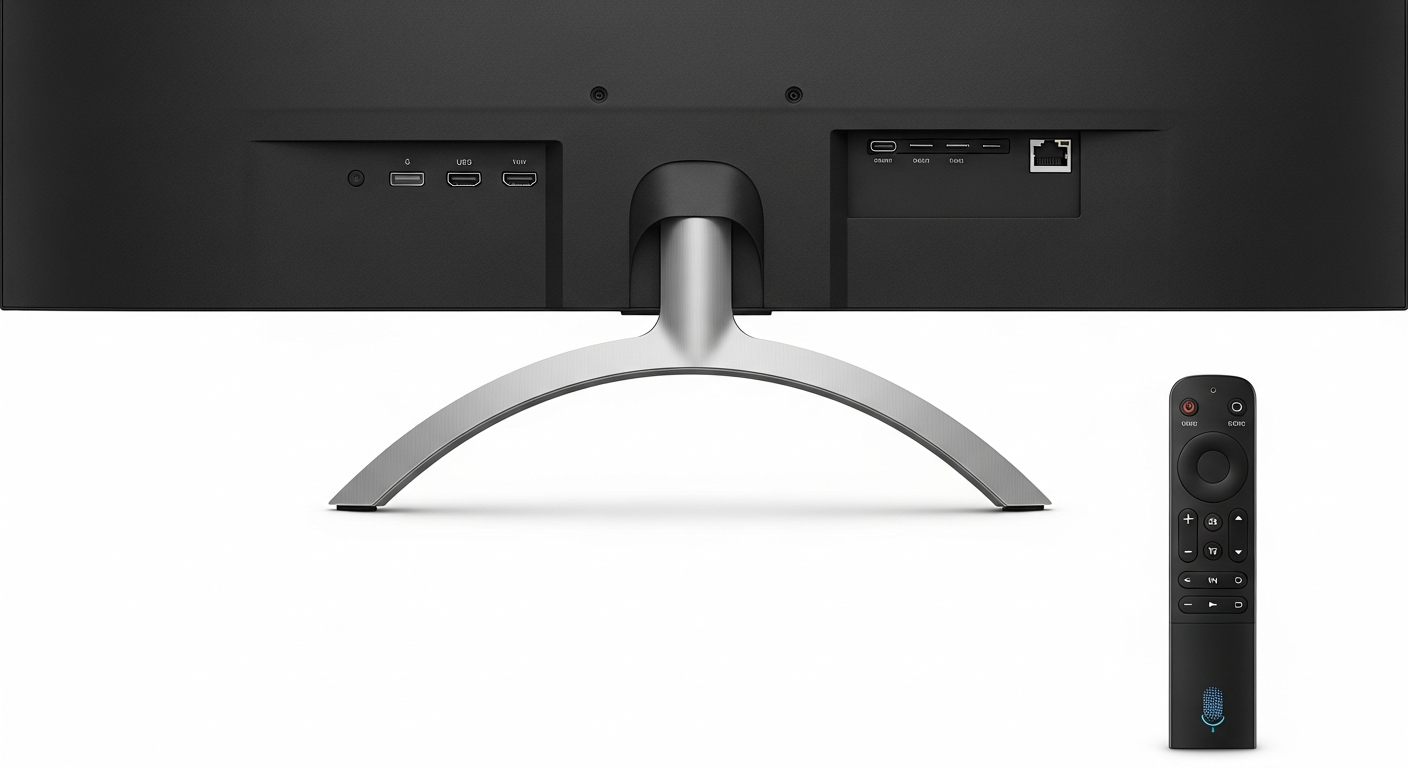
A Smart TV is like a regular TV but with a computer built-in, allowing it to connect to the internet. This connection lets you do much more than just watch regular TV channels, opening up a world of entertainment.
1. What makes a TV "smart"?
A Smart TV is "smart" because it can connect to the internet, just like your phone or computer. This connection lets you stream movies and TV shows from services like Netflix, browse websites, and even use various apps directly on your TV screen.
It also often comes with its own operating system, which is like the software that runs your phone. This system makes it easy to navigate menus, find content, and manage settings using your remote control.
2. Do I need a smart TV if I have a streaming stick?
Not necessarily. A streaming stick (like a Roku or Fire TV stick) adds smart features to any TV. If you already have one and it does everything you need, you might not gain much by also having a Smart TV.
However, a Smart TV integrates these features directly, often with a smoother experience, a single remote, and sometimes extra capabilities like built-in voice assistants or smart home control. It's about convenience and integration.
3. How do I connect my smart TV to the internet?
Connecting your Smart TV to the internet is usually straightforward. Most Smart TVs can connect wirelessly using Wi-Fi, just like your phone. You'll go to the TV's settings menu, find the "Network" or "Internet" option, and select your home Wi-Fi network.
You'll then enter your Wi-Fi password using the on-screen keyboard. For a more stable connection, some TVs also have an Ethernet port, allowing you to connect a cable directly from your TV to your internet router.
Smart TV
- Integrated features
- One remote for everything
- Often better picture quality
- Can be more expensive
Streaming Stick
- Adds smarts to any TV
- Portable for travel
- More affordable upfront
- Separate remote needed
4. How do I download and manage apps on a smart TV?
Smart TVs have an "App Store" or "App Market" where you can download new applications, similar to your smartphone. You'll find this option on your TV's home screen or main menu.
Browse or search for apps like Netflix, YouTube, or Disney+. Select the app you want and choose "Install" or "Download." To manage apps, you can usually find an option in the settings to uninstall or rearrange them on your home screen.
5. Can I browse the internet on my smart TV?
Yes, most Smart TVs come with a built-in web browser, allowing you to visit websites just like on a computer or phone. You can usually find the browser app on your TV's home screen or in the app store.
However, typing with a TV remote can be slow and clunky. While it's possible, it's generally not as convenient for extensive browsing as using a computer or tablet.
6. What are common smart TV operating systems (e.g., WebOS, Android TV)?
Just like phones have different operating systems (like iOS or Android), Smart TVs do too. Popular ones include WebOS (found on LG TVs), Tizen (on Samsung TVs), Android TV (used by Sony, TCL, and others), and Roku TV (on Hisense, TCL).
Each system has a slightly different look and feel, but they all offer access to streaming apps and smart features. Your TV's operating system determines how its menus look and how easy it is to navigate.
7. How do I update my smart TV's software?
Updating your Smart TV's software is important for new features, bug fixes, and security. Most TVs will notify you when an update is available or even download and install them automatically.
If not, you can usually check manually in the TV's settings menu, often under "Support," "About TV," or "System." Look for an option like "Software Update" or "Check for Updates" and follow the on-screen instructions.
Smart TV Software Update Flow
8. Are there privacy concerns with smart TVs?
Yes, like many internet-connected devices, Smart TVs can collect data about your viewing habits and how you use the TV. This data might be used to show you targeted ads or improve services.
You can often manage these settings in your TV's privacy or data collection menu. Reviewing these options and disabling features you're uncomfortable with can help protect your privacy.
9. Can I control my smart TV with my voice?
Many modern Smart TVs offer voice control features. Your remote might have a microphone button, or the TV itself might have a built-in microphone. You can use voice commands to search for movies, change channels, adjust volume, or launch apps.
Common voice assistants include Google Assistant, Amazon Alexa, or the TV brand's own assistant. This feature can make navigating your TV much quicker and easier.
10. What are the best smart TV features for beginners?
For beginners, the most useful features are usually streaming apps like Netflix, Hulu, or YouTube, which let you watch a huge variety of content. Easy access to these apps from the home screen is key.
Voice control is also very helpful for quickly finding what you want without typing. Finally, simple navigation and a clear, organized home screen make the Smart TV experience enjoyable and easy to learn.