
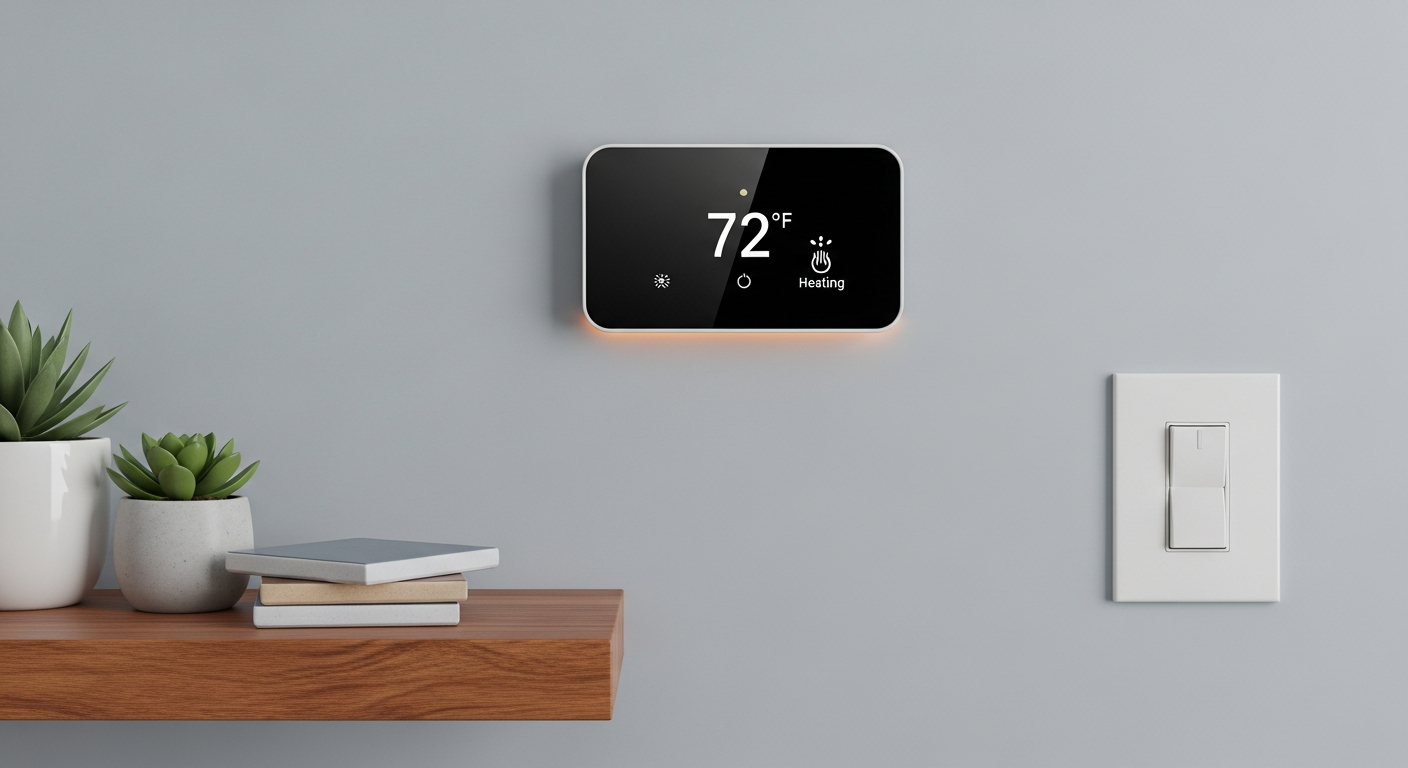
Ever wonder how to make your home more comfortable while also cutting down on energy bills? A smart thermostat might be the answer you're looking for!
1. What exactly is a smart thermostat?
A smart thermostat is a modern device that controls your home's heating and cooling system. Unlike old thermostats, it connects to your home's Wi-Fi, allowing it to do much more than just set a temperature.
Think of it as a mini-computer for your home's climate. It can be controlled remotely, learn your habits, and even use outside information like weather forecasts to make your home more comfortable and energy-efficient.
2. How does a smart thermostat save energy?
Smart thermostats save energy by being more efficient and reducing waste. They can automatically adjust temperatures when you're away or asleep, so you're not heating or cooling an empty house.
Many smart thermostats also provide detailed reports on your energy usage. This helps you understand when and how you're using the most energy, allowing you to make smarter choices to reduce your consumption and lower your bills.
3. Is a smart thermostat compatible with my existing HVAC system?
Most smart thermostats are designed to work with a wide range of heating, ventilation, and air conditioning (HVAC) systems. This includes common systems like central air, furnaces, and heat pumps.
However, some older or more complex systems might require specific wiring or a professional installer. It's always best to check the smart thermostat's compatibility tools or consult an HVAC professional before purchasing.
Old Thermostat
- Manual adjustments only
- No remote control
- No energy insights
- Fixed schedules
Smart Thermostat
- Automatic adjustments
- Control from anywhere
- Detailed energy reports
- Learning schedules
4. Can I control my smart thermostat from my phone?
Yes, absolutely! One of the biggest advantages of a smart thermostat is its ability to be controlled remotely. You can use a special app on your smartphone or tablet to change the temperature, create schedules, and monitor your home's climate from anywhere with an internet connection.
This means you can turn on the AC on your way home from work, or adjust the heat if you forgot to before leaving for vacation. It offers incredible convenience and peace of mind.
5. What is geofencing and how does it work with thermostats?
Geofencing is a smart feature that uses your smartphone's location to know when you're coming or going. When you leave a set "fence" around your home, the thermostat can automatically adjust to an energy-saving temperature.
As you approach your home, the thermostat can then begin to warm up or cool down your house, ensuring it's comfortable by the time you walk through the door. It's an effortless way to save energy without thinking about it.
6. Do smart thermostats learn my preferences?
Many advanced smart thermostats have "learning" capabilities. They observe your temperature adjustments over time – when you turn the heat up, when you turn it down, and at what times of day.
After a few days or weeks, the thermostat can start to build an automatic schedule based on your habits. This means it can predict when you prefer certain temperatures, making your home comfortable without you having to constantly adjust it.
7. How difficult is it to install a smart thermostat?
For many homeowners, installing a smart thermostat is a DIY project that takes about 30 minutes to an hour. Most come with clear instructions, and there are plenty of online video guides available.
However, if your system requires a "C-wire" (a common wire for continuous power) and you don't have one, or if you're uncomfortable with basic electrical work, it's best to hire a professional installer. Safety first!
Smart Thermostat Installation Steps
8. What are the best smart thermostats for beginners?
For beginners, look for smart thermostats known for their easy installation, user-friendly apps, and straightforward features. Brands like Google Nest Thermostat and Ecobee Lite are often recommended.
These models typically offer core smart features like remote control, energy saving, and basic scheduling without being overly complex. They're a great starting point for dipping your toes into smart home technology.
9. Can smart thermostats integrate with other smart home devices?
Absolutely! Many smart thermostats are designed to be part of a larger smart home ecosystem. They can connect with devices like smart speakers (Amazon Alexa, Google Assistant), smart lighting, and even smart door locks.
This integration allows for advanced automation, like having your lights turn off and your thermostat adjust when you leave the house. It creates a more connected and efficient smart home experience.
10. What's the difference between a smart thermostat and a programmable one?
A programmable thermostat allows you to set a schedule for different temperatures throughout the day or week. It's a "set it and forget it" system, but it doesn't adapt.
A smart thermostat does everything a programmable one does, plus much more. It connects to Wi-Fi, offers remote control, uses features like geofencing, learns your habits, and provides energy insights. It's much more dynamic and intelligent, leading to greater savings and convenience.