
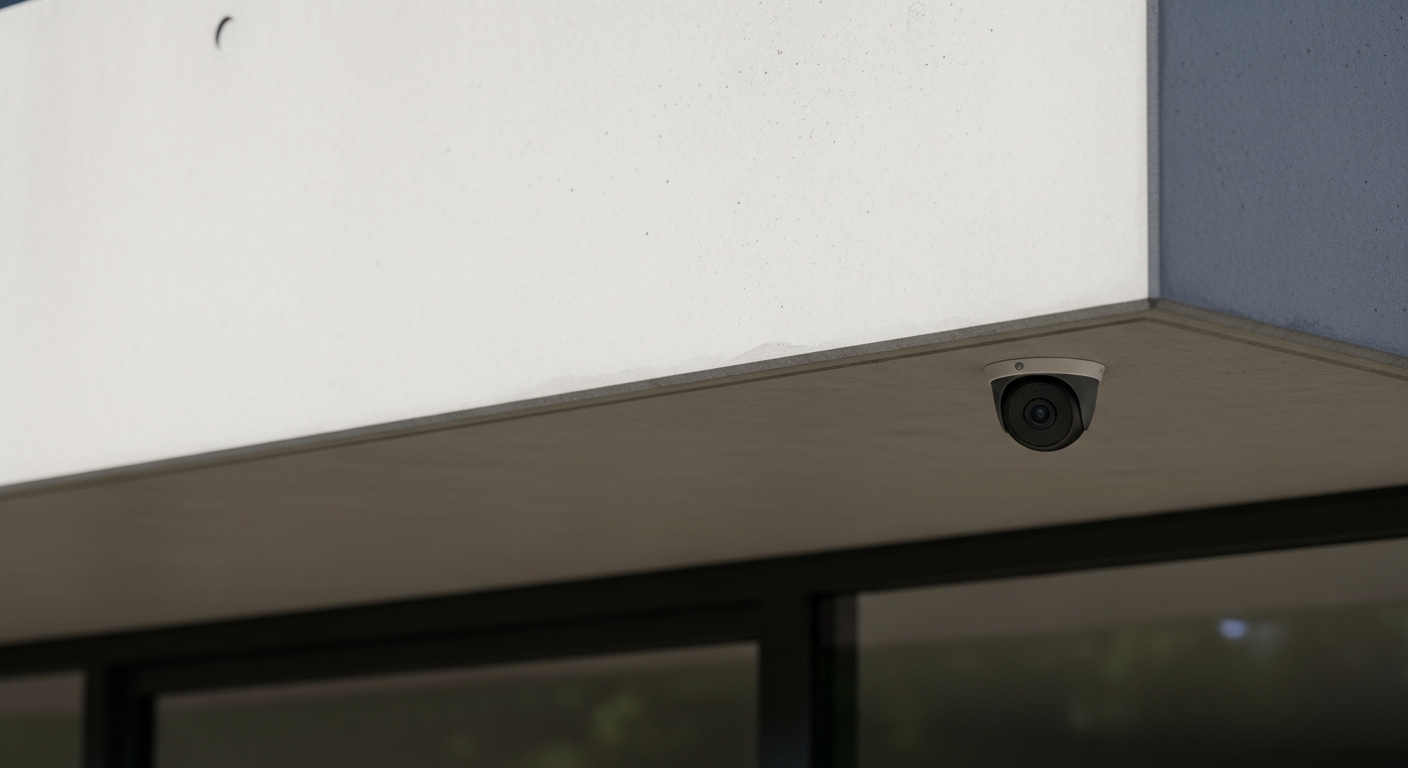
Worried about keeping your home safe? Smart security devices use modern technology to help protect your home and give you peace of mind. Let's explore how these clever gadgets can make your living space more secure.
1. What are smart home security devices?
Smart home security devices are electronic gadgets that connect to the internet and work together to protect your home. They include things like cameras, doorbells, and locks that you can control and monitor from your smartphone or tablet, even when you're not home.
2. How do smart security cameras work?
Smart security cameras record video of your home, inside or out. They connect to your home's Wi-Fi and send live video feeds to your phone. Many cameras can detect motion and will send you an alert if they see something unusual, helping you keep an eye on things.
3. Can smart doorbells make my home safer?
Yes, smart doorbells, often called video doorbells, have a camera, microphone, and speaker built-in. When someone rings the bell or approaches your door, you get an alert on your phone. You can then see, hear, and even speak to the person at your door from anywhere, adding an extra layer of security.
Traditional Doorbell
- Only rings inside your home
- No camera or two-way talk
- Can't see who's there remotely
- Simple push-button operation
Smart Video Doorbell
- Alerts your phone anywhere
- Built-in camera, mic, speaker
- See and talk to visitors remotely
- Motion detection alerts
4. Are smart locks secure?
Smart locks are very secure and often more convenient than traditional locks. They let you lock and unlock your door using your smartphone, a keypad, or even your fingerprint. Many also allow you to give temporary access codes to guests or service people, and they can alert you if the door is left unlocked.
5. Is it easy to install smart security devices?
Many smart security devices are designed for easy do-it-yourself (DIY) installation. They often come with clear instructions and require basic tools or no tools at all. Devices like smart cameras or doorbells typically just need to be mounted and connected to your home Wi-Fi.
6. Do I need a subscription for smart home security?
It depends on the device and features you want. Many devices offer basic functions like live video feeds and motion alerts for free. However, a subscription often provides extra benefits like cloud storage for video recordings, advanced motion detection, or professional monitoring services.
7. What about privacy with smart security cameras?
Privacy is a valid concern. Smart cameras are generally safe if you use strong, unique passwords and enable two-factor authentication. Only place cameras where you need them and be mindful of what they can see. Most reputable brands use encryption to protect your video footage.
Smart Security Alerts Flow
1. Event Detected
Camera sees motion, doorbell rings, lock opens.2. Device Sends Data
Device sends alert data (e.g., video clip) via Wi-Fi.3. Cloud Processing
Data goes to manufacturer's secure cloud servers.4. Alert to Your Phone
Cloud sends a push notification to your smartphone app.5. You Respond
View live feed, talk through doorbell, call authorities.8. How do I receive alerts from my security devices?
Alerts are typically sent directly to your smartphone or tablet through the device's dedicated app. These "push notifications" pop up on your screen, letting you know immediately if motion is detected, a doorbell is pressed, or a door is unlocked. You can often customize what alerts you receive.
9. Can I integrate different security devices?
Yes, many smart security devices from different brands can work together, especially if they support common smart home platforms like Google Home, Amazon Alexa, or Apple HomeKit. This allows you to control all your devices from one app or use voice commands to manage your security system.
10. What's the difference between DIY and professional smart security?
DIY (Do-It-Yourself) security means you buy, install, and monitor the devices yourself. It's often more affordable. Professional security involves a company installing and monitoring your system 24/7, contacting emergency services if needed. It offers more hands-off protection but usually costs more with monthly fees.