
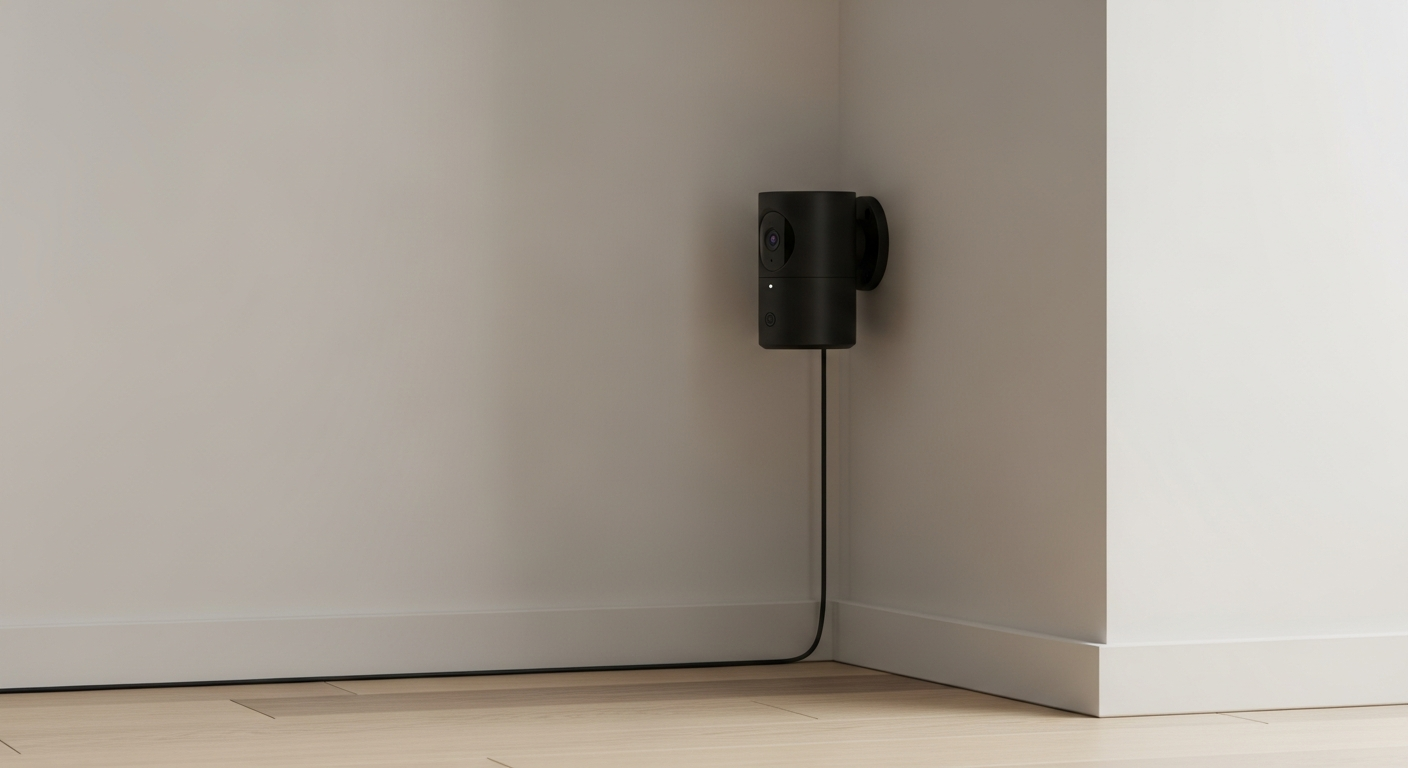
Smart security cameras are becoming a popular way to keep an eye on your home. This guide will explain how these clever devices work and answer your questions about their security.
1. What is a smart security camera?
A smart security camera is a digital camera that connects to your home's internet. Unlike old-fashioned cameras, it can send live video to your phone or computer. It also has "smart" features like motion detection and two-way audio.
These cameras help you monitor your property remotely. They act as your eyes and ears when you're not home, giving you peace of mind.
2. How do smart cameras connect to the internet?
Most smart cameras connect wirelessly using your home's Wi-Fi network, just like your smartphone or laptop. Some might also use an Ethernet cable to plug directly into your internet router for a more stable connection.
This internet connection allows the camera to send video data to you and to cloud storage. It also lets you control the camera from afar using an app.
3. Do smart cameras record all the time?
Not usually. Most smart cameras are designed to save energy and storage space. They typically record only when they detect motion or sound, or when you specifically tell them to start recording through their app.
Some cameras offer continuous recording, but this uses a lot more storage and battery. You can usually adjust these settings in the camera's app to suit your needs.
Motion-Activated Recording
- Records only when something happens.
- Saves storage space and battery.
- Alerts you to specific events.
- Might miss minor details before or after an event.
Continuous Recording
- Records 24/7 without stopping.
- Captures everything, no missed moments.
- Requires more storage (local or cloud).
- Uses more power and internet bandwidth.
4. Where is the footage from smart cameras stored?
Camera footage is stored in two main ways: locally or in the cloud. Local storage means the video is saved on a physical memory card (like an SD card) inside the camera itself, or on a home base station.
Cloud storage means the video is sent over the internet and saved on secure servers managed by the camera company. This often requires a monthly subscription fee but allows you to access footage from anywhere.
5. Are smart security cameras easy to install?
Yes, most smart cameras are designed for easy, DIY installation. Many are wireless and battery-powered, meaning you just place them where you want and connect them to your Wi-Fi using a smartphone app. Wired cameras might require a bit more effort to hide cables or connect to power.
The app usually guides you step-by-step through the setup process. No special tools or technical skills are typically needed for basic installation.
6. Can I view my camera feed from anywhere?
Absolutely! This is one of the biggest advantages of smart security cameras. As long as your camera is connected to the internet and you have internet access on your smartphone, tablet, or computer, you can view your live camera feed from anywhere in the world.
You simply open the camera's dedicated app on your device. This allows you to check in on your home whether you're at work, on vacation, or just in another room.
7. What are the privacy concerns with smart cameras?
Privacy is a big consideration. Since cameras record video, there's a concern about who can access that footage. Hackers could potentially gain unauthorized access if your camera or home network isn't secure.
Also, consider where you place cameras to avoid recording neighbors or public spaces without consent. Always use strong passwords, enable two-factor authentication, and keep your camera's software updated to enhance security.
Keeping Your Smart Camera Secure
- Strong Passwords: Use unique, complex passwords for your camera and Wi-Fi.
- Two-Factor Authentication (2FA): Add an extra layer of security, like a code sent to your phone.
- Software Updates: Install updates promptly to fix security flaws.
- Secure Wi-Fi: Use WPA2/WPA3 encryption on your home router.
- Careful Placement: Position cameras to monitor only your property.
- Review Permissions: Check what data the camera app accesses on your phone.
8. Do smart cameras detect motion?
Yes, motion detection is a core feature of almost all smart security cameras. They use sensors to identify movement within their view. When motion is detected, the camera can start recording, send you an alert on your phone, or even trigger an alarm.
Many advanced cameras can even distinguish between people, animals, and vehicles, reducing false alarms from pets or passing cars.
9. What features should I look for in a smart camera?
Look for high-definition (HD) video quality for clear images, and night vision for visibility in the dark. Two-way audio lets you speak and listen through the camera. Cloud storage options are convenient for accessing footage anywhere.
Other useful features include motion zones (to ignore specific areas), smart alerts (for people vs. pets), and integration with other smart home devices like smart lights or voice assistants.
10. Which smart camera is good for outdoor use?
For outdoor use, look for cameras specifically rated for outdoor conditions. They should be "weatherproof" or "weather-resistant," meaning they can withstand rain, snow, and extreme temperatures. Check their IP rating (e.g., IP65, IP66) for durability.
Also, consider battery life if it's wireless, or how you'll power a wired outdoor camera. Good night vision and a wide field of view are also crucial for outdoor monitoring.