
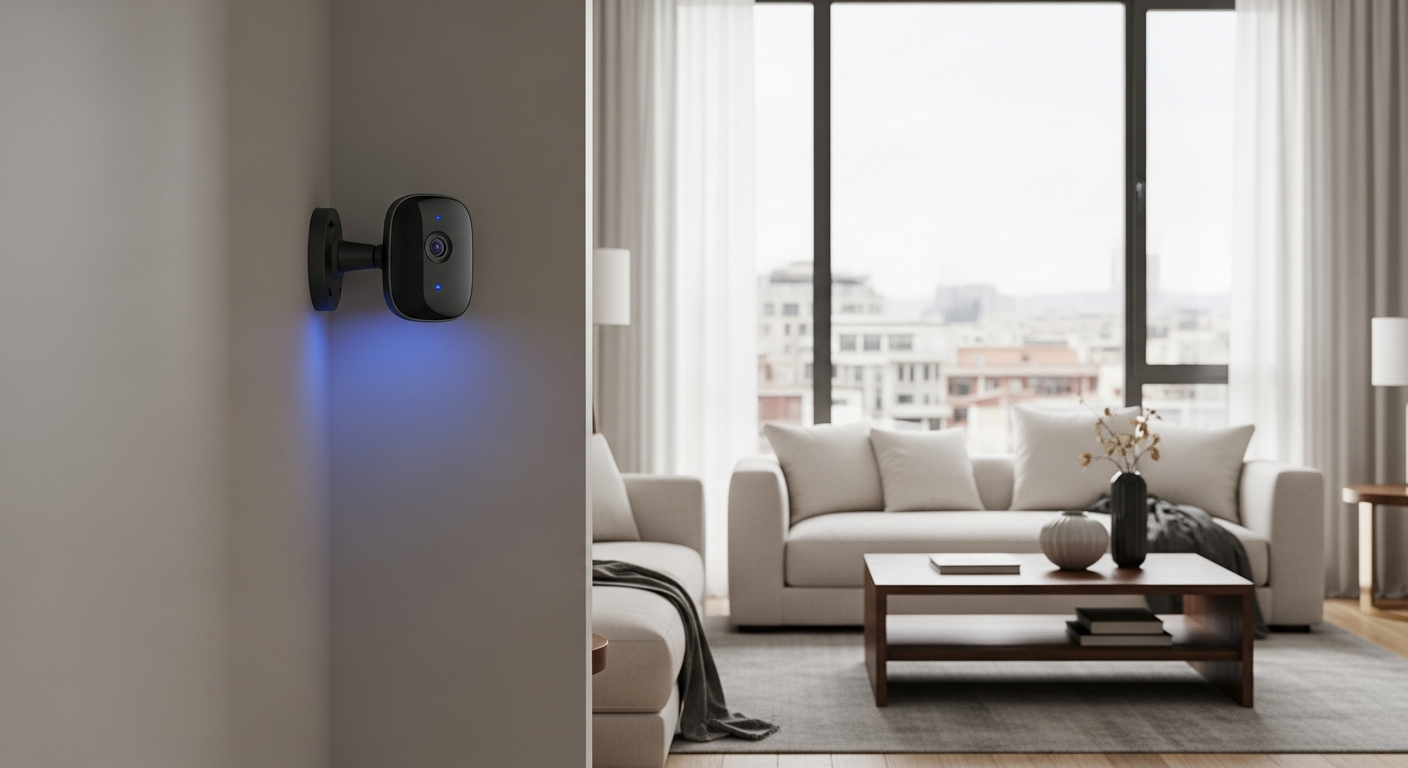
Smart security cameras are clever gadgets that help keep your home safe. They let you see what's happening, even when you're not there, giving you peace of mind.
1. What are smart security cameras?
Smart security cameras are digital cameras that connect to your home's internet, often called Wi-Fi. They record video and can send alerts to your phone or tablet. Unlike old cameras, they have "smart" features like motion detection and two-way talk, making them more interactive and helpful for home monitoring.
2. What types of smart security cameras are available?
You can find cameras for both inside and outside your home. Indoor cameras are usually smaller and plug into an outlet. Outdoor cameras are built tough to handle weather and often have stronger night vision. Some run on batteries, others need to be wired for power.
3. How do smart cameras detect motion?
Most smart cameras use special sensors to spot movement. Some look for changes in pixels (the tiny dots that make up an image), while others use heat sensors to detect people or large animals. When motion is detected, the camera starts recording and can send an alert to your phone.
Indoor Cameras
- Smaller, less noticeable
- Often plug into wall outlets
- Easy to move
- Good for pets & kids monitoring
Outdoor Cameras
- Weatherproof design
- Stronger night vision
- More complex installation
- Deters intruders
4. Can I view camera footage remotely?
Yes, absolutely! This is one of the biggest benefits. Smart cameras connect to your home internet, sending video to a special app on your smartphone or tablet. As long as your phone has internet access (Wi-Fi or mobile data), you can watch live video or review recorded clips from anywhere in the world.
5. Do smart security cameras require a subscription?
Many smart cameras offer optional subscription plans. These plans usually provide extra features like longer video storage in the "cloud" (online servers), advanced motion detection, or professional monitoring. Basic features, like live viewing and short event recording, are often free.
6. What about privacy with smart cameras?
Privacy is important. Your video footage is usually encrypted, meaning it's scrambled to keep it private. You should only buy cameras from trusted brands that have good security practices. Also, be mindful of where you point cameras, especially if they can see into neighbors' yards.
7. How do I install an indoor smart camera?
Indoor cameras are generally very easy to set up. You typically just plug them into a wall outlet, download the camera's app, and follow the on-screen instructions to connect it to your home's Wi-Fi. They can be placed on a shelf, table, or mounted to a wall with simple screws.
Indoor Camera Setup Flow
- Unbox Camera
- Plug into Power
- Download App
- Connect to Wi-Fi
- Place & Monitor
8. What's involved in installing an outdoor smart camera?
Outdoor cameras can be a bit more involved. If wired, they need a power source, which might mean drilling a small hole or using an existing outdoor outlet. Battery-powered ones are easier but need occasional recharging. All outdoor cameras require secure mounting to a wall or overhang and a strong Wi-Fi signal.
9. Can smart cameras integrate with other smart devices?
Yes, many smart cameras work with other smart home devices. For example, they can link up with smart lights to turn on when motion is detected, or connect to smart door locks. This creates a more connected and automated security system for your home.
10. What happens if my internet goes down?
If your internet goes down, most smart cameras will stop sending live video to your phone and won't be able to send alerts. However, many cameras have a local storage option, like an SD card, which allows them to continue recording footage even without an internet connection. You'd view this footage once the internet is back or by removing the card.