
Ever wish you could turn off a light or coffee maker from your phone? Smart plugs make everyday devices "smart" by letting you control them remotely or on a schedule.
They're a simple way to bring automation and convenience into your home without replacing all your appliances.
1. What exactly is a smart plug?
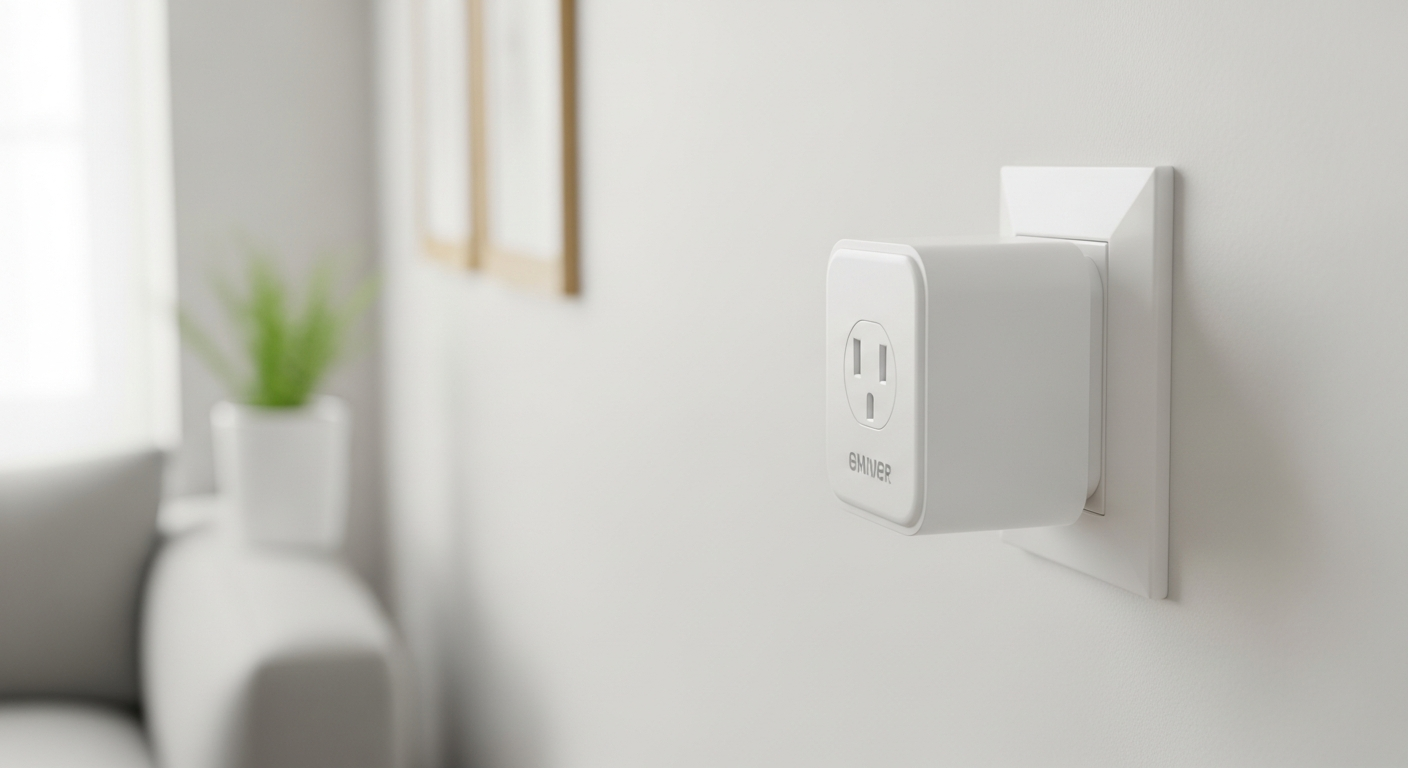
A smart plug is a small device that plugs into a standard electrical outlet. You then plug your regular appliance, like a lamp or fan, into the smart plug. This gives the smart plug control over the power going to your appliance, turning it on or off.
2. How do smart plugs work?
Smart plugs connect to your home's Wi-Fi network. Once connected, you use a special app on your smartphone or tablet to send commands to the plug. The app tells the plug to either supply power to your device or cut it off, effectively turning it on or off.
3. What can I plug into a smart plug?
You can plug almost any appliance that uses a standard electrical cord and has a simple on/off switch into a smart plug. Common examples include lamps, fans, coffee makers, slow cookers, holiday lights, and humidifiers. Avoid plugging in high-power appliances like refrigerators or heaters, as they might exceed the plug's capacity.
Good for Smart Plugs
- Lamps & Lighting
- Coffee Makers
- Fans & Humidifiers
- Holiday Decorations
- Small Chargers
Avoid with Smart Plugs
- Refrigerators
- Electric Heaters
- Washing Machines
- Microwaves
- Large Power Tools
4. Do smart plugs require a hub?
Most modern smart plugs do not require a separate "hub." A hub is a central device that connects different smart home gadgets. Many smart plugs connect directly to your home's Wi-Fi router, making setup simpler and often more affordable. Some brands offer hubs for advanced features, but they're not essential for basic control.
5. Are smart plugs easy to set up?
Yes, setting up smart plugs is generally very easy. You typically plug the smart plug into an outlet, download the manufacturer's app, and follow simple on-screen instructions. This usually involves connecting the plug to your home Wi-Fi network and giving it a name, like "Living Room Lamp."
6. Can I control a smart plug remotely?
Absolutely! One of the biggest benefits of smart plugs is remote control. As long as your smart plug is connected to Wi-Fi and your smartphone has an internet connection (Wi-Fi or cellular data), you can turn your devices on or off from anywhere in the world. This is great for peace of mind.
7. Do smart plugs save energy?
Smart plugs can help you save energy by making it easier to turn off devices you're not using. For example, you can schedule lights to turn off automatically or remotely power down "vampire" devices that draw small amounts of power even when off. Some smart plugs also track energy usage, helping you identify power-hungry appliances.
How Smart Plugs Help Save Energy
8. What are some creative uses for smart plugs?
Beyond basic on/off, smart plugs offer many creative uses. You can set up a "morning routine" to turn on your coffee maker and kitchen lights. Use them with a fan to cool a room before you arrive home. Automate holiday lights, or even control a pet's water fountain or a slow cooker while you're away.
9. Are all smart plugs compatible with voice assistants?
Most popular smart plug brands are compatible with major voice assistants like Amazon Alexa and Google Assistant. However, it's always best to check the product description to confirm compatibility before purchasing. Some lesser-known brands might have limited or no voice assistant support.
10. How do I schedule devices with a smart plug?
Scheduling is done through the smart plug's app. Within the app, you'll find a "Schedule" or "Timer" section. Here, you can set specific times for your plugged-in device to turn on or off, or even create recurring schedules for different days of the week. This allows for true home automation.