
Welcome to the world of smart home routines! This guide will help you understand how to make your smart devices work together automatically, making your home life easier and more convenient.
1. What is a smart home routine?
A smart home routine, also called an automation, is a set of instructions you give to your smart devices to perform tasks automatically. Instead of manually turning on lights or adjusting thermostats, a routine makes them happen on their own based on certain conditions you set.
Think of it like a mini-program for your home. You tell your devices: "When X happens, do Y." This saves you time and effort by taking care of repetitive tasks.
2. How do I create a smart home automation?
You typically create routines using the app for your main smart home system, like Amazon Alexa, Google Home, Apple HomeKit, or a specific device brand's app. Look for sections like "Routines," "Automations," or "Scenes."
Inside the app, you'll usually choose a "trigger" (what starts the routine) and then "actions" (what your devices do). The app guides you through selecting your devices and their desired behaviors.
3. What are some examples of useful routines?
Many routines can simplify your day. A "Good Morning" routine might turn on bedroom lights slowly, start your coffee maker, and play the news. An "Away" routine could lock doors, turn off all lights, and adjust the thermostat to save energy.
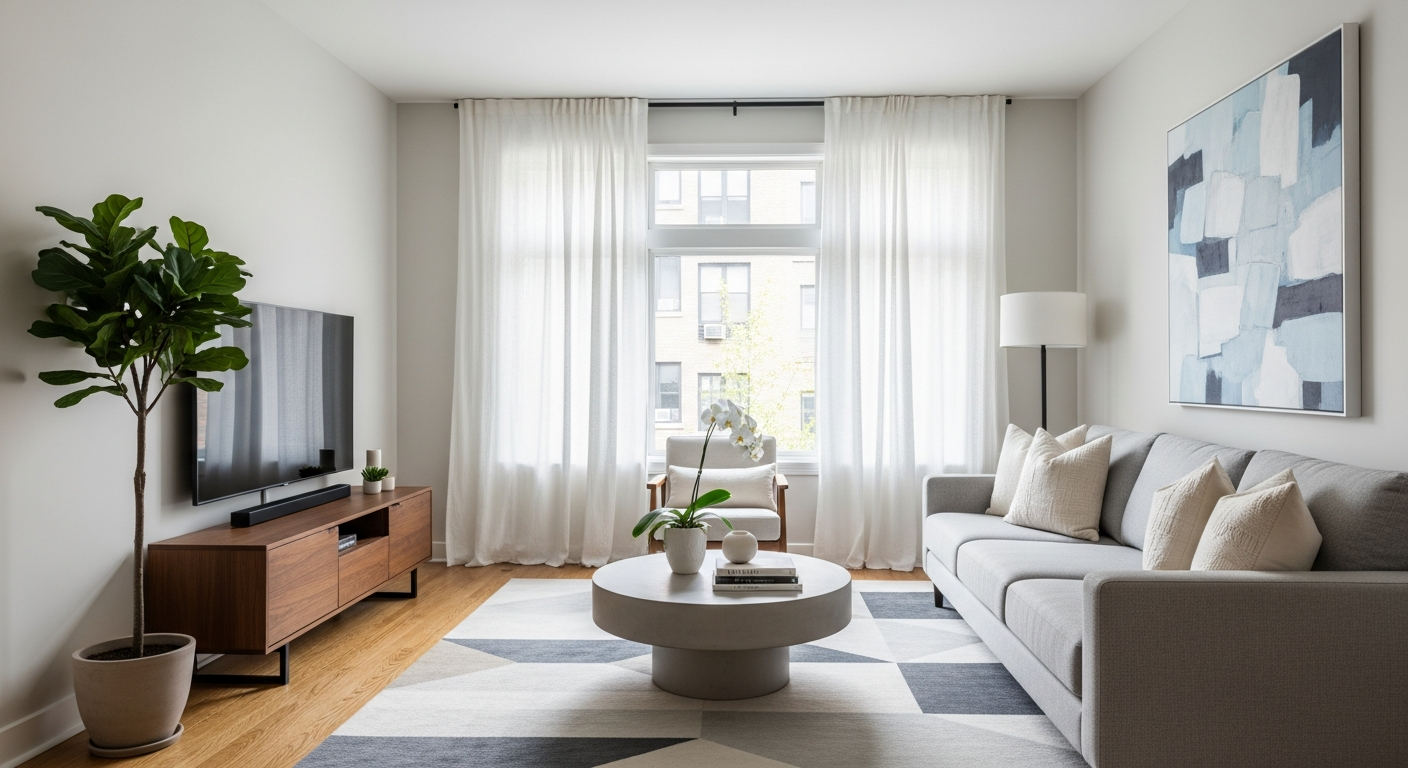
For evenings, a "Movie Night" routine could dim the living room lights, close smart blinds, and turn on your TV. These examples show how routines adapt your home to your activities.
"Good Morning" Routine
- Trigger: Alarm dismisses (6:30 AM)
- Action 1: Bedroom lights fade on to 50%
- Action 2: Smart speaker plays morning news
- Action 3: Smart thermostat sets to 72°F
"Movie Night" Routine
- Trigger: Voice command: "Hey Google, Movie Night"
- Action 1: Living room lights dim to 10%
- Action 2: Smart blinds close
- Action 3: TV and soundbar power on
4. Can I use different brands of devices in one routine?
Yes, often you can! Many smart home platforms like Amazon Alexa, Google Home, and Apple HomeKit are designed to work with devices from various brands. As long as your devices are compatible with your chosen main smart home app, you can usually include them in the same routine.
Always check the product's compatibility list or look for logos like "Works with Alexa" or "Works with Google Home" when buying new devices to ensure they'll integrate smoothly.
5. Do I need a smart hub for routines?
Not always. Many modern smart devices connect directly to your home Wi-Fi and can be controlled through their own apps or major platforms like Alexa or Google Home without a separate hub. These platforms often act as "virtual hubs."
However, a dedicated smart hub (like SmartThings or Hubitat) can offer more advanced features, better local control (meaning routines work even without internet), and compatibility with older or less common device types. For most basic routines, it's not strictly necessary.
6. How do voice assistants help with routines?
Voice assistants like Alexa, Google Assistant, and Siri are fantastic for triggering routines. Instead of opening an app, you can simply say a command, like "Alexa, I'm home," to start a routine that turns on lights and unlocks the door.
They also provide voice feedback, confirming that your routine has started or letting you know if there's an issue. This makes interacting with your smart home feel very natural and hands-free.
7. What are "triggers" and "actions" in automations?
These are the two core parts of any automation. A "trigger" is the event that starts your routine. This could be a specific time, a voice command, a sensor detecting motion, or your phone entering a certain location.
An "action" is what happens after the trigger. It's the task your smart devices perform, such as turning on a light, locking a door, playing music, or adjusting a thermostat. You can have multiple actions for one trigger.
Routine Flow: "Coming Home"
8. Can I schedule routines based on time or sunrise/sunset?
Absolutely! Time-based triggers are very common. You can set a routine to run at a specific time every day, like turning off all lights at 11 PM. Many platforms also offer "sunrise" and "sunset" as triggers.
This is incredibly useful for lighting, blinds, or outdoor devices, as it automatically adjusts to the changing seasons without you needing to update the schedule manually.
9. Are routines complicated to set up?
For basic routines, no, they are generally quite simple! Most smart home apps use a user-friendly interface that walks you through selecting triggers and actions. You don't need any coding knowledge.
More complex routines involving multiple conditions or advanced logic might require a bit more thought, but the core process remains straightforward. Start with simple routines and build your confidence.
10. How do I troubleshoot a routine that isn't working?
First, check your internet connection; most smart devices need it. Then, verify that all devices involved in the routine are powered on and connected to your smart home system. Look at the routine's settings in the app to ensure the trigger and actions are correctly configured.
Sometimes, simply restarting the problematic device or the main smart home hub (if you have one) can resolve issues. If problems persist, check the device manufacturer's support pages or your smart home platform's help section.