
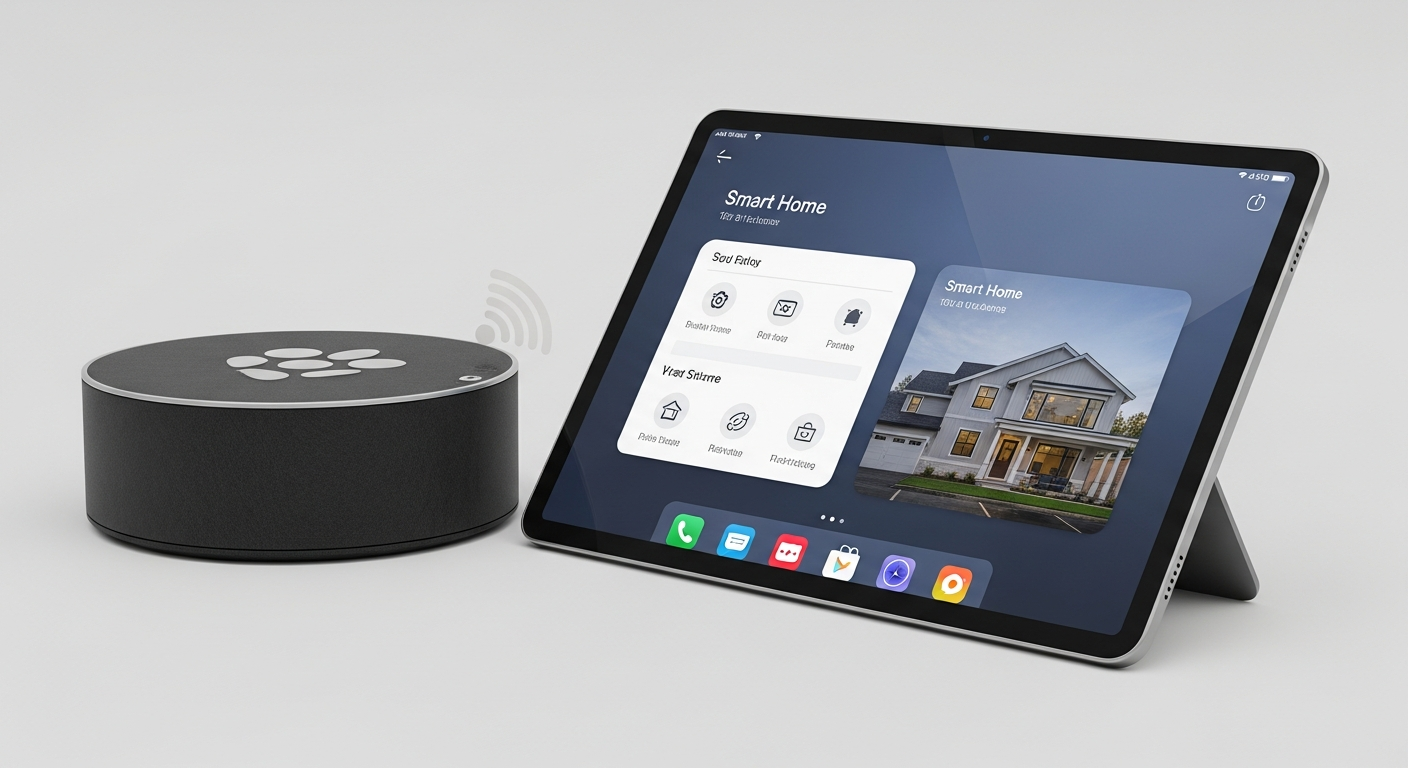
Welcome to the world of smart homes! It's exciting to have devices that make life easier, but it's also smart to think about your privacy and security. This guide will help you understand how to keep your smart home safe and your personal information private.
1. Is my smart home listening to me?
Many smart home devices, especially smart speakers and voice assistants, have microphones that are always on, waiting for your commands. They typically only record and send audio to the cloud after hearing a "wake word" like "Alexa" or "Hey Google."
However, accidental triggers can happen, and some devices might store snippets of audio. It's important to check the privacy settings of each device to understand how it handles your voice data and if you can review or delete recordings.
2. How do I protect my personal data on smart devices?
Protecting your data starts with being aware of what information your devices collect. Always review the privacy policy when setting up a new device. Limit the data you share by only granting necessary permissions, such as location access for a smart thermostat, but perhaps not for a smart light bulb.
Regularly check your device settings and associated apps. Look for options to opt out of data sharing for marketing or analytics. Remember, less data shared means less data at risk.
3. What are the biggest security risks for smart homes?
The biggest risks include weak passwords, outdated software, and insecure Wi-Fi networks. If someone gains access to one device, they might be able to access others or even your entire home network. This could lead to unauthorized surveillance, data theft, or device tampering.
Another risk is devices with poor built-in security, making them easier targets for hackers. Always buy from reputable brands that prioritize security updates and transparent privacy practices.
Weak Security
- Easy to guess passwords
- Outdated device software
- No two-factor authentication
- Unsecured Wi-Fi network
Strong Security
- Unique, complex passwords
- Automatic software updates
- Two-factor authentication enabled
- Encrypted Wi-Fi (WPA3)
4. How can I secure my Wi-Fi network for smart devices?
Your Wi-Fi network is the gateway to your smart home. Start by changing the default name (SSID) and password of your router to something unique and strong. Use the latest encryption standard, WPA3, if your router supports it, or WPA2 at minimum.
Consider setting up a separate "guest" Wi-Fi network for your smart devices. This creates a barrier between your smart devices and your main computers or phones, limiting potential access if a smart device is compromised.
5. Should I use strong passwords for smart home apps?
Absolutely! Strong, unique passwords are your first line of defense. Use a mix of uppercase and lowercase letters, numbers, and symbols. Avoid using personal information or common words. A password manager can help you create and store these complex passwords securely.
Never reuse passwords across different accounts or devices. If one account is breached, a unique password prevents hackers from accessing your other services.
6. What is two-factor authentication and why is it important?
Two-factor authentication (2FA) adds an extra layer of security. After entering your password, 2FA requires a second piece of verification, like a code sent to your phone or a fingerprint scan. This means even if someone steals your password, they can't access your account without that second factor.
Enable 2FA on all smart home apps and services that offer it. It significantly reduces the risk of unauthorized access to your devices and personal data.
7. How do I check for privacy settings on my devices?
Most smart devices have privacy settings within their companion app or through a web portal. Look for sections like "Privacy," "Security," "Data Management," or "Account Settings." Here you can often control data collection, microphone/camera access, and sharing preferences.
Review these settings regularly, especially after software updates, as defaults can sometimes change. If you're unsure, consult the device's user manual or the manufacturer's website for specific instructions.
8. Should I update my smart device software regularly?
Yes, absolutely! Software updates often include critical security patches that fix vulnerabilities hackers could exploit. Manufacturers release these updates to protect your devices from new threats. Enable automatic updates whenever possible, or check for them manually on a regular basis.
Ignoring updates leaves your devices exposed to known security weaknesses. Keeping your software current is one of the easiest and most effective ways to maintain smart home security.
9. Are all smart devices equally secure?
No, security can vary greatly between different brands and devices. Reputable manufacturers often invest more in security features, regular updates, and transparent privacy policies. Cheaper, lesser-known brands might cut corners on security, leaving them more vulnerable.
Before buying, research the device's security track record and read reviews. Look for certifications or labels that indicate adherence to security standards, if available.
10. What should I do if a smart device is compromised?
If you suspect a device has been hacked, immediately disconnect it from your Wi-Fi network by unplugging it or disabling its Wi-Fi. Change all associated passwords, especially for the device's app and your Wi-Fi. Check other accounts for unusual activity.
Contact the device manufacturer's support for guidance. They may have specific steps to help you restore security or replace the device. Report any suspicious activity to your internet service provider as well.