
Protecting Your Privacy in a Smart Home
Smart home devices make life easier, but it's important to understand how they collect your information and how to keep it safe. This guide will help you protect your privacy and secure your smart home.
1. What are the main privacy concerns with smart home devices?
Smart devices often collect a lot of personal data, like your daily routines, voice commands, and even video footage. This information could be misused if it falls into the wrong hands, leading to unwanted tracking or even identity theft. It's crucial to know what data your devices gather.
2. How can I secure my Wi-Fi network for smart devices?
Your Wi-Fi network is the gateway to your smart home. Change the default password of your Wi-Fi router to a strong, unique one. Enable WPA3 encryption if your router supports it, as this is the strongest security available. Consider setting up a separate "guest" Wi-Fi network specifically for your smart devices to isolate them from your main network.
3. Should I use strong passwords for my smart home accounts?
Absolutely, yes! Strong passwords are your first line of defense. Use a mix of uppercase and lowercase letters, numbers, and symbols. Avoid using easily guessable information like birthdays or pet names. A password manager can help you create and remember unique, complex passwords for each smart device account.
Weak Password
- "password123"
- "yourname2026"
- "12345678"
- Easy to guess
- Commonly used
Strong Password
- "p@ssW0rd_StR0ng!"
- "MyS!m@rtH0me#"
- "Gr3atL1fe*24/7"
- Hard to guess
- Unique for each account
4. What is two-factor authentication and should I use it?
Two-factor authentication (2FA) adds an extra layer of security. After entering your password, 2FA requires a second verification step, like a code sent to your phone or a fingerprint scan. Always enable 2FA for any smart home account that offers it, as it significantly reduces the risk of unauthorized access even if your password is stolen.
5. How do I check and manage device permissions?
Just like apps on your phone, smart devices often ask for permissions to access your microphone, camera, or location. Review these permissions in the device's settings or its companion app. Only grant permissions that are absolutely necessary for the device to function. If a smart plug asks for camera access, that's a red flag.
6. Can my smart devices be hacked?
Yes, unfortunately, smart devices can be vulnerable to hacking, especially if they have weak security or outdated software. Hackers might try to gain access to your network, control your devices, or steal your data. This is why strong passwords, 2FA, and regular updates are so important.
7. What's the importance of keeping device software updated?
Software updates often include critical security fixes that patch newly discovered vulnerabilities. Think of them as vaccines for your devices. Always enable automatic updates if available, or regularly check for and install updates manually for all your smart home gadgets. This keeps your devices protected against the latest threats.
Why Software Updates Matter
8. How can I ensure my smart cameras aren't being misused?
Place cameras strategically, avoiding private areas like bedrooms. Only enable remote viewing when necessary. Use strong, unique passwords and 2FA for camera accounts. Regularly check the camera's activity logs for unusual access. Consider cameras with physical privacy shutters if you're concerned about unwanted viewing.
9. Are there specific settings to enhance privacy on voice assistants?
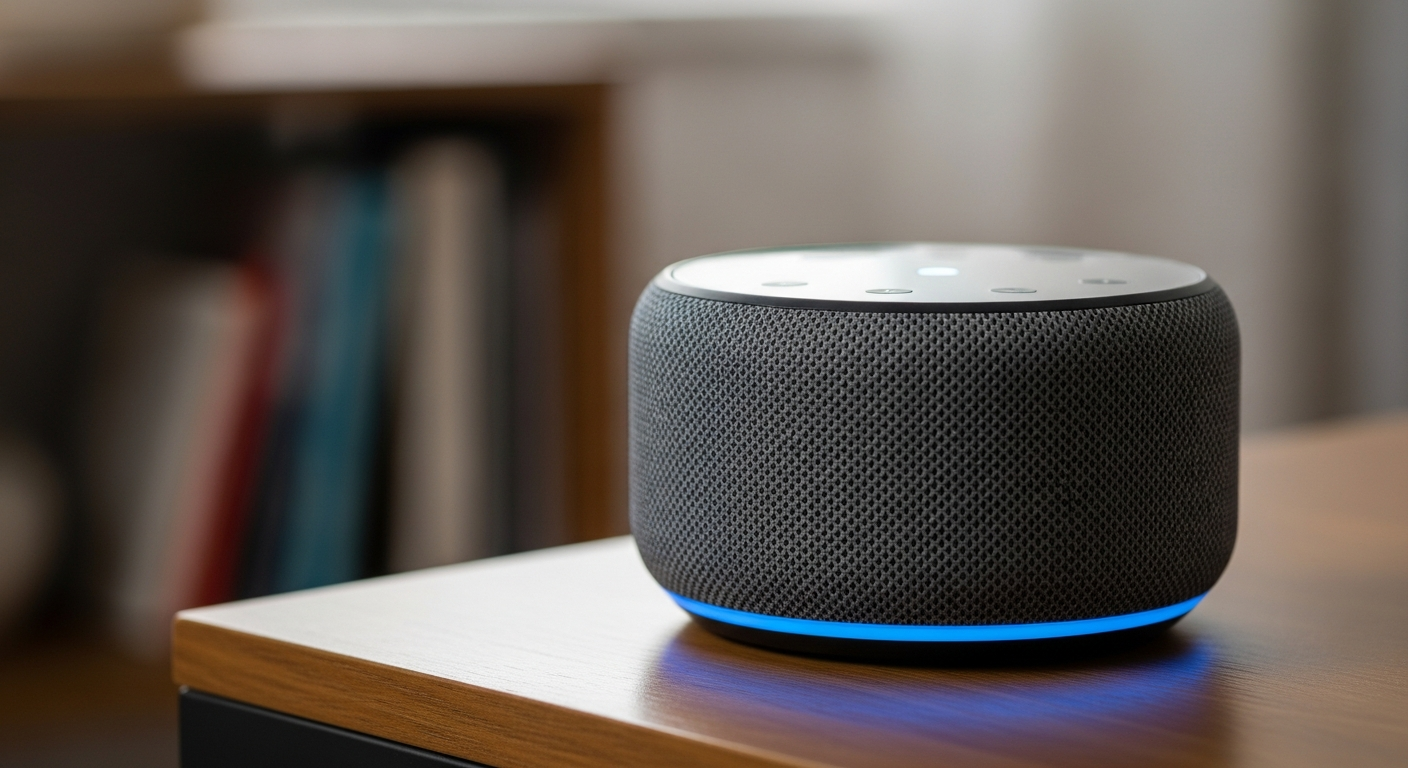
Yes! Most voice assistants allow you to review and delete your voice recordings. You can often adjust sensitivity settings or temporarily mute the microphone. Look for options to limit data collection or opt out of personalized advertising based on your voice commands. Regularly check these settings in the assistant's app.
10. What should I do if I suspect a security breach?
If you suspect a breach, immediately change all affected passwords and enable 2FA. Disconnect the suspicious device from your network. Review activity logs for any unusual behavior. Contact the device manufacturer's support for guidance and report the incident to relevant authorities if personal data was compromised.