
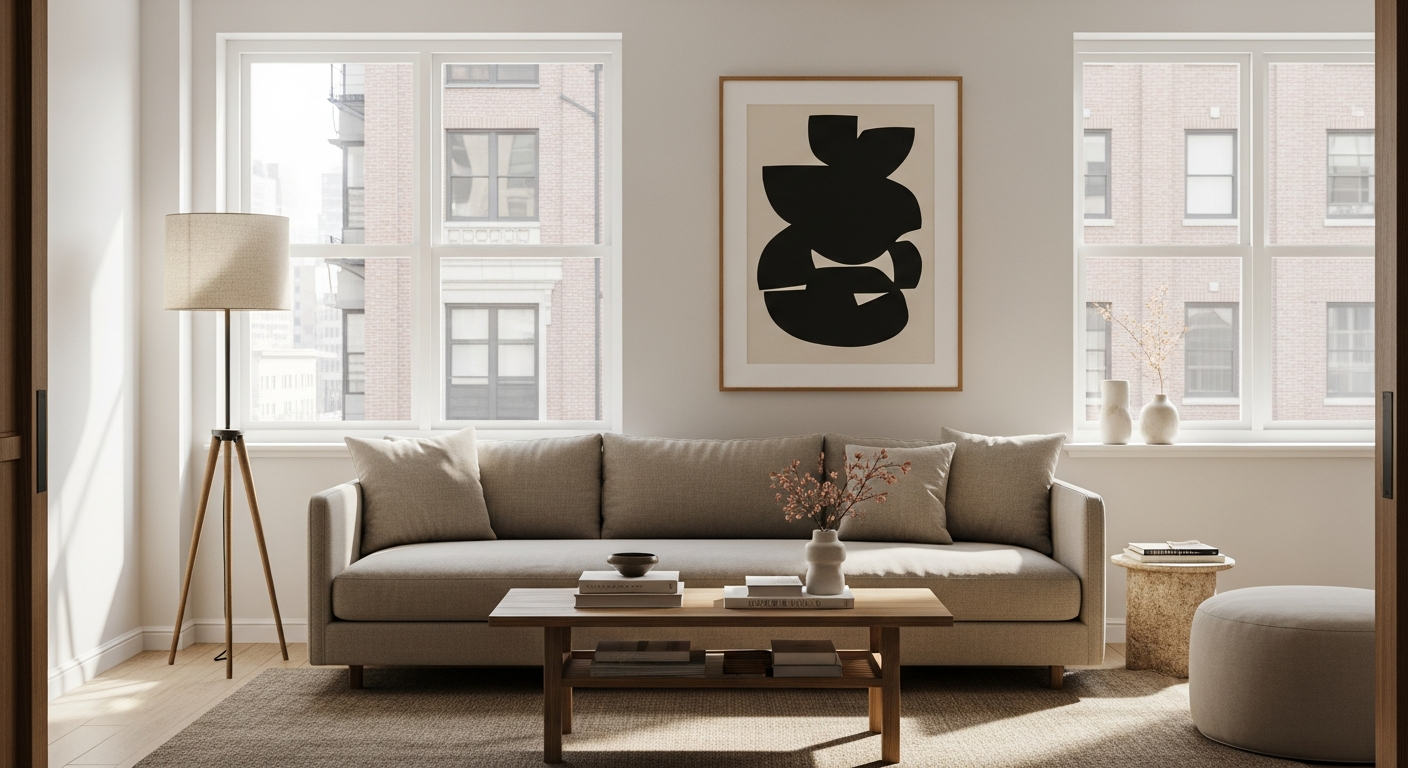
Welcome to the world of smart homes! This guide will help you understand what smart home devices are and how you can easily begin your journey to a smarter living space.
1. What exactly is a smart home device?
A smart home device is an everyday item, like a light bulb or a thermostat, that you can control remotely using your smartphone, tablet, or even your voice. These devices connect to your home network and can often talk to each other, making your home more convenient and efficient.
2. What are the main benefits of having a smart home?
Smart homes offer several benefits. They can save you money on energy bills by optimizing heating and cooling, and enhance security with smart locks and cameras. Most importantly, they add convenience by automating daily tasks, giving you more time for what matters.
3. Do I need a hub to start building a smart home?
Not always! Many modern smart devices, especially those using Wi-Fi, can connect directly to your home's internet router without a separate hub. However, a hub can be useful for connecting many different types of devices and creating more complex automated routines.
No Hub Needed
- Simpler setup for single devices
- Often uses Wi-Fi
- Good for beginners
- Less upfront cost
Hub Recommended
- Connects many different devices
- Enables complex automation
- Often uses Zigbee/Z-Wave
- Better for large smart homes
4. What's the difference between Wi-Fi and Zigbee/Z-Wave devices?
Wi-Fi devices connect directly to your home's Wi-Fi network, just like your phone or laptop. Zigbee and Z-Wave are special wireless languages designed for smart home devices. They often require a hub to translate, but they use less power and create a more reliable network for many devices.
5. Is it expensive to start a smart home?
No, it doesn't have to be! You can start very affordably with a single smart light bulb or a smart plug for around $15-$30. As you get more comfortable, you can gradually add more devices. Think of it as a journey, not a one-time big purchase.
6. What's the simplest device to start with?
A smart plug or a smart light bulb is often the easiest starting point. A smart plug turns any regular appliance (like a lamp or coffee maker) into a smart one, letting you turn it on/off with your phone. A smart light bulb lets you change brightness or color remotely.
7. How do smart devices connect to the internet?
Most smart devices connect to your home's internet router, either directly via Wi-Fi or indirectly through a hub. This connection allows them to receive commands from your phone or voice assistant and send information back, like temperature readings or security alerts.
How Smart Devices Connect
1. Smart Device
Example: Smart Light Bulb
2. Home Network
Wi-Fi Router (or Hub)
3. The Internet
Cloud Services
4. Your Control
Smartphone App / Voice Assistant
8. Can I control smart devices with my voice?
Absolutely! Many smart devices are designed to work with popular voice assistants like Amazon Alexa, Google Assistant, or Apple Siri. Once set up, you can simply speak commands like "Turn on the living room lights" or "Set the thermostat to 72 degrees."
9. Are smart homes only for tech-savvy people?
Not at all! Smart home technology has become much more user-friendly. Many devices offer simple plug-and-play setups, and smartphone apps guide you through the process. If you can use a smartphone, you can manage a smart home.
10. Where should I buy my first smart home device?
You can find smart home devices at most major electronics retailers, department stores, and online marketplaces. Look for well-known brands and check reviews. Starting with a single device from a reputable brand is a great way to begin your smart home adventure.